Kane CLI
Testing Tool for
End-to-end flows on your local browser, powered by natural language. Instant validation, deep bug discovery, and production-ready automation that elevates release confidence.
or read the documentation
Agent-Native. From Day One.
Point Cursor to Kane CLI and let it drive real browsers. Author, run, and verify flows straight from your editor.




Kane CLI For Every Use Case, Any Flow
Run flows from any terminal
Pushed a fix. Run a checkout flow from your terminal before opening the PR. Real browser. Pass or fail in under 2 minutes.
Multi-environment in one command
Same flow, different URLs. Run against staging and prod by changing the URL. No duplicate scripts needed.
Headless or visible
See exactly what Kane CLI does in visible mode while debugging. Switch to headless for CI runs without changing a single line.
Build Up Confidence Locally

Start in your terminal

Validate on Cloud

Release with confidence
Browser Automation Before Every Deploy

Automate flows & tests on local web browsers
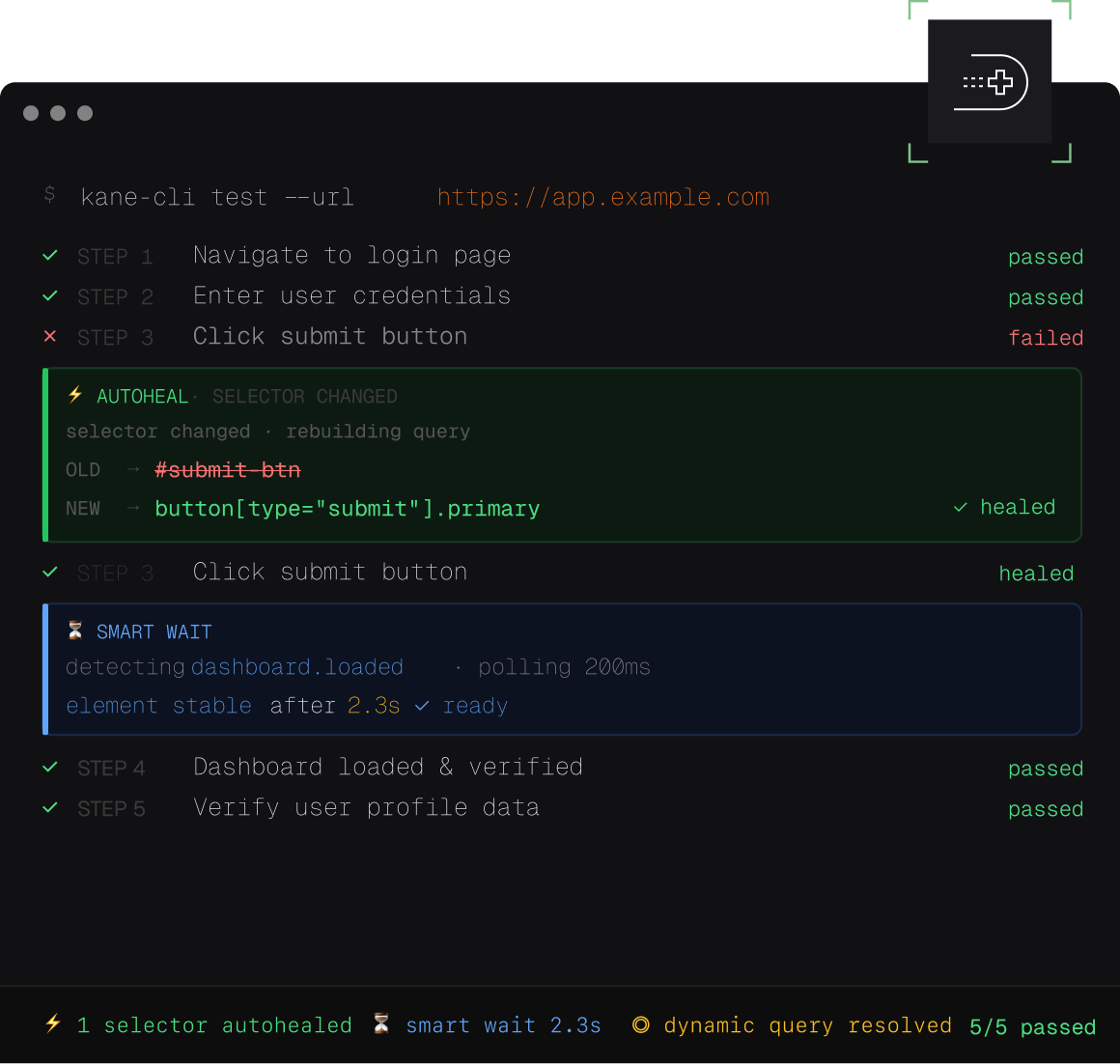
Author and automate web flows using intent based natural language


Repeatable and resilient tests, always
Autoheal, smart waiting, dynamic querying built in

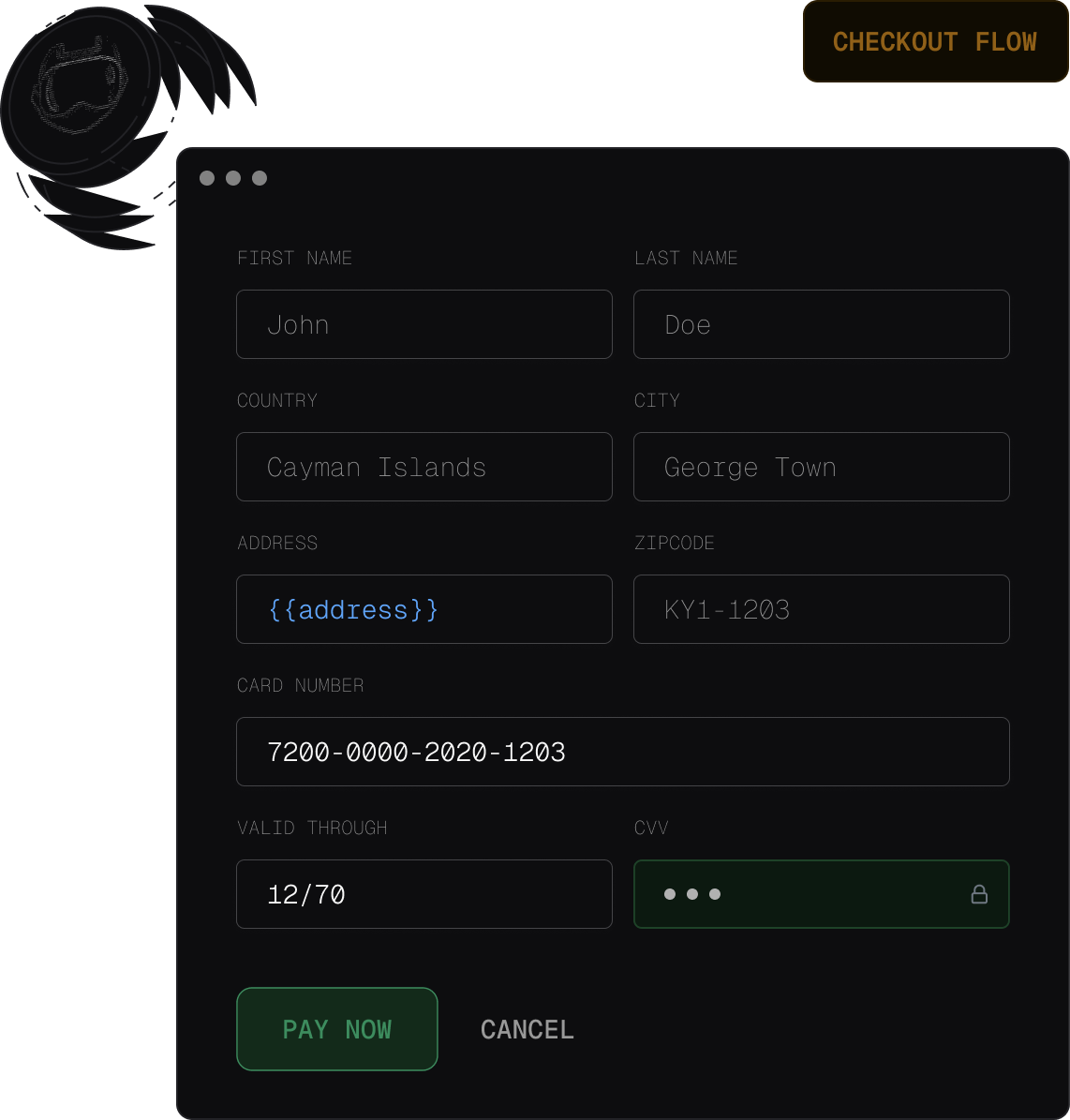
Secure & parameterized flows
Use secrets and variables to create dynamic tests

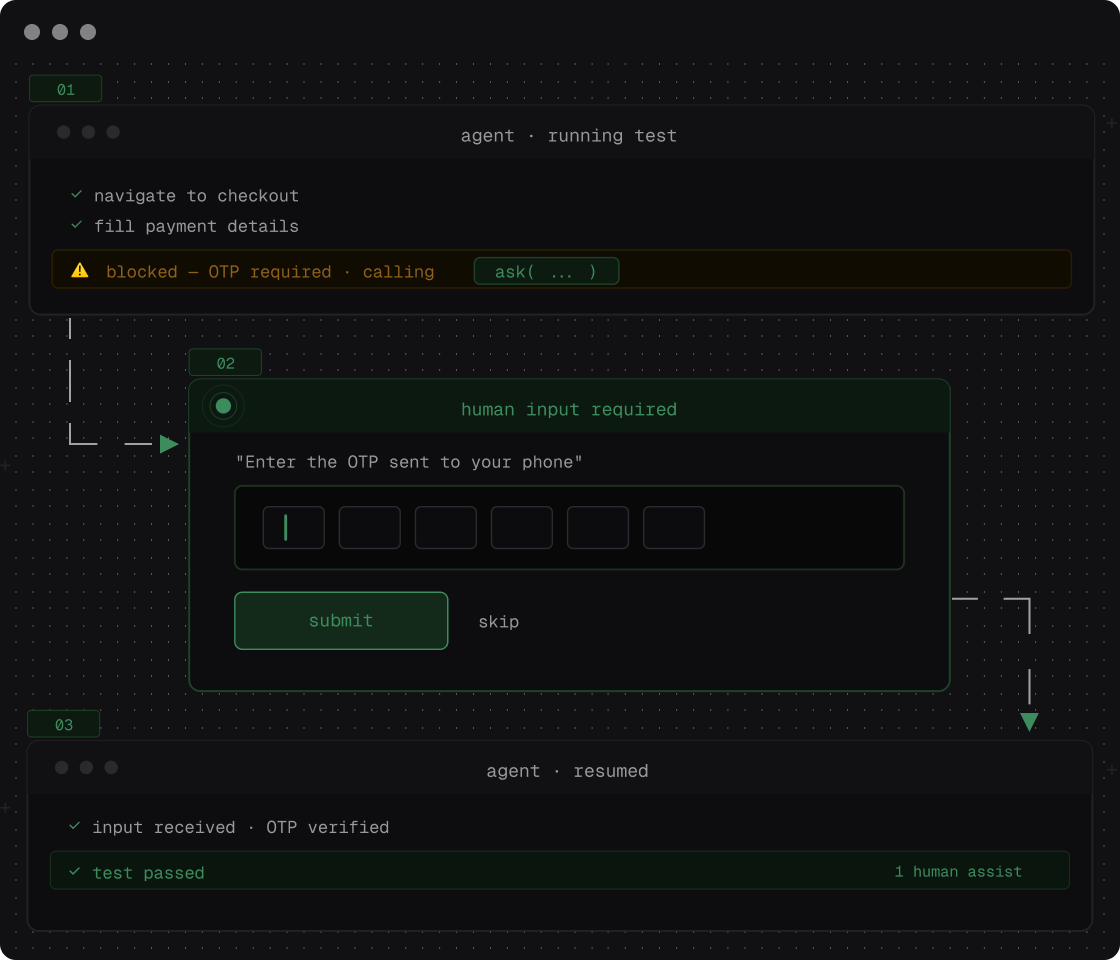
Ask tool - Unblock your agent by being in the loop
Unblock you agent for OTPs, CAPTCHAS

Custom profiles and stateful flows
Use custom profiles and existing authenticated sessions for flow automations
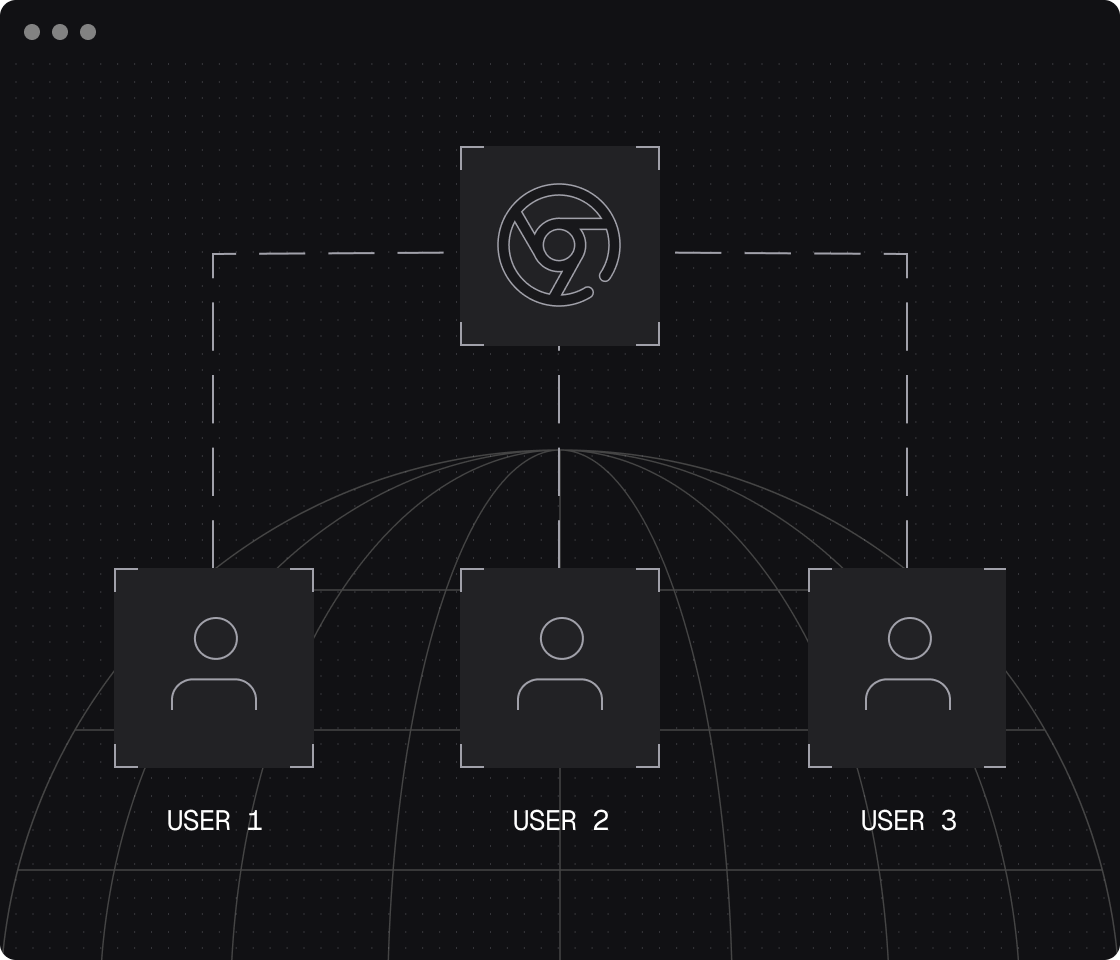

Shareable & watchable test evidence links
Get persistent and shareable test evidence links
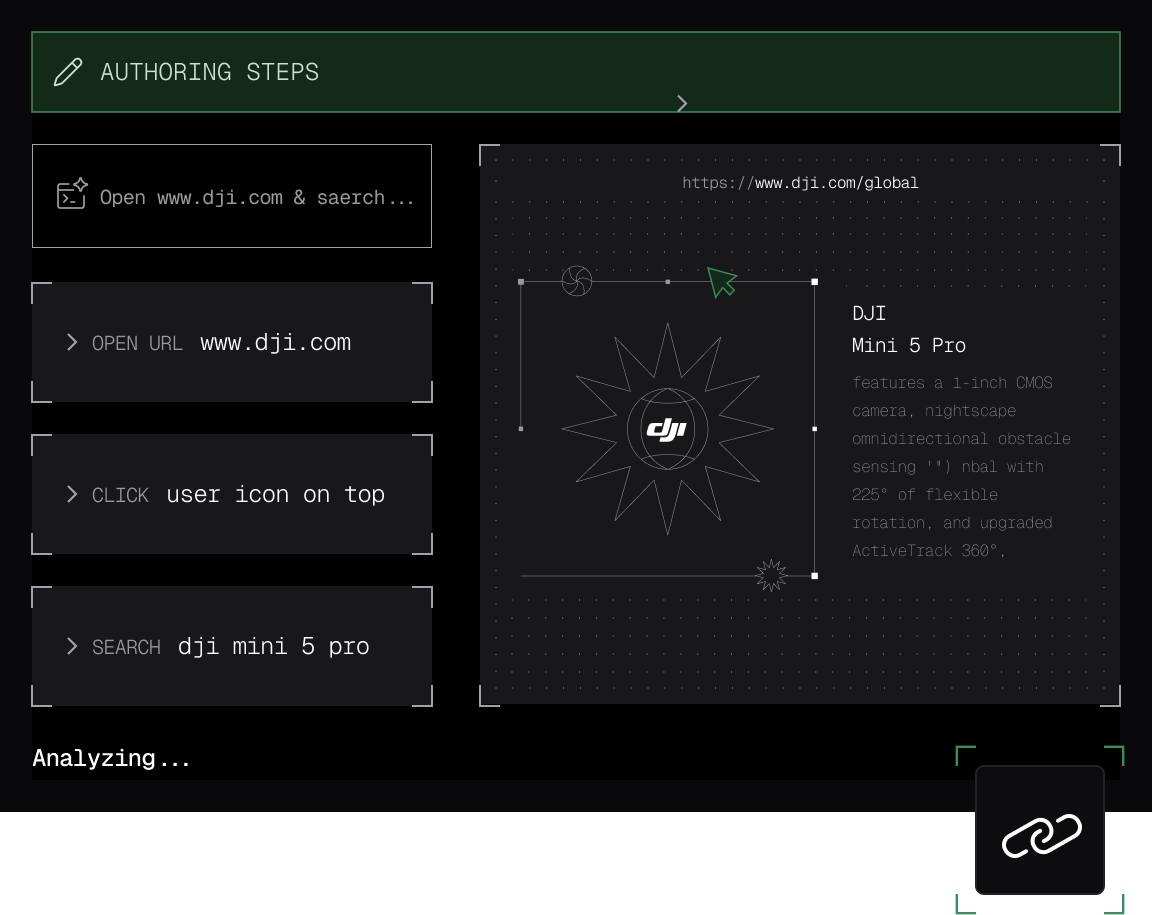

Native Playwright exports
Hacker mode enabled: Export flows into native playwright scripts and hack them
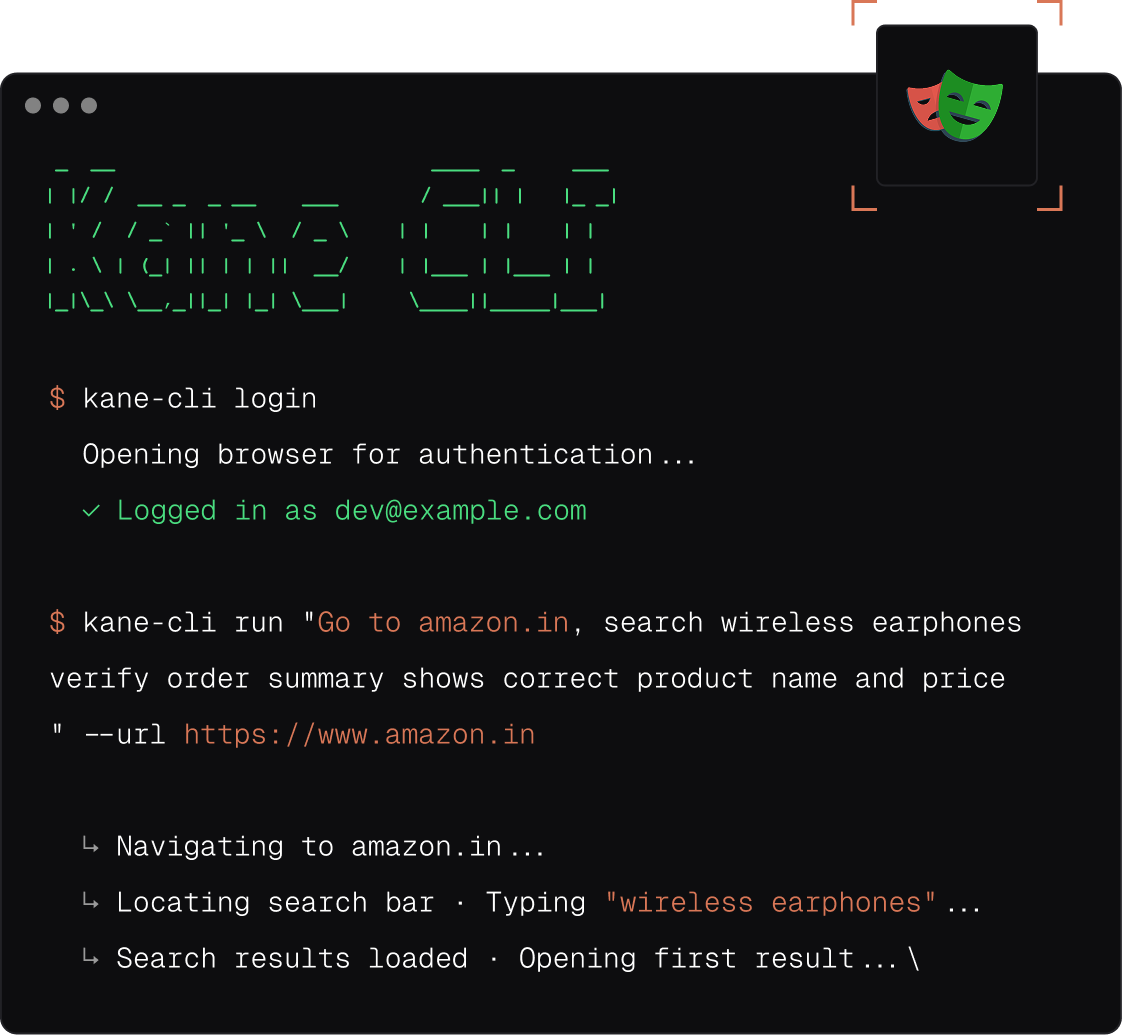

Generate locally and evolve remotely
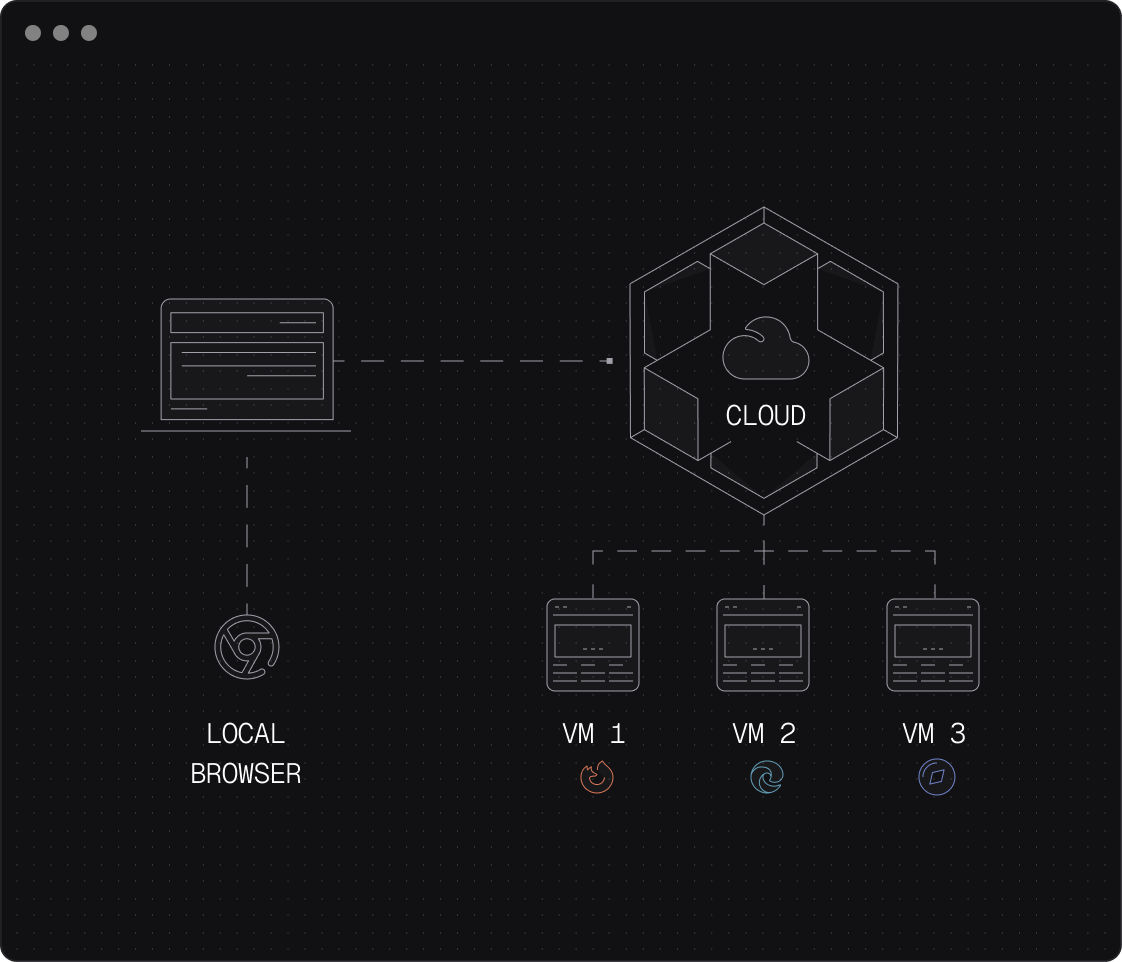
Evolve multiple tests simultaneously on cloud browsers
Get Started With Kane CLI
🎉 Launch offer: Bonus credits for the first 3 months on paid plans
Choose the right plan for you
Credits per month
Local test authoring via CLI
Auto-heal & vision
View test cases on UI
Test Manager

Free
$0
/month
200 Credits
Resets in every
30 days

Starter
$19
/month
2000 Credits
Launch: 4,000 Credits (+100%)
Bonus for first 3 months

Pro
$99
/month
10,000 Credits
Launch: 15,000 Credits (+50%)
Bonus for first 3 months

Enterprise
Get access to solutions built on Enterprise-Grade Security, Privacy, and Compliances.
Need more credits?
Got a bigger use case in mind?
Let’s talk
Choose the right plan for you
Free
$0
/month
200 Credits
Resets in every
30 days
Starter
$19
/month
2000 Credits
Launch: 4,000 Credits (+100%)
Bonus for first 3 months
Pro
$99
/month
10,000 Credits
Launch: 15,000 Credits (+50%)
Bonus for first 3 months
Enterprise
Get access to solutions built on Enterprise-Grade Security, Privacy, and Compliances.
Need more credits?
Got a bigger use case in mind?
Let’s talk

Teach your agent the right skills
 Point your agent to: testmuai.com/kane-cli/agents.md
Get the technical rundown

Documentation
Everything you need to install, configure, and run Kane CLI in under 2 minutes.
Frequently asked questions
Kane CLI is an AI-driven testing tool for you and your agents. You describe what you want in plain English — "log in as an admin, open the billing page, and verify the plan shows Enterprise" — and Kane CLI drives a real Chrome browser to get it done. No selectors, no brittle scripts, no custom Domain Specific Language. It's built for developers, QA engineers, and AI coding agents that need to navigate, test, or extract data from web apps.
Three audiences:
- Developers and QA engineers who want to write end-to-end tests in natural language instead of maintaining Playwright or Selenium scripts.
- AI coding agents (Claude Code, Cursor, Codex, Gemini, custom agents) that need a reliable way to drive a browser and ensure validation for applications as part of a larger workflow.
- Platform and DevOps teams that want browser-based checks running in CI without a codebase to maintain.
KaneAI is the web-based test authoring and management platform. Kane CLI is the terminal-native companion — same automation engine, accessible from your shell, your CI pipeline, or an AI agent. Runs triggered from the CLI are uploaded to the KaneAI dashboard so you get the replay, step-by-step logs, and test case management alongside your web-authored tests.
The CLI itself is free to install and use. Execution uses your TestMu AI account — local runs are free, and cloud runs on the TestMu AI grid are billed against your TestMu AI plan the same way any other KaneAI session is.
Yes. Kane CLI authenticates against TestMu AI so that runs, screenshots, and test cases can sync with the KaneAI dashboard and your team's workspace. If you don't have an account yet, you can sign up for free at TestMuAI.com, the free tier is enough to try the CLI end to end.
