

Power Your Software Testing with AI Agents and Cloud
The Native AI-Agentic Cloud Platform to Supercharge Quality Engineering. Test Intelligently and Ship Faster.


- TestMu AI (Formerly LambdaTest)
- /
- Blog
- /
- 13 Best AI Testing Tools I Compared in 2026
13 Best AI Testing Tools I Compared in 2026
I compared 13 AI testing tools on Gartner ratings, published pricing, and integrations, ran KaneAI live on a real flow, and scored each one with a verdict.
Last Updated on:
Quick verdict: We built KaneAI at TestMu AI specifically to solve the problem of turning requirements, tickets, and plain-English objectives into tests you can run, heal, and export, without an automation engineer hand-writing every step. It is not the only AI testing tool here worth a trial. If your focus is converting a large manual regression suite, testRigor is a strong choice. If your team needs API regression coverage without hand-built mocks, Keploy is the most focused tool on the list.
13 Best AI Testing Tools, Compared
| Tool | Best for | What the AI does | Coverage | Free option | Pricing | Gartner Peer Insights |
|---|---|---|---|---|---|---|
| KaneAI by TestMu AI (Formerly LambdaTest) | Natural-language authoring with code you keep | Authors from prompts, tickets, PRDs, and PRs; self-heals; exports code | Web, native mobile, API, database, accessibility, visual | Free TestMu AI account, enough to try Kane CLI local authoring | Published, per agent | 4.6 (419 ratings) |
| testRigor | Converting a manual regression suite | Plain-English tests, generative creation, self-healing | Web, native and hybrid mobile, Windows desktop, mainframe, email, SMS, calls | Free public-only plan; 14-day trial of paid plan | Plans listed, no prices; sales-led | 4.4 (4 ratings) |
| Autosana | Mobile-led teams shipping with coding agents | Natural-language flows that self-heal and update from code diffs | iOS, Android, web | Not stated | Not published | Not listed |
| mabl | Autonomous maintenance at unlimited concurrency | Tests from natural language or Jira requirements; AI auto-healing | Web, API, accessibility, performance; mobile add-on | 14-day free trial | Quote-led | 4.6 (7 ratings) |
| Functionize | Usage-metered agentic testing | Builds tests from a description and keeps them green | Web workflows, SMS, MFA | Free plan with monthly credits | Published, credit-based | 4.2 (10 ratings) |
| Katalon | Growing from codeless to full code in one platform | Test cases from requirements, self-healing locators, failure analysis | Web, mobile, API, desktop | 30-day trial, no card | Published per seat; Enterprise custom | 4.5 (871 ratings) |
| Keploy | API and integration regression without hand-built mocks | Records real traffic and replays it as tests with mocks; AI-expanded edge cases | APIs, databases, queues | Open source plus free Playground plan | Published per user; Enterprise quote | 4.5 (13 ratings) |
| UiPath Test Cloud | Governed enterprise rollout | Agentic design and real-time self-healing during runs | Web, mobile, desktop, API, mainframe, 190+ enterprise apps | Free trial | Tiers listed, priced through sales | 4.6 (118 ratings) |
| Tricentis Tosca | Packaged applications at enterprise scale | Agentic test generation over model-based tests | 200+ technologies incl. SAP, Oracle, Salesforce, Workday | Free trial | Not published | 4.5 (165 ratings) |
| OpenText Functional Testing | Mainframe, SAP GUI, and legacy estates | AI object recognition that adapts to UI change | Desktop, web, mobile, mainframe, SAP, API | Trial on request | Quote-led | 4.1 (113 ratings) |
| Worksoft | SAP and packaged business processes | AI root cause analysis, self-healing, failure summaries, prioritization | SAP, Oracle, Dynamics, Salesforce, ServiceNow, web, desktop, mainframe | Not stated | Quote-led | 4.7 (54 ratings) |
| Copado Robotic Testing | Salesforce delivery pipelines | AI test agent, session-to-test capture, scenarios from user stories | Salesforce, web, mobile, API, desktop | 30-day free trial, no card | One bundle priced on AWS Marketplace; otherwise sales-led | 4.4 (37 ratings) |
| Telerik Test Studio | Progress and .NET teams | Mixed element find logic and intelligent maintenance suggestions | Web, desktop, API, load | Downloadable trial | Published perpetual licenses | 4.1 (36 ratings) |
What Are AI Testing Tools?
AI testing tools use machine learning, natural language processing, and computer vision to author test cases, repair broken locators, and triage failures that a tester would otherwise handle by hand. Gartner Peer Insights tracks 91 products in this market, which it now describes as transitioning to agentic software quality assurance platforms.
The strongest tools run closer to Agentic QA, where a QA agent turns a written objective into a test plan, runs it, and repairs it when the UI shifts. The tools on this list sort by the job their AI does:
- Natural-language authoring agents - KaneAI, testRigor, and Autosana turn plain-English intent or requirements into runnable tests.
- Self-healing platforms - mabl, Functionize, and Katalon focus on keeping suites green as the UI changes.
- API specialists - Keploy generates API and integration tests from real traffic and specs.
- Enterprise suites - UiPath Test Cloud, Tricentis Tosca, OpenText Functional Testing, Worksoft, Copado Robotic Testing, and Telerik Test Studio win inside specific stacks such as SAP, Salesforce, mainframe, or .NET.
For the wider discipline behind these tools, the AI software testing tutorials cover the concepts each category builds on.
I Tested 13 AI Testing Tools
I scored all 13 tools 0 to 5 on the six criteria below, using vendor documentation, live pricing pages, and Gartner Peer Insights ratings pulled on September 14, 2026. KaneAI also went through six hands-on Kane CLI tests.
- Authoring from intent - whether tests come from plain language, requirements, or recordings rather than hand-written scripts.
- Maintenance - whether the tool repairs broken steps itself, and whether it shows you what it changed.
- Coverage - how many layers it reaches in one tool, across web, native mobile, API, desktop, mainframe, and data.
- Portability - whether tests export to an open framework or live in files you control.
- Price transparency - whether you can read a price and start without paying before a sales call.
- Peer ratings - the Gartner Peer Insights score weighted by how many reviews sit behind it, so a 4.6 from 419 ratings outscores a 4.7 from 54.
The results of those tests and the full scores are in test data and full scores below the list.
Disclosure
KaneAI is TestMu AI's product and I work on it, so it faces the same six criteria as the others, limitations included. No vendor paid for placement or previewed its entry, competitor claims were checked on their live pages on September 14, 2026, and Reddit notes leave out vendor posts.

1. KaneAI by TestMu AI (Formerly LambdaTest): Best for Natural-Language Authoring With Code You Keep
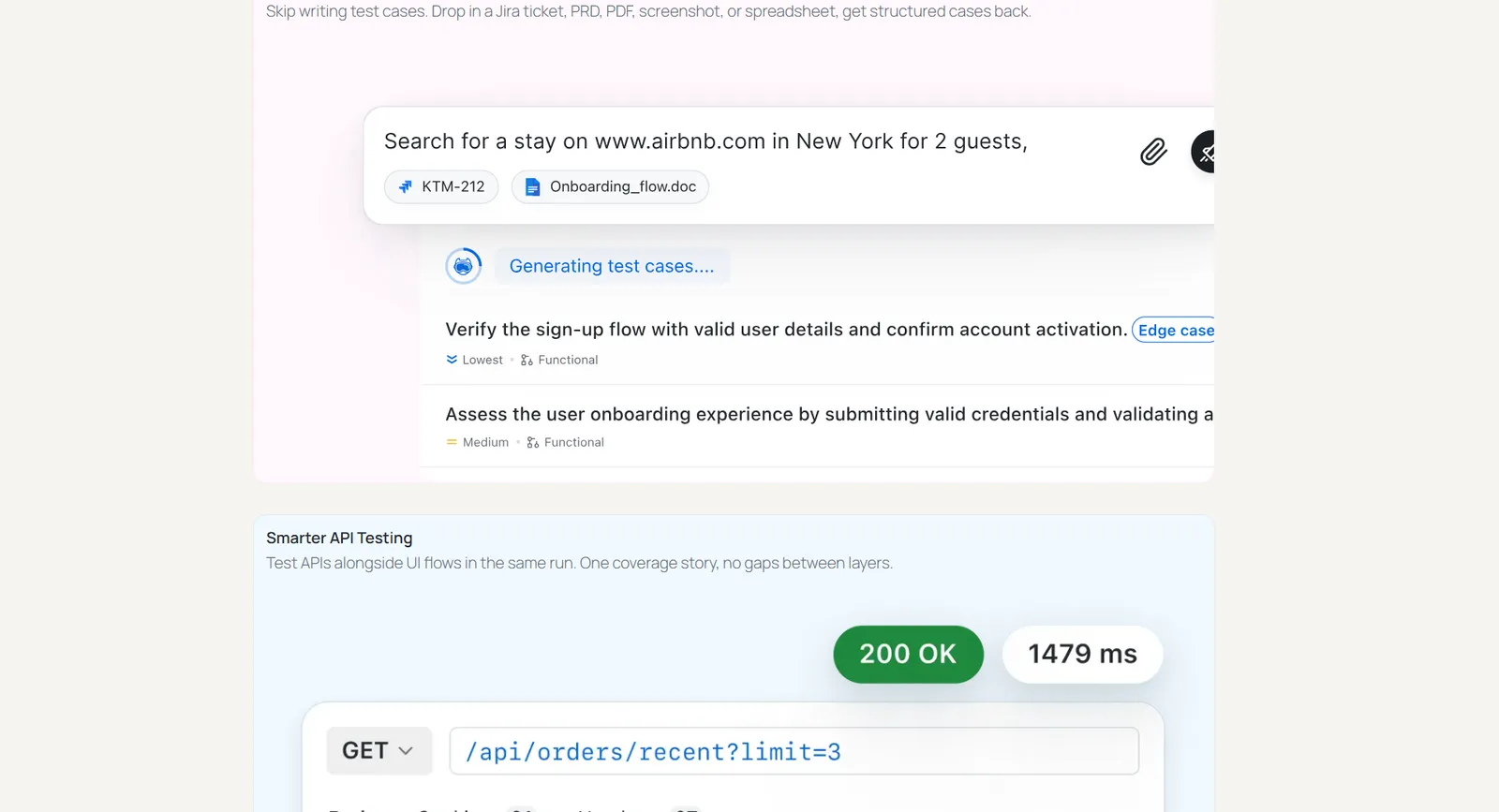
KaneAI is a GenAI-native testing agent that plans, authors, runs, and maintains tests from natural-language prompts. It also takes PRDs, Jira tickets, PDFs, screen recordings, spreadsheets, and GitHub pull requests as input, with non-English input translated automatically.
Generated tests export to Selenium, Playwright, Cypress, and Appium, so the suite stays yours if you move platforms, and the run in the test data below exported a plain-English objective as a Playwright for Python file.
Key features
- Requirement-to-test - turns PRDs, Jira tickets, PDFs, recordings, and pull requests into test plans with proposed assertions you review before anything runs.
- Conversational editing - a step is corrected by describing the change, and If/Else and While logic is written in plain language.
- One connected flow - web, native mobile, API, database, network, accessibility, and visual checks can sit in the same test run.
- Self-healing by intent - smart element detection finds targets by meaning; on replay, Auto-Heal recovers a broken locator where it can, and when it cannot, adaptive heal (on by default in Kane CLI, opt-in in the KaneAI web app) re-authors the failing objective and every one after it.
- Pull request validation - a GitHub App generates and runs end-to-end tests against a pull request and posts root-cause analysis back into it.
- Grid-scale runs - executes on HyperExecute test orchestration across 3,000+ browser and OS combinations and 10,000+ real devices.
AI capability
Tests start from intent rather than a script, so upkeep means checking what a heal changed. In my tests it healed the steps a renamed button broke and passed, and on a seeded bug it still failed and flagged a product defect.
Gartner rating
4.6 out of 5 from 419 ratings on Gartner Peer Insights, listed under TestMu AI.
Integrations
Jira and Azure DevOps for turning tickets into tests and filing drafted bugs, a GitHub App for pull request validation, and TestMu AI's Test Manager, SmartUI, HyperExecute, and Real Device Cloud. Kane CLI extends it to AI coding agents such as Claude Code, Codex CLI, Cursor, and Gemini CLI, and runs headless in CI with exit codes that can gate a merge.
Pros and cons
| Pros | Cons |
|---|---|
| Tests start from requirements you already have; exports to four open frameworks, and my run confirmed Playwright; cached replays cost nothing, and a renamed button healed in my test while a real bug stayed red; published per-agent pricing. | Kane CLI saves heals directly, and approval before a heal goes live sits in Test Manager, where it is on by default; locators track accessible names, so copy changes are handled by healing; generated cases need a quick dedupe; cloud authoring starts on Pro, though a free, no-card TestMu AI account is enough to try Kane CLI end to end. |
Pricing
Per agent per month, billed annually, on the KaneAI plans page: Starter $17 (2,000 credits, local authoring in Kane CLI), Pro $89 (12,000 credits, cloud web authoring), Max $179 (25,000 credits, web and mobile authoring), and custom Enterprise. Kane CLI itself is free; its authoring uses plan credits. Last verified: September 2026.
Verdict: My top pick when authoring is the bottleneck and you want code you own. It scored 29 of 30, losing a maintenance point because the heal in my Kane CLI test saved without review and kept a locator tied to the button's wording. The KaneAI Certification covers the authoring workflow for team rollouts.

Note: Start from one plain-English objective and export the result as Playwright code you own. Try TestMu AI free
2. testRigor: Best for Converting a Manual Regression Suite
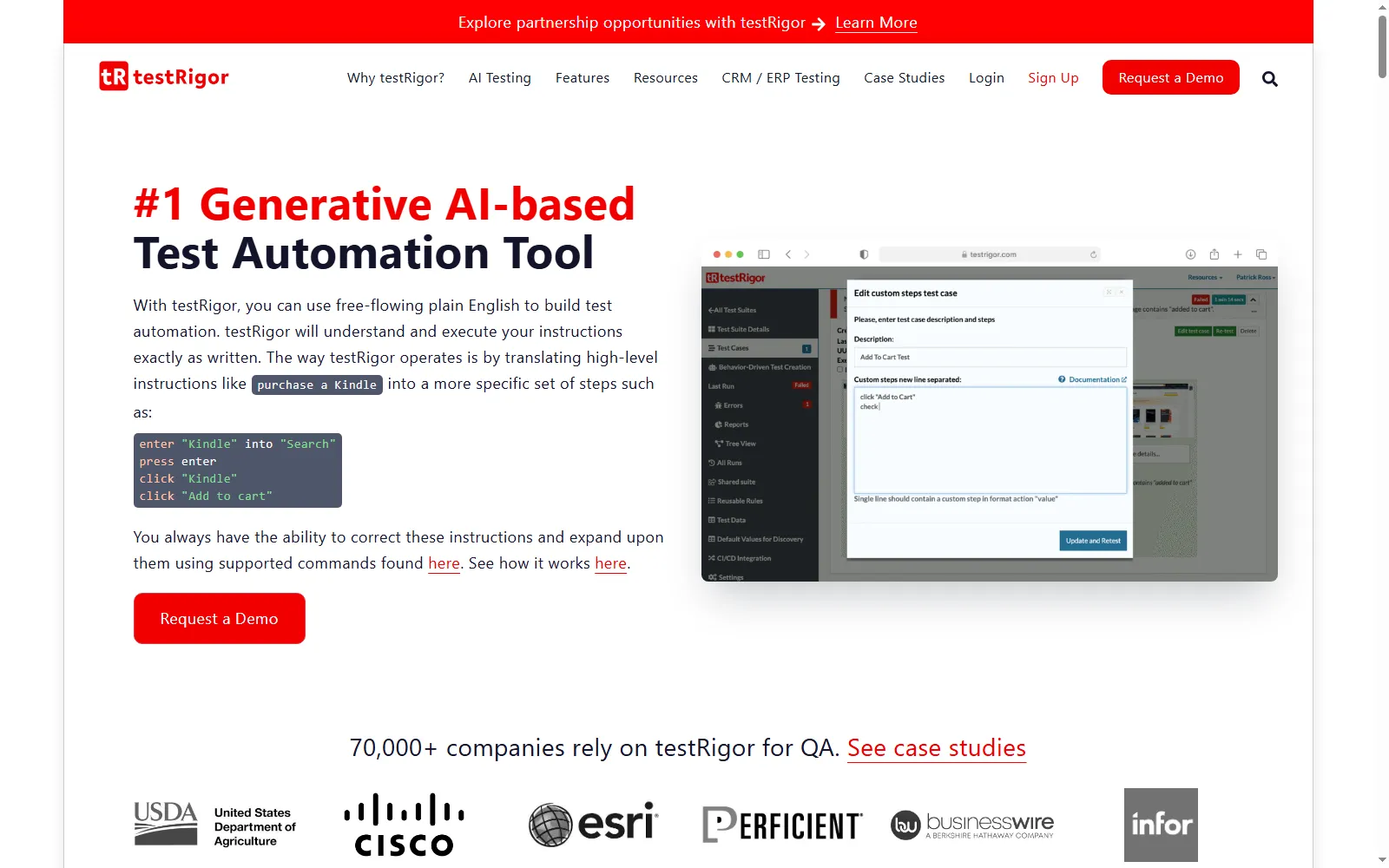
testRigor describes itself as a generative AI-based test automation tool built around free-flowing plain English, and it is the most direct answer here for manual testers who cannot write code. Tests are English instructions rather than selectors, and its home page says tests can also be generated through Claude Code.
Coverage reaches well past the browser: native and hybrid iOS and Android apps, native Windows desktop apps in paid versions, mainframe, email, SMS and phone calls through Twilio, and two-factor login flows.
Key features
- Plain-English authoring - tests are written as free-flowing English instructions, with no XPath or CSS selectors to maintain.
- Generative creation - tests can be generated inside testRigor or through Claude Code.
- AI self-healing - maintenance is handled by AI-based healing rather than locator repair.
- Beyond the browser - native and hybrid mobile, Windows desktop, mainframe, email, SMS, phone calls, and API testing in one tool.
AI capability
It interprets English instructions into actions at run time and heals them when the page changes, so the skill needed to author drops to describing behavior. The review burden moves rather than disappears, because someone still has to confirm each instruction encodes the intended business rule.
Gartner rating
4.4 out of 5 from 4 ratings on Gartner Peer Insights, a sample too small to weigh heavily.
Integrations
CI/CD covers GitLab, GitHub Actions, TeamCity, Bamboo, Jenkins, Spinnaker, AWS CodePipeline, Travis, and CircleCI. Test management covers TestRail, Zephyr, Xray, PractiTest, ReportPortal, and Cucumber Studio, with Jira for issues, Okta and Azure AD for SSO, Twilio for SMS and calls, and device clouds including LambdaTest (now TestMu AI).
Pros and cons
| Pros | Cons |
|---|---|
| Lowest authoring barrier for manual testers; the widest channel coverage here, including SMS, calls, and mainframe; a long published integration list. | No published prices, so cost waits on a sales call; Windows desktop testing is paid-only; tests live in testRigor's own English format with no documented code export. |
Pricing
A free Public plan for one user, where tests and results are public, a 14-day trial of the paid Private Complete plan, and custom Enterprise pricing; no prices are listed. Last verified: September 2026.

Verdict: The shortest migration path I found for a team sitting on a large manual suite. Weigh that against lock-in, since testRigor documents no export of its English tests to a code framework.
3. Autosana: Best for Mobile-Led Teams Shipping With Coding Agents
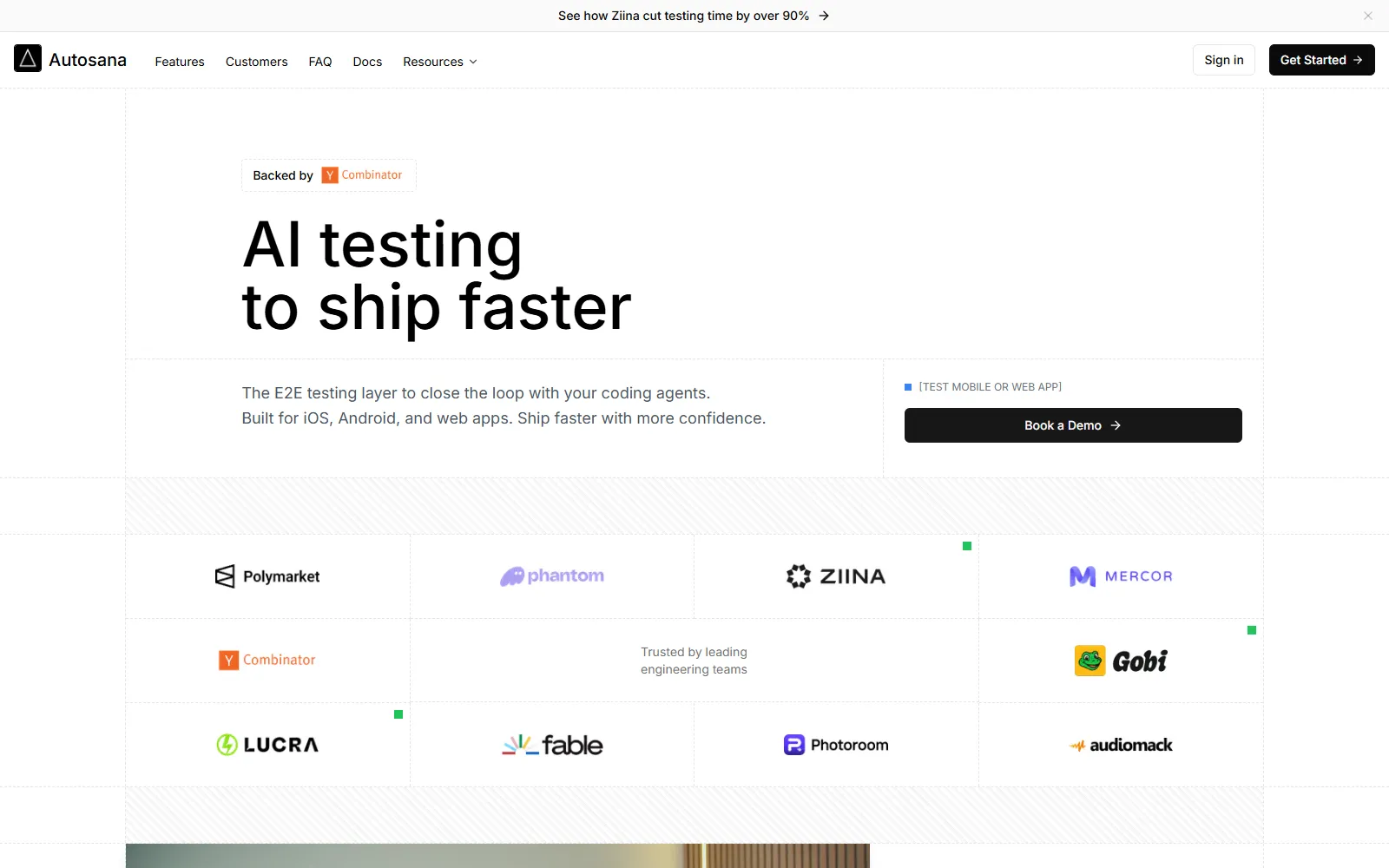
Autosana calls itself the end-to-end testing layer that closes the loop with your coding agents, built for iOS, Android, and web apps. Its documentation shows tests written as plain sentences such as "Tap the login button", run against iOS .app and Android .apk builds or in Chrome, Firefox, Edge, and Chromium on the web.
Key features
- Natural-language flows - tests are described in plain sentences rather than code.
- Self-healing - broken steps are healed automatically, per its home page.
- Diff-aware updates - agents update tests based on code diffs when the app changes.
- Three surfaces, one product - iOS, Android, and web, with Swift, Kotlin, Flutter, React Native, Ionic, and Xamarin listed as supported frameworks.
- Code-managed flows - flows can be synced through GitHub.
AI capability
It drives the app from intent, and its site says it heals broken steps as it goes. On mobile that decides whether a suite finishes unattended, so pilot it on your flakiest flow.
Gartner rating
Not listed in this Gartner Peer Insights market as of September 2026.
Integrations
Flows run on triggers or in CI, with reports by pull request, email, or Slack. Its docs list integrations with GitHub (a pull request bot and flow sync), Jira Cloud, Linear, Slack, Devin, webhooks, and Tailscale, plus an MCP server and a CLI.
Pros and cons
| Pros | Cons |
|---|---|
| Recovery behavior aimed at the parts of mobile that break scripted automation; one product for iOS, Android, and web; natural-language flows a non-engineer can drive. | No published pricing or trial terms; no peer ratings to check its claims against; no documented export to an open framework. |
Pricing
Not published, with Get Started and demo booking but no stated trial terms. Last verified: September 2026.
Verdict: Worth a trial for mobile-first teams already shipping with coding agents, on the strength of its self-healing claims. With no ratings and no price, your pilot is the only evidence you will have.
4. mabl: Best for Autonomous Maintenance at Unlimited Concurrency
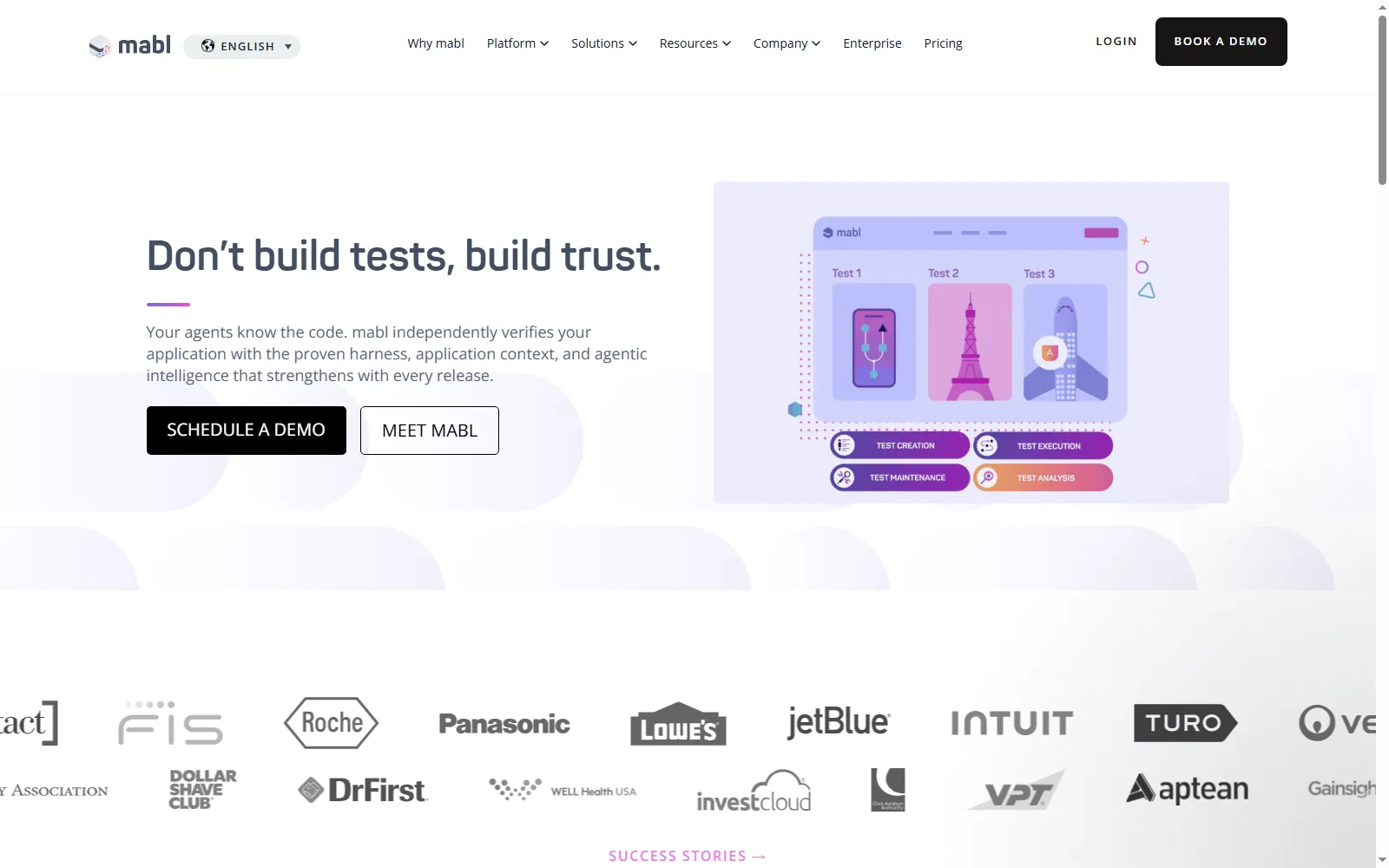
mabl positions itself as an agentic testing platform whose coverage "builds itself, runs itself, and recovers itself", pitched at teams shipping at the speed of AI coding agents. Its capability set leans on what happens after a test breaks.
Its pricing page lists unlimited local and CI test runs and unlimited test run concurrency, with cloud runs drawing on a monthly credit allowance that starts at 500 credits.
Key features
- AI test creation - tests are generated from natural language or from Jira requirements.
- AI auto-healing - tests recover from UI changes as a listed platform feature.
- Broad test types - web, API, accessibility, and performance testing, with mobile app testing sold as an add-on.
- Unlimited scale terms - unlimited apps, environments, workspaces, local runs, CI runs, and test run concurrency.
- Coding-agent friendly - works with agentic development stacks, Claude Code among them, per its home page.
AI capability
It generates tests from natural language or Jira requirements, but its strongest pitch is recovery: healing keeps existing tests green through UI change, which suits a team whose suite keeps going red.
Gartner rating
4.6 out of 5 from 7 ratings on Gartner Peer Insights.
Integrations
Jira for issues; Slack, Microsoft Teams, and Atlassian Rovo for collaboration; GitHub, GitLab, and Bitbucket for source control; Jenkins, Azure Pipelines, Bamboo, CircleCI, and Octopus Deploy for CI/CD; plus Postman, BigQuery, and webhooks.
Pros and cons
| Pros | Cons |
|---|---|
| Unlimited local and CI runs and concurrency; a strong auto-healing story; web, API, accessibility, and performance in one platform; browser tests export to Playwright and Selenium IDE. | Quote-led pricing; mobile is an add-on; cloud runs consume credits, so model credit burn on your heaviest suites; export covers browser tests only, and some step types do not export. |
Pricing
Quote-led, with no list price and a 14-day free trial. Last verified: September 2026.
Verdict: The pick when a constantly red suite is the problem and throttled concurrency has been the ceiling. Push early on how credits scale with your cloud run volume.
5. Functionize: Best for Usage-Metered Agentic Testing

Functionize calls Studio "the Agentic Quality Platform": you describe what to test, and Studio builds it, runs it, and keeps it green. An agent interprets intent on top of a deterministic, machine-learning verification core, and the platform carries built-in knowledge of Salesforce, ServiceNow, Workday, and SAP workflows.
Every plan comes with a monthly credit allowance, and a free-forever plan lets an individual engineer start without procurement; the team plans add a per-user price.
Key features
- Describe-to-test - tests are created from a plain description of what good looks like.
- Auto-healing - healing handles test maintenance as the app changes.
- Enterprise context - built-in knowledge of Salesforce, ServiceNow, Workday, and SAP workflows.
- Hard flows covered - SMS, MFA, one-time-password, and email activation-link testing come with the Max individual plan and the team plans.
- Team controls - team plans add a shared team workspace, SSO, and RBAC, and Enterprise adds multi-team workspaces and configured data residency.
AI capability
An agent turns intent into tests, and a separate deterministic core verifies them, which keeps the model from grading its own work.
Gartner rating
4.2 out of 5 from 10 ratings on Gartner Peer Insights.
Integrations
The integrations page currently reads "Coming Soon" with no named connectors, so confirm your CI and issue-tracker needs during the free plan.
Pros and cons
| Pros | Cons |
|---|---|
| A real free plan with monthly credits and parallel runs; cost scales with usage; SMS and MFA flows on the Max and team plans; enterprise workflow context built in. | No published integrations list yet; parallel runs are capped by plan; Enterprise carries a 12-month minimum; no documented code export. |
Pricing
Published and credit-based: a Free plan with 200 credits a month and up to 5 parallel runs, two paid individual plans, two per-user team plans, and custom Enterprise on a 12-month minimum. Last verified: September 2026.
Verdict: The easiest tool here to try with zero commitment. Run your three heaviest journeys on the free plan to learn your credit burn before you model a bill.
6. Katalon: Best for Growing From Codeless to Full Code in One Platform
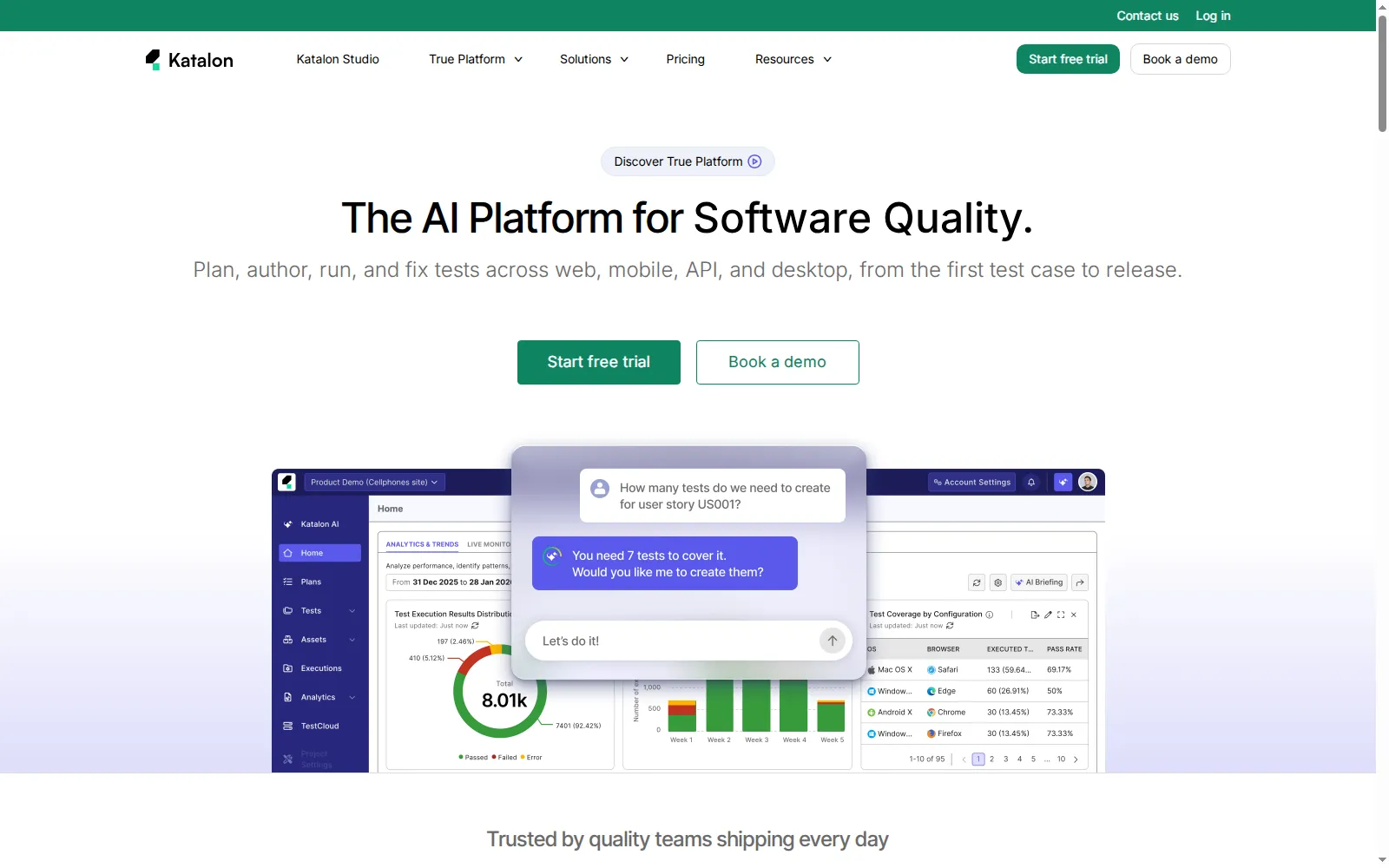
Katalon describes itself as the AI platform for software quality, covering planning, authoring, running, and fixing tests across web, mobile, API, and desktop. Katalon Studio supports no-code, low-code, and full-code authoring, so a team can start by recording and move to scripts without switching tools.
Its AI generates test cases from requirements, self-heals locators when the application changes, and analyzes failures, while Katalon MCP lets coding agents such as GitHub Copilot and Claude drive testing workflows. It also runs Playwright, Selenium, and Appium scripts, which keeps existing framework code in play.
Key features
- Three authoring modes - no-code, low-code, and full-code in Katalon Studio.
- AI from requirements - test cases generated from requirements, plus self-healing locators and failure analysis.
- Framework-friendly - runs existing Playwright, Selenium, and Appium scripts.
- Production insight - TrueTest observes real user journeys to find coverage gaps.
- Execution - TestCloud supplies real browsers and devices, or you bring your own CI runners.
AI capability
It generates, heals, and explains, layered on a mature automation tool rather than replacing it. That makes the AI easy to adopt gradually, and also means the AI features inherit the platform's learning curve.
Gartner rating
4.5 out of 5 from 871 ratings on Gartner Peer Insights for Katalon True Platform, the largest review sample in this market.
Integrations
The published catalog spans Jira, qTest, Rally, TestRail, Xray, Zephyr, and Azure DevOps for ALM; Jenkins, GitHub Actions, GitLab, CircleCI, Bamboo, AWS CodeBuild, Google Cloud Build, Harness, TeamCity, and Codemagic for CI/CD; and LambdaTest (now TestMu AI) and Selenium Grid among its cross-browser execution options.
Pros and cons
| Pros | Cons |
|---|---|
| The largest peer sample in the market; a smooth path from codeless to code; runs existing framework scripts; a broad published integration catalog. | No free plan, only a 30-day trial; per-seat pricing scales with headcount; the AI sits on top of a large platform with its own learning curve. |
Pricing
Published per seat for individuals and small teams, with custom Enterprise pricing and a 30-day no-card trial. Last verified: September 2026.
Verdict: The safest broad-platform pick if you want AI features on top of a mature automation tool and a review base large enough to trust. Trial it with the team that will own it, since per-seat pricing scales with headcount.
7. Keploy: Best for API and Integration Regression Without Hand-Built Mocks
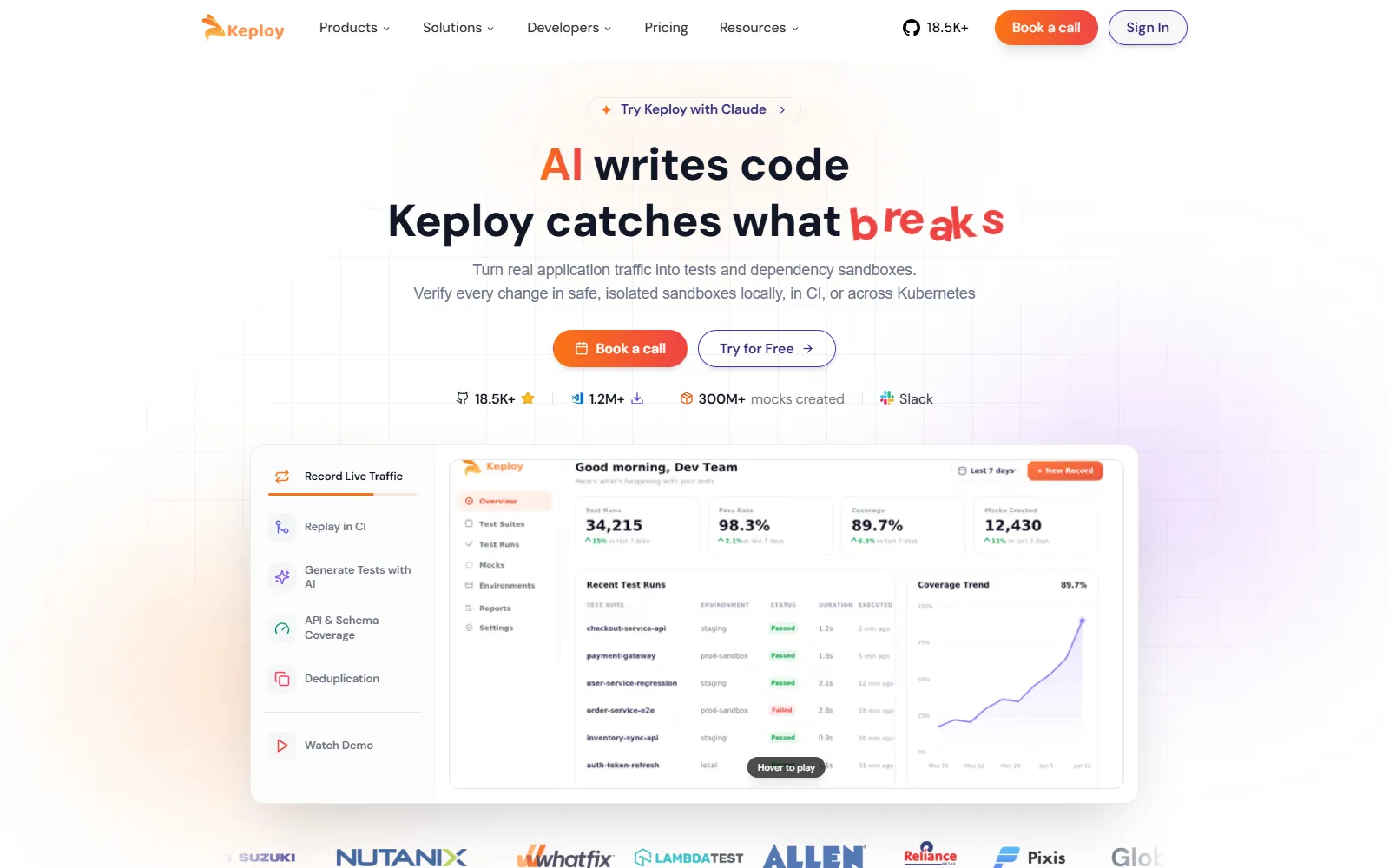
Keploy is an open-source API and integration testing platform under the Apache-2.0 license. It records real API calls, database queries, and streaming events, then replays them as tests with mocks of the dependencies, capturing traffic at the network layer with eBPF so it needs no code changes in any language.
The hosted plans add AI-generated API tests from OpenAPI and Postman, with AI expanding the edge cases automatically.
Key features
- Traffic-to-test - records API calls, database queries, and streaming events and replays them as regression tests.
- Dependency mocks - virtualizes databases such as Postgres, MySQL, and MongoDB, queues such as Kafka and RabbitMQ, and external APIs.
- Spec-driven generation - the free Playground plan generates API tests from OpenAPI or Postman and expands edge cases with AI.
- Open-source core - Apache-2.0 on GitHub with 18,000+ stars, self-hostable with community support.
- Contract and load testing - added on the Pro plan.
- Self-healing tests - listed on its pricing page, with AI credits for healing and bug detection on its hosted plans.
AI capability
It generates API tests from traffic and specs, then widens them with AI-expanded edge cases. It does not drive or check the browser UI (its Chrome extension only records a web app's API calls), so it complements an end-to-end tool rather than replacing one.
Gartner rating
4.5 out of 5 from 13 ratings on Gartner Peer Insights.
Integrations
Tests run locally or in CI, and the Enterprise plan adds recording inside Kubernetes, production traffic capture, a mock registry, and SSO with RBAC.
Pros and cons
| Pros | Cons |
|---|---|
| Open source with a free Playground plan; removes most hand-written mocks; works from traffic, OpenAPI, or Postman. | API and backend only, with no browser UI testing; traffic-derived tests encode today's behavior, including today's bugs; production traffic capture is Enterprise-only. |
Pricing
Free on the Playground plan and as self-hosted open source, with a per-user Pro plan that includes usage credit and quote-led Enterprise. Last verified: September 2026.
Verdict: The tool I would recommend most confidently for one narrow job, API regression without maintaining a mock layer. Read the first pass of generated assertions, because captured behavior is not the same as intended behavior.

8. UiPath Test Cloud: Best for Governed Enterprise Rollout
UiPath Test Cloud applies agentic AI across design, execution, and management rather than at authoring alone. AI helps write tests and generate synthetic data, and during a run self-healing repairs broken selectors, timing shifts, and UI changes in real time.
Coverage is among the broadest here: web, mobile, desktop on Windows and macOS, API, and legacy mainframe, plus 190+ enterprise applications including SAP, Salesforce, Oracle, Workday, ServiceNow, and Epic.
Key features
- Agentic design - AI helps write tests and generate synthetic data.
- Real-time healing - repairs broken selectors, timing shifts, and UI changes during execution.
- AI Trust Layer - role-based access, centralized credentials, audit-ready execution trails, PII masking, spend controls, and bring-your-own-model support.
- Deployment choice - public SaaS through Automation Cloud or private on-premises through Automation Suite.
- Insights - AI-powered views of stability, coverage, and performance.
AI capability
It works across the whole lifecycle, and the governance layer keeps an audit-ready trail of each execution. That trail is the reason to shortlist it if a compliance function will review test evidence.
Gartner rating
4.6 out of 5 from 118 ratings on Gartner Peer Insights.
Integrations
Connects with 50+ ALM tools, Jenkins, GitLab, GitHub Actions, and Azure DevOps, plus Git, SVN, and TFS for version control.
Pros and cons
| Pros | Cons |
|---|---|
| Healing during execution as well as between runs; governance and audit trails built in; broad packaged-app coverage; SaaS or on-premises. | Priced through sales; an enterprise rollout rather than an install; no documented export to an open framework. |
Pricing
Standard and Enterprise tiers are priced through sales, with a free trial of Standard. Last verified: September 2026.
Verdict: The shortlist pick for regulated enterprises where an auditor will ask how a verdict was reached. Too much machinery for a team that just needs coverage this sprint.
9. Tricentis Tosca: Best for Packaged Applications at Enterprise Scale
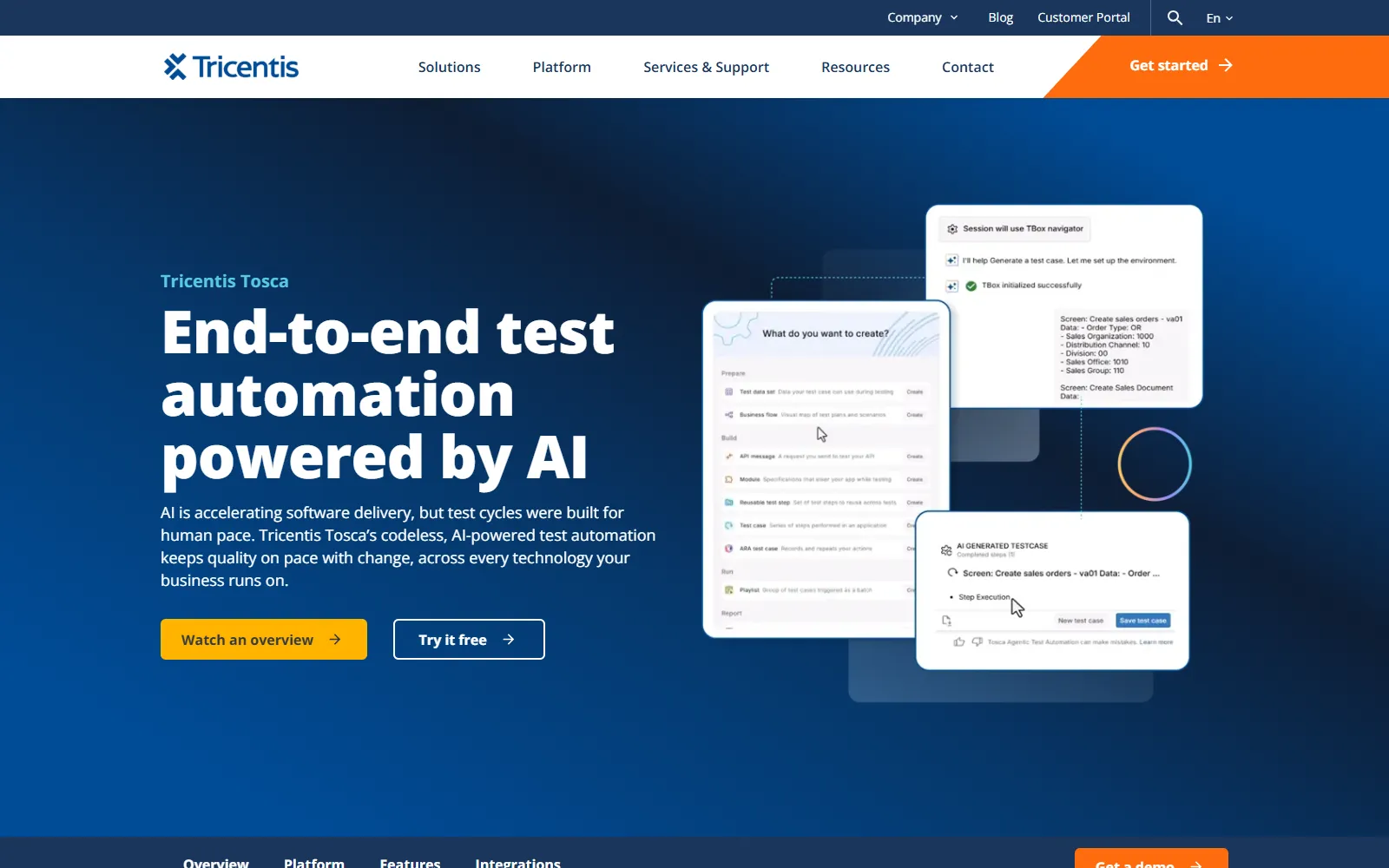
Tosca builds tests on an application model, fed by scanning or by its recorder, Tricentis ARA, and Tricentis has added agentic test automation on top. Its agents generate complete end-to-end tests from plain-language descriptions and merge them into the existing Tosca repository to prevent duplicates.
Because tests are decoupled from the application, a change to the model is pushed to hundreds or thousands of test cases at once, across 200+ technologies including SAP Fiori, Oracle Fusion, Salesforce, Workday, and ServiceNow.
Key features
- Agentic test automation - end-to-end tests from plain-language descriptions, merged with existing assets to prevent duplication.
- Model-based maintenance - one model change updates every test built on it.
- Elastic Execution Grid - auto-scaling cloud and on-premises agents run tests in parallel, with browser-based authoring and no local install.
- API simulation - virtual services stand in for unavailable dependencies, covering HTTP plus Kafka, MQ, and RabbitMQ.
- Data residency - EU and U.S. regional hosting.
AI capability
Agents generate tests from descriptions, and the model does the healing.
Gartner rating
4.5 out of 5 from 165 ratings on Gartner Peer Insights.
Integrations
The Tosca page links to a separate Tricentis integrations page, and Tosca's documentation covers CI/CD, qTest, SeaLights, and SAP Solution Manager integrations. Tricentis also sells qTest for test management and NeoLoad for load testing, both listed separately on Gartner Peer Insights.
Pros and cons
| Pros | Cons |
|---|---|
| Model changes propagate to thousands of tests; 200+ technologies covered natively; agentic generation merged with existing assets; regional hosting. | The model has to be built before automation pays back; tests stay inside the vendor platform; pricing is not published. |
Pricing
Not published; licensing runs through sales, with a free trial and demos. Last verified: September 2026.
Verdict: Where SAP or Oracle carries revenue, modeling the application repays the effort in a way recording does not. For a small web product it is far more platform than the problem needs.
10. OpenText Functional Testing: Best for Mainframe, SAP GUI, and Legacy Estates
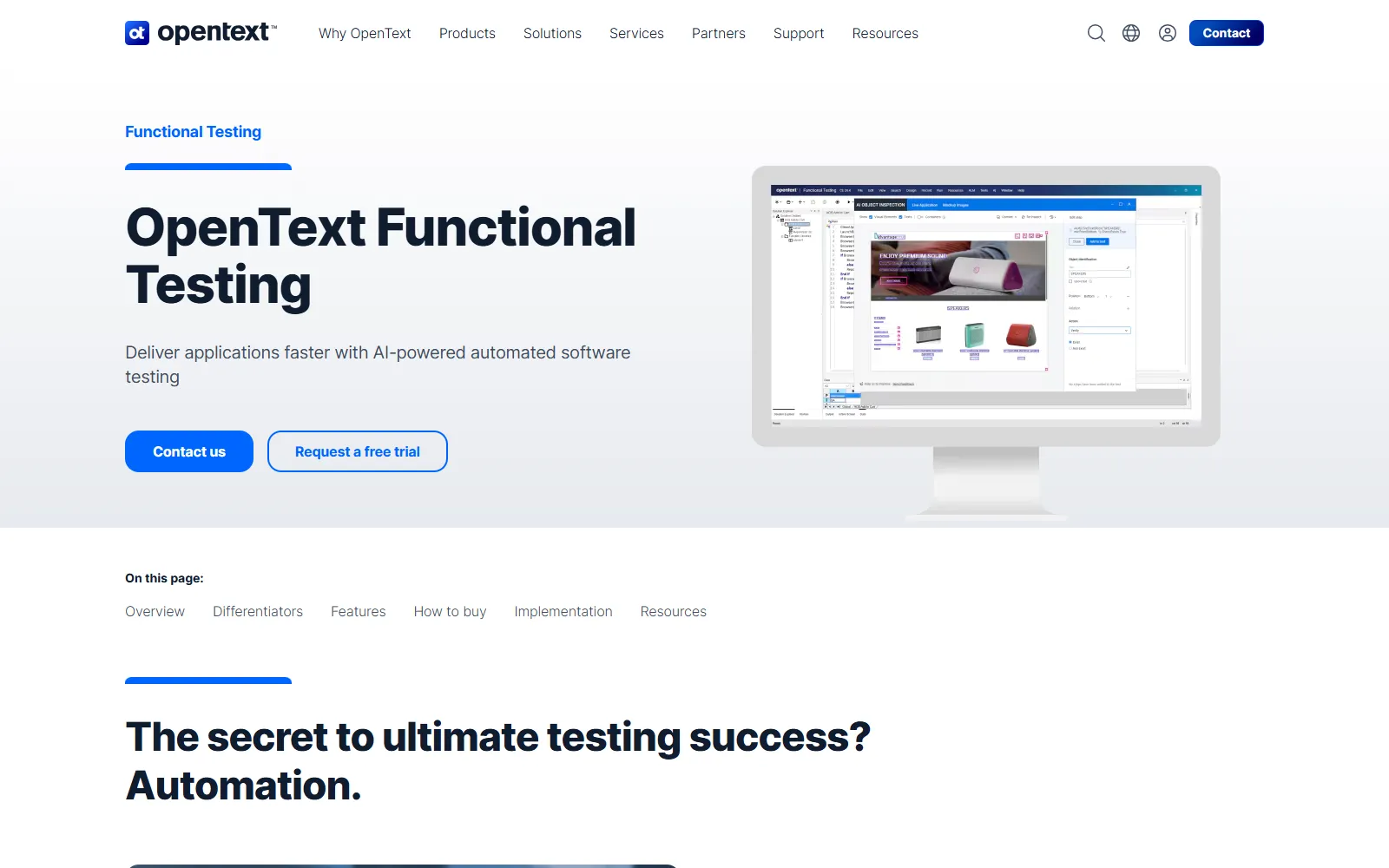
OpenText Functional Testing is the product formerly sold as UFT One, and Gartner Peer Insights still describes its listing under the Micro Focus UFT One name. It automates desktop, web, mobile, mainframe, and packaged enterprise applications, including SAP GUI, Fiori, and S/4HANA.
Key features
- AI object recognition - identifies objects in a way that adapts to UI changes, cutting script repair.
- Wide technology support - desktop, web, mobile, mainframe, SAP GUI, Fiori, S/4HANA, and API.
- Parallel and distributed execution - for shorter test cycles.
- Data-driven testing - with external data sources.
- Editions - including one for developers, one under OpenText Core Software Delivery, and one for SAP solutions.
AI capability
Its AI is object recognition that adapts to UI changes, which cuts script repair, and it does not generate tests from intent.
Gartner rating
4.1 out of 5 from 113 ratings on Gartner Peer Insights, tied for the lowest score here on one of the larger samples.
Integrations
DevOps toolchain integration with Jenkins, Git, Docker, and CI/CD platforms.
Pros and cons
| Pros | Cons |
|---|---|
| Reaches mainframe and legacy desktop apps that browser-first tools cannot; deep SAP support; keyword-driven and scripted authoring in one suite. | Tied for the lowest peer score here across 113 ratings; no AI test generation; quote-led licensing. |
Pricing
Quote-led through sales, with a free trial on request. Last verified: September 2026.
Verdict: Its value is protecting an existing UFT investment and reaching legacy desktop and SAP GUI. For a new program, the AI-first tools higher on this list generate tests that this one cannot.
11. Worksoft: Best for SAP and Packaged Business Processes
Worksoft's Connective Automation Platform validates end-to-end business processes rather than individual screens. Its Certify product provides codeless automation across SAP, Oracle, MS Dynamics, Salesforce, ServiceNow, IBM Maximo, UKG, web, desktop, and mainframe applications.
The platform starts by capturing real processes, mapping user actions and system changes, and then automates and runs them. On the AI side, Certify lists AI-driven root cause analysis, expanded self-healing, natural-language summaries of test failures, and AI-driven test prioritization.
Key features
- Process capture - maps real-world processes, user actions, and system changes as the foundation for automation.
- Codeless automation - business users and analysts automate processes without code.
- AI root cause analysis - highlights failure reasons and routes them to the right team.
- Adaptive automation - expanded self-healing for resilience.
- Test prioritization - AI focuses execution on high-risk areas.
AI capability
It triages and prioritizes rather than authoring. The AI explains failures in plain language and decides what to run first, which matters most when a regression cycle spans many packaged systems.
Gartner rating
4.7 out of 5 from 54 ratings on Gartner Peer Insights for Worksoft Connective Automation Platform, the highest on this list.
Integrations
Certify lists out-of-the-box integrations for DevOps, ALM, and change control without naming them on the product page, and Worksoft is also available on the SAP Store.
Pros and cons
| Pros | Cons |
|---|---|
| The top peer score on this list; process capture before automation; codeless for business analysts; broad packaged-app coverage. | Quote-led pricing; value concentrates in ERP-shaped estates; support for Worksoft v12.x ends on December 31, 2026, so existing users need an upgrade plan. |
Pricing
Quote-led, with demos booked through sales. Last verified: September 2026.
Verdict: The top peer rating here and still the wrong tool for most readers, because Worksoft is built around SAP, Oracle, and Dynamics 365 business processes. Shortlist it when an SAP process is the thing that must not break.
12. Copado Robotic Testing: Best for Salesforce Delivery Pipelines
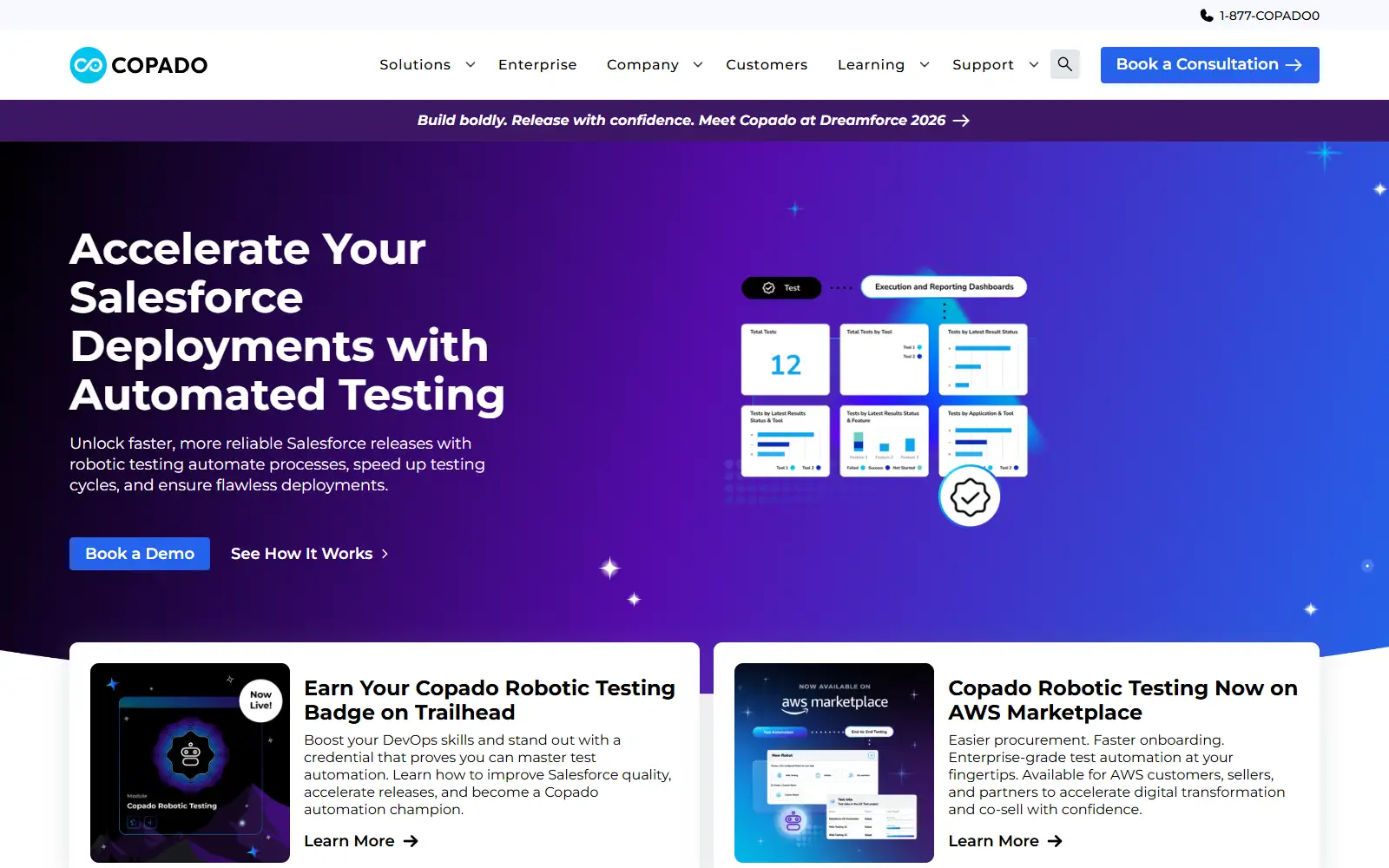
Copado Robotic Testing is low-code test automation embedded in Copado's Salesforce DevOps platform, so tests run as a stage in the release pipeline with automated quality gates rather than in a separate tool.
Key features
- AI test agent - generates tests and validates the results.
- Copado Explorer - converts manual testing sessions into automated test cases.
- Test Builder - generates scenarios from Jira or Azure DevOps user stories.
- Pipeline quality gates - tests run and are monitored inside the Salesforce DevOps pipeline.
- Unlimited parallel execution - as stated on the product page.
- Robot Framework scripts - tests are Robot Framework files on the Apache-2.0 QWeb library, kept in GitHub, GitLab, or Azure Repos.
AI capability
Its AI covers creating and judging tests, and Copado's AWS Marketplace listing adds self-healing, with metadata-aware objects in place of XPath locators so UI tests survive Salesforce releases.
Gartner rating
4.4 out of 5 from 37 ratings on Gartner Peer Insights.
Integrations
GitHub, Jira, and Azure DevOps, with native Salesforce DevOps pipeline integration and availability on AWS Marketplace.
Pros and cons
| Pros | Cons |
|---|---|
| Testing, CI/CD, and release management on one Salesforce-native platform; scenario generation from user stories; manual sessions converted into tests; a 30-day free trial with no card. | Value concentrates in Salesforce; adopting it tends to pull in the wider DevOps platform; the only public price is one AWS Marketplace bundle. |
Pricing
Quotes run through sales, though AWS Marketplace lists a 12-month price for a Robotic Testing Scale Edition bundle; the 30-day free trial needs no card. Last verified: September 2026.
Verdict: Close to a default if you already deploy Salesforce through Copado. Treat it as a platform decision rather than a test tool purchase.
13. Telerik Test Studio: Best for Progress and .NET Teams
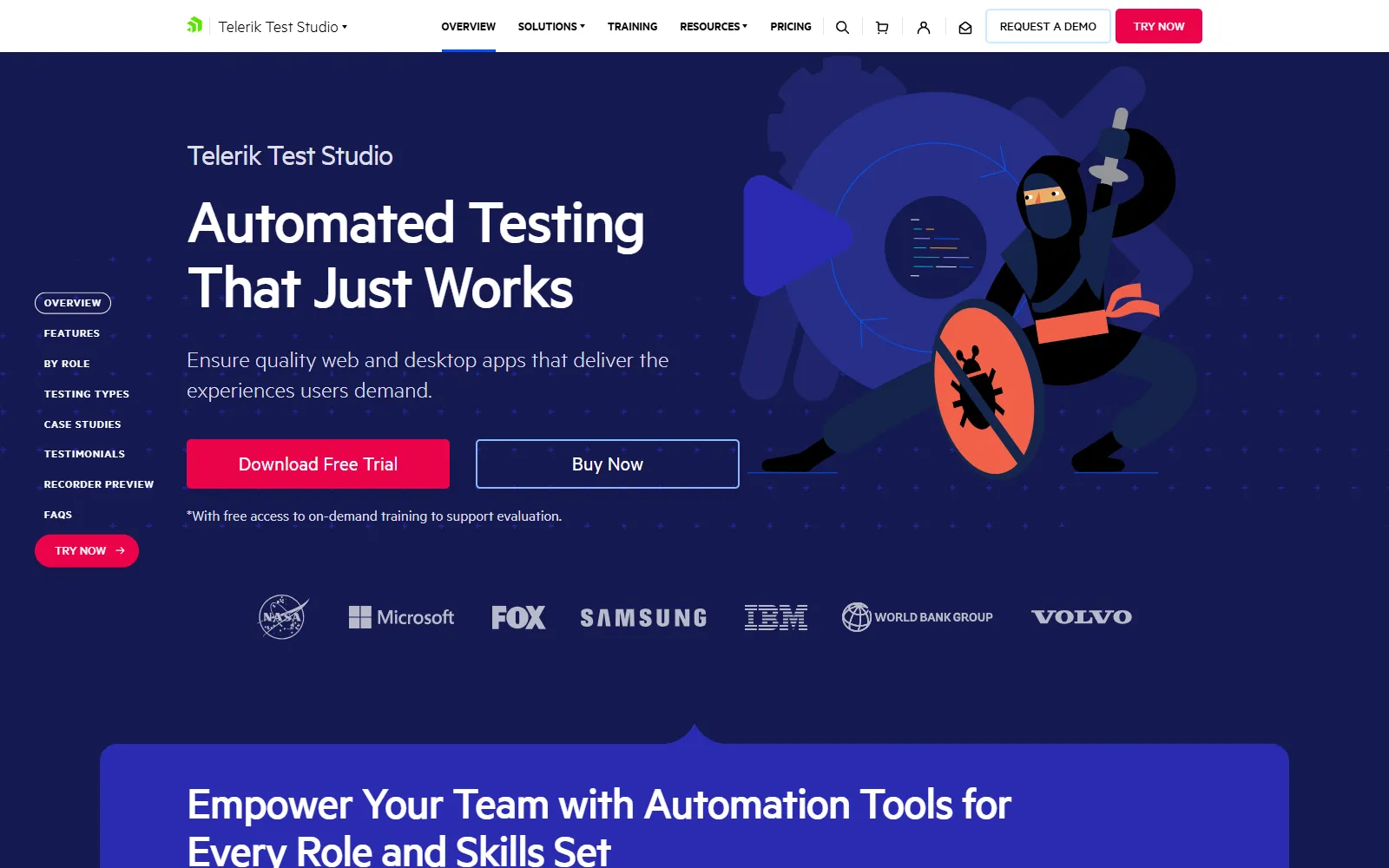
Telerik Test Studio, from Progress Software, automates functional tests across web and desktop and a wide range of .NET and JavaScript technologies, and adds API and load testing in the same product.
Key features
- Mixed element find logic - combines object ID and image-based detection to survive UI change.
- Record and code - recorded tests with coded steps where recording is not enough.
- API and load testing - in the same tool as functional testing.
- Intelligent suggestions - maintenance help when tests break.
AI capability
Its patented find logic keeps element lookups working through UI change, and its suggestions help repair tests that break.
Gartner rating
4.1 out of 5 from 36 ratings on Gartner Peer Insights.
Integrations
Azure DevOps, Jenkins, Bamboo, and TeamCity for CI.
Pros and cons
| Pros | Cons |
|---|---|
| Published pricing with a free trial; functional, API, and load testing in one tool; a natural fit for .NET and Telerik UI teams. | Tied for the lowest peer score here; no AI test generation; licenses are per machine, so plan how they map to CI agents. |
Pricing
Published perpetual licenses per machine, each with a year of maintenance and support, in Web and Desktop and Ultimate editions. Last verified: September 2026.
Verdict: A solid automation tool that sits on AI testing lists mainly because the category label has stretched. Worth it if you already build on .NET with Telerik components.
Test Data and Full Scores
I ran six tests on September 14, 2026 with Kane CLI 0.8.10 driving headless Chrome 152 on Windows: one on TestMu AI's Ecommerce Playground, one from a written requirement, and four on a three-version store page built to break on purpose. Credits are the drop in my TestMu AI balance.
| Test | What I did | Result | Time | Credits |
|---|---|---|---|---|
| Live-site authoring | One plain-English objective on the Ecommerce Playground | Passed; exported a 12-step Playwright for Python test | 94.9 s | 46.8 |
| Tests from a requirement | A short written add-to-cart requirement | 3 scenarios and 6 cases; 3 usable after filling in the entry URL | Not timed | 30.0 |
| Authoring a saved test | A three-step test on store v1 | Passed; recorded the dropdown by its label and the button by its name | 99 s of agent time | 40.2 |
| Replay, three times | The same saved test on the unchanged page | Passed each time from cache | 4.3, 2.7, and 2.4 s of step time | 0 |
| UI refactor | v2 renames the button, changes its id, class, and wrapper, and adds a decoy button | Replay failed, diagnosed as locator rot, then passed after re-authoring from step 2 | 152 s end to end | 14.5 |
| Seeded bug | v3 shows a success message but never updates the cart count | Failed; Kane CLI labeled it a confirmed product bug of major severity | 106 s end to end | 22.0 |
On the live site, Kane CLI found four of its five action targets by accessible name, and the export was Playwright for Python on TestMu AI's MIT-licensed bindings. From the written requirement, the first scenario's three cases matched it one to one; the other three repeated those checks, so a quick dedupe left a clean set.
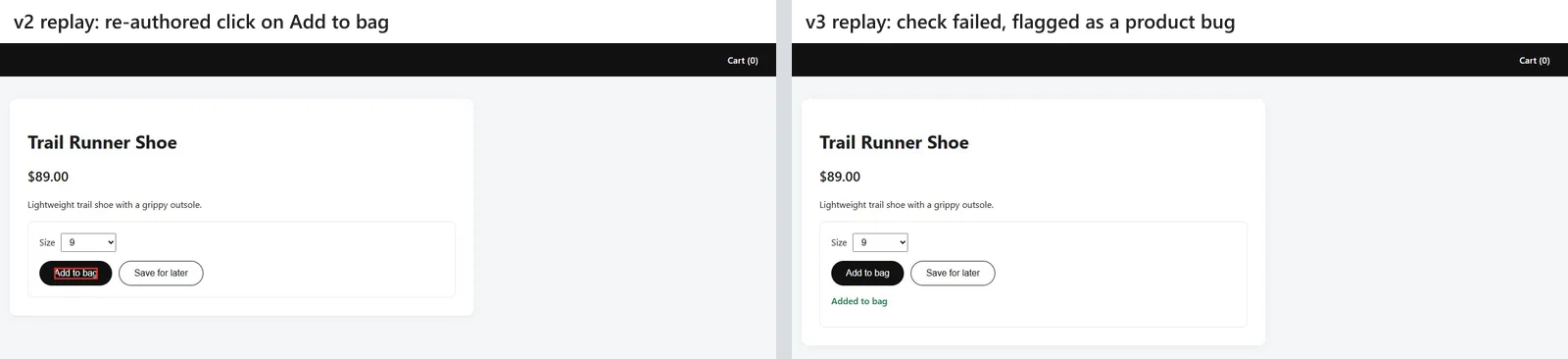
On the store page, three replays passed from cache at no credit cost. When v2 renamed the button and added a decoy, Kane CLI diagnosed locator rot at 0.97 confidence, healed onto "Add to bag" rather than the decoy, and saved the new recording for 14.5 credits. When v3 broke the cart but still showed a success message, the heal still failed, and Kane CLI flagged a confirmed major product bug at 0.93 confidence without saving a passing version.
Note: Run the same check against your own staging URL: Kane CLI drives a real Chrome browser from a plain-English objective and seals screenshots, network logs, and console output into one evidence pack. Try Kane CLI
The scores
Sorted by total, with each criterion scored 0 to 5; the numbered sections above group tools by type, not rank. Portability is 1 where tests stay in the vendor's own format, and Autosana's 0 on peer ratings means it has no Gartner listing. Other tools earned maintenance points for documented self-repair; KaneAI's heal was checked hands-on and lost a point because its summary did not show the locator change.
| Tool | Authoring | Maintenance | Coverage | Portability | Pricing | Peer ratings | Total |
|---|---|---|---|---|---|---|---|
| KaneAI by TestMu AI | 5 | 4 | 5 | 5 | 5 | 5 | 29 |
| Katalon | 4 | 4 | 5 | 3 | 5 | 5 | 26 |
| UiPath Test Cloud | 4 | 5 | 5 | 2 | 3 | 5 | 24 |
| Tricentis Tosca | 4 | 5 | 5 | 1 | 3 | 5 | 23 |
| Copado Robotic Testing | 4 | 3 | 5 | 3 | 4 | 3 | 22 |
| mabl | 4 | 5 | 4 | 3 | 3 | 2 | 21 |
| Keploy | 3 | 3 | 3 | 4 | 5 | 3 | 21 |
| Functionize | 4 | 4 | 2 | 1 | 5 | 3 | 19 |
| Telerik Test Studio | 2 | 3 | 4 | 2 | 5 | 3 | 19 |
| testRigor | 4 | 4 | 5 | 1 | 3 | 2 | 19 |
| OpenText Functional Testing | 2 | 4 | 5 | 1 | 2 | 4 | 18 |
| Worksoft | 3 | 4 | 4 | 1 | 1 | 4 | 17 |
| Autosana | 4 | 5 | 3 | 2 | 2 | 0 | 16 |
TestMu AI's KaneAI leads UiPath Test Cloud by 5 points and Tricentis Tosca by 6 on portability and published pricing. On authoring, maintenance, coverage, and peer ratings alone, all three tie at 19, the fairer reading for an SAP or Oracle estate.
Free and Open Source AI Testing Tools
Keploy is open source; Functionize, KaneAI, and testRigor have free tiers; and seven others offer trials.
| Tool | What free covers | Where you start paying |
|---|---|---|
| Keploy | The Apache-2.0 open-source core, self-hosted, plus a free Playground plan that generates API tests from OpenAPI or Postman | Pro adds team collaboration, contract testing, and load testing per user; production traffic capture is Enterprise |
| Functionize | A Free plan with 200 credits a month and up to 5 parallel runs | Paid individual and team plans add credits, parallel runs, SMS and MFA testing, and SSO |
| KaneAI by TestMu AI | Kane CLI, which is free, plus a free TestMu AI account with no credit card, enough to try it end to end with local authoring | Starter adds 2,000 credits a month per agent; Pro and Max add cloud authoring and HyperExecute minutes |
| testRigor | A free Public plan for one user, with every test and result public | Paid plans, including native Windows desktop testing, priced through sales after a 14-day trial |
| Katalon, Copado, mabl, UiPath, Tosca, Telerik, OpenText | Trials: 30 days with no card for Katalon and Copado Robotic Testing, 14 days for mabl, free trials for UiPath Test Cloud and Tosca, a downloadable trial for Test Studio, and a trial on request for OpenText Functional Testing | A license or subscription once the trial ends |
An open-source license covers the test logic, and you still pay for the infrastructure the tests run on, so budget for execution even when authoring is free. For open-source frameworks with AI features rather than commercial free tiers, the open-source AI testing tools roundup goes further.
Six Other AI Testing Tools I Considered
These cleared a first look but not the list, mostly because another entry covers the same job with more evidence. Ratings come from Gartner Peer Insights, checked on September 14, 2026.
- Testsigma - rated 4.6 from 66 ratings as an agentic platform that generates, executes, heals, and diagnoses tests across web, mobile, API, desktop, and Salesforce. It overlaps KaneAI, testRigor, and Katalon on authoring without a documented edge on portability.
- ACCELQ - rated 4.7 from 64 ratings for automation across web, API, mobile, and desktop. It competes with Katalon for the same buyer, and Katalon's review sample is more than ten times larger.
- Tricentis Testim - rated 4.4 from 28 ratings for AI-accelerated creation, execution, and maintenance of tests across web, mobile, and Salesforce apps. Tosca already represents Tricentis here.
- Parasoft SOAtest - rated 4.7 from 88 ratings and now AI-augmented for API, web service, and microservice testing. Keploy covers the API niche with an open-source core and a free plan.
- Keysight Eggplant Test - rated 4.4 from 77 ratings for functional test automation across platforms and devices. It overlaps OpenText Functional Testing for the same legacy-estate buyer.
- BlinqIO - on the previous version of this list for generating Playwright code in Gherkin form. It is out because on September 14, 2026, blinq.io returned no DNS record and blinqio.com showed a domain-parking page, so there was no live product to verify.
Which Generative AI Capabilities Does a Testing Tool Actually Need?
Gartner's definition of this market names seven mandatory capabilities, updated in October 2025, including GenAI for test development, self-healing for test scripts, and conversational user interfaces. The table turns each one into a check you can run in a proof of concept.
| Mandatory capability | What to test in your POC |
|---|---|
| GenAI for test development | Feed it one real requirements document and count how many generated cases you keep unedited. |
| Conversational user interfaces | Change an existing step by describing the change. If the tool makes you re-record the step instead, it fails this check. |
| Self-healing for test scripts | Rename a button and restructure its parent container, then rerun. Check that it heals and tells you what it changed. |
| Native UI, API, and visual testing | Build one flow that performs a UI action and asserts on the backing API response. |
| Integrations | Wire it into your actual pipeline and confirm exit codes gate a merge correctly. |
| Enterprise administration | Confirm which tier includes SSO and RBAC. These usually sit in an enterprise tier and change the price. |
| Team collaboration | Have a second person review and edit someone else's generated test. |
On KaneAI I ran the third check and a scaled-down first check, using a five-sentence requirement instead of a full document. Half the generated cases were usable after filling in a URL, and the heal passed without reporting the locator it changed. Genuine generative AI testing tools separate from AI-assisted recorders on two counts: whether tests are generated from source material you already have rather than actions you perform, and whether self-healing explains what it changed. TestMu AI's AI-native test management keeps generated cases traceable to their requirements, and the KaneAI getting started documentation walks through the authoring flow.
How Do You Choose the Right AI Testing Tool for Your Team?
Name the bottleneck first, then shortlist against it.
- Authoring is the bottleneck, meaning tests take too long to write and only two people can write them. Look at KaneAI, testRigor, and Autosana, and compare how much of the generated output you keep unedited.
- Maintenance is the bottleneck, meaning the suite goes red on every UI change. Look at mabl, UiPath Test Cloud, Tricentis Tosca, and Autosana, which score highest on maintenance here, and test healing against a deliberate DOM restructure rather than a cosmetic tweak.
- Coverage is the bottleneck, meaning APIs and data paths go untested. Look at Keploy for backend regression, and check whether your end-to-end tool can assert on an API response inside a UI flow.
- Your stack decides for you. Salesforce points to Copado, SAP to Worksoft or Tosca, mainframe to OpenText Functional Testing, and .NET with Telerik components to Test Studio.
- Procurement is the constraint and you need a number this quarter. KaneAI, Functionize, Keploy, Katalon, and Telerik publish pricing, and Copado lists one bundle on AWS Marketplace; the rest start with a sales conversation.
Whichever way that lands, run the pilot on one critical workflow rather than a toy scenario, and measure how much generated output you keep, how the suite behaves after a real UI change, and how long a full run takes at your target parallelism. Teams focused on authoring should also compare dedicated AI test case generation tools, and teams fighting brittle suites should read up on self-healing test automation as a category.
One boundary is worth naming before you shortlist: every tool in this guide points an AI agent at your software. If the thing you need to test is an AI agent you ship, a customer-facing chatbot, voice assistant, or phone agent, that is the reverse problem and needs a different category of tool. TestMu AI's AI agent testing platform sends autonomous AI evaluators to converse with your agent like real users, generates 60 to 100+ scenarios from your uploaded docs, scores chat and voice on 9 quality metrics such as hallucination, bias, completeness, and context awareness, with 30+ metrics for real phone calls, and returns a Green, Yellow, or Red production-readiness verdict. It is free to start, so you can run it alongside whichever authoring tool wins your shortlist.
If you want agents that own the whole workflow rather than assistive features, compare the best AI agents for software testing, and read how agent automation testing changes debugging and CI gating before you route a pipeline through one.
Conclusion
Pick the workflow that costs your team the most time each release and run it through two tools from this list, one of them KaneAI, before you read another feature page. TestMu AI's test automation cloud runs the exported suite across 3,000+ browser and OS combinations and 10,000+ real devices, and the Kane CLI documentation covers authoring that first test from your terminal.
Author

Shantanu Wali
Blogs: 3

Shantanu Wali is Vice President of Product Management at TestMu AI (formerly LambdaTest), where he owns several product lines across the testing platform, including the Real Device Cloud and the Digital Experience Testing Cloud. He has also contributed significantly to the development and scaling of KaneAI, TestMu AI's flagship GenAI-native testing agent that uses natural language to make software testing faster and more reliable in this AI era. He brings 7+ years of experience across software development and product management, starting as a backend developer at Infosys building solutions for Fortune 500 clients. Shantanu holds an MBA from IIM Calcutta and a B.Tech in Mechanical Engineering.
Reviewer

Himanshu Sheth
Reviewer
Himanshu Sheth is the Director of Marketing (Technical Content) at TestMu AI, with over 8 years of hands-on experience in Selenium, Cypress, and other test automation frameworks. He has authored more than 130 technical blogs for TestMu AI, covering software testing, automation strategy, and CI/CD. At TestMu AI, he leads the technical content efforts across blogs, YouTube, and social media, while closely collaborating with contributors to enhance content quality and product feedback loops. He has done his graduation with a B.E. in Computer Engineering from Mumbai University. Before TestMu AI, Himanshu led engineering teams in embedded software domains at companies like Samsung Research, Motorola, and NXP Semiconductors. He is a core member of DZone and has been a speaker at several unconferences focused on technical writing and software quality.


AI Testing Tools FAQs
Did you find this page helpful?
More Related Blogs
TestMu AI forEnterprise
Get access to solutions built on Enterprise
grade security, privacy, & compliance
- Advanced access controls
- Advanced data retention rules
- Advanced Local Testing
- Premium Support options
- Early access to beta features
- Private Slack Channel
- Unlimited Manual Accessibility DevTools Tests