
15 Best CSS Trends to Look Out in 2026
Discover the top 15 CSS trends to watch in 2026, from AI-driven design to advanced animations. Stay ahead in web development with these cutting-edge techniques!

Mehul Gadhiya
February 7, 2026
When you develop a website, it requires both creative and technical skills. Things like layouts, animations, and graphics can greatly overhaul your website's look and feel.
Cascading Style Sheets, or CSS, is an ideal way to spice up your web design. It is a fundamental technology that controls websites' and web apps' layout and visual appearance.
As web development evolves, new CSS trends are emerging to help developers create more visually stunning websites. From responsive design and animation to new techniques and styling, CSS trends constantly adapt to modern web design needs.
Since CSS trends are cyclical, it's reasonable to assume that by 2026 there will be some new CSS trends in web development.
In this article, discover the best 15 CSS trends to look for in 2026. These trends will help you create visually stunning responsive designs by unleashing the power of CSS.
How does CSS help your website?
CSS helps your website by controlling visual appearance, layout, and formatting of HTML elements to create attractive, responsive, and consistent designs.
CSS stands for Cascading Style Sheet. It is a language for creating a Style Sheet that describes the layout and formatting of a document written in a markup language.
It works with HTML to modify the look and feel of online pages and user interfaces. Any XML document type, including plain XML, SVG, and XUL, can be used with it.
With the help of CSS, you can make changes to old HTML-written documents or create a new style with the CSS codes. Here are some benefits CSS offers to your website.
- Before, tags, such as font, color, background, etc., were repetitive in websites, and CSS was developed to solve this problem.
- Help you create a consistent design across multiple web pages and offers reusability to use styling on different elements and websites.
- CSS offers more specific attributes than plain HTML to define the website’s look and feel.
- Provide visual cues to improve the website’s accessibility.
- Boost website SEO by presenting the digital content clearly and concisely.

Best CSS Trends to Follow
Now you have got a gist of CSS and its benefits, let’s start with our list of best CSS trends for 2026.
Note: The browser compatibility data herein have been taken from CanIUse.
1. CSS Grid
CSS Grid is a powerful layout module that allows you to create sophisticated responsive grid layouts. It’s fully supported by modern browsers and is gaining popularity among web developers. This amazing CSS trend can handle both rows or columns easily.
Subgrid is a handy feature added to the Grid Layout. You can create a Subgrid that mimics the layout of its parent grid.
The child grid chooses its dimensions and gaps when nested inside another grid display. The parent grid layout is applied to the Subgrid, though certain parts can still be overridden if necessary.
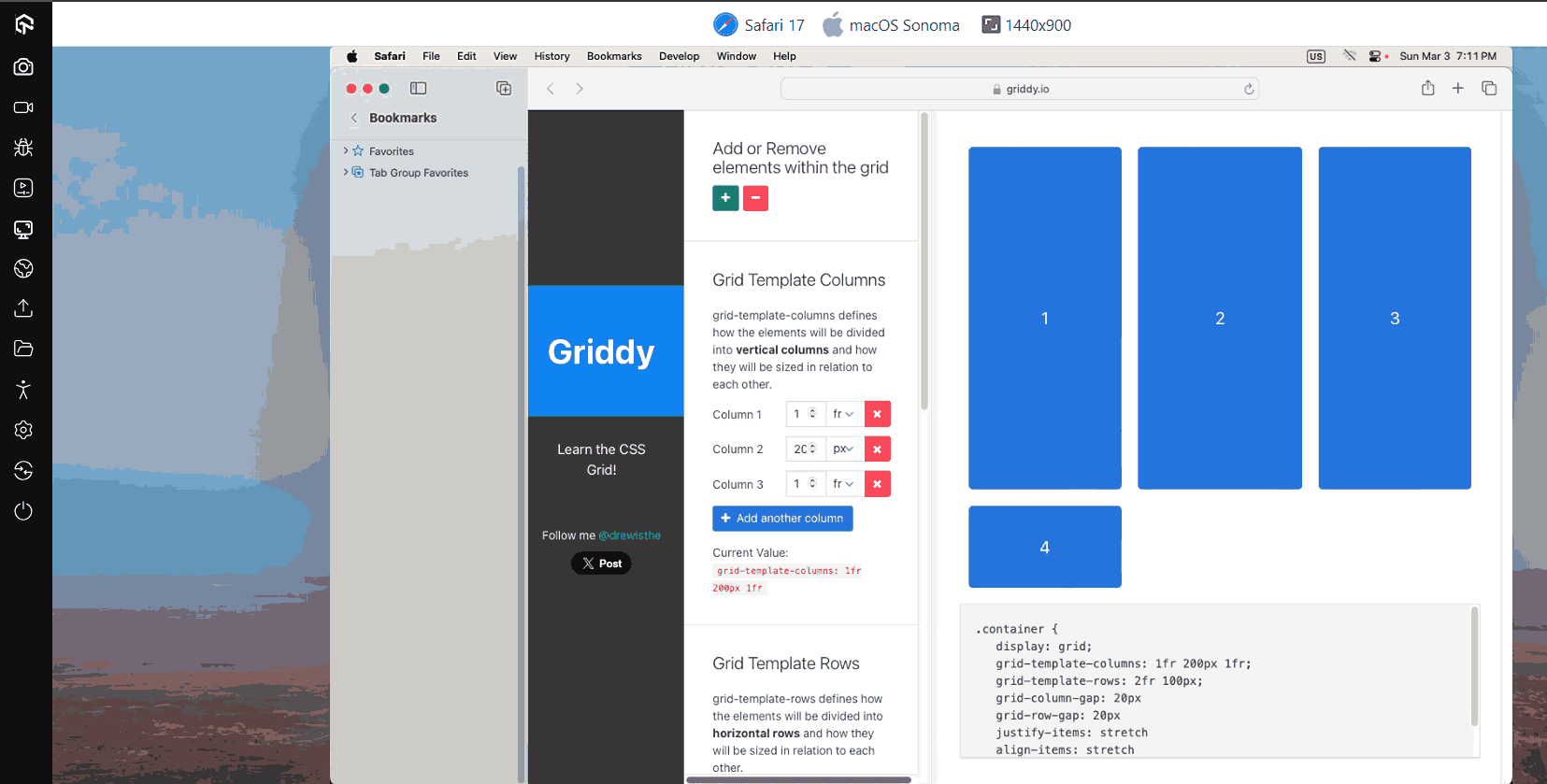
Browser Support: 97.21%
2. CSS Writing Mode
Depending on the language, the CSS Writing Mode property adjusts the text’s alignment so that it can be read either from top to bottom or from left to right. Say, for instance, that we wish to add some text that is read from left to right and from top to bottom.
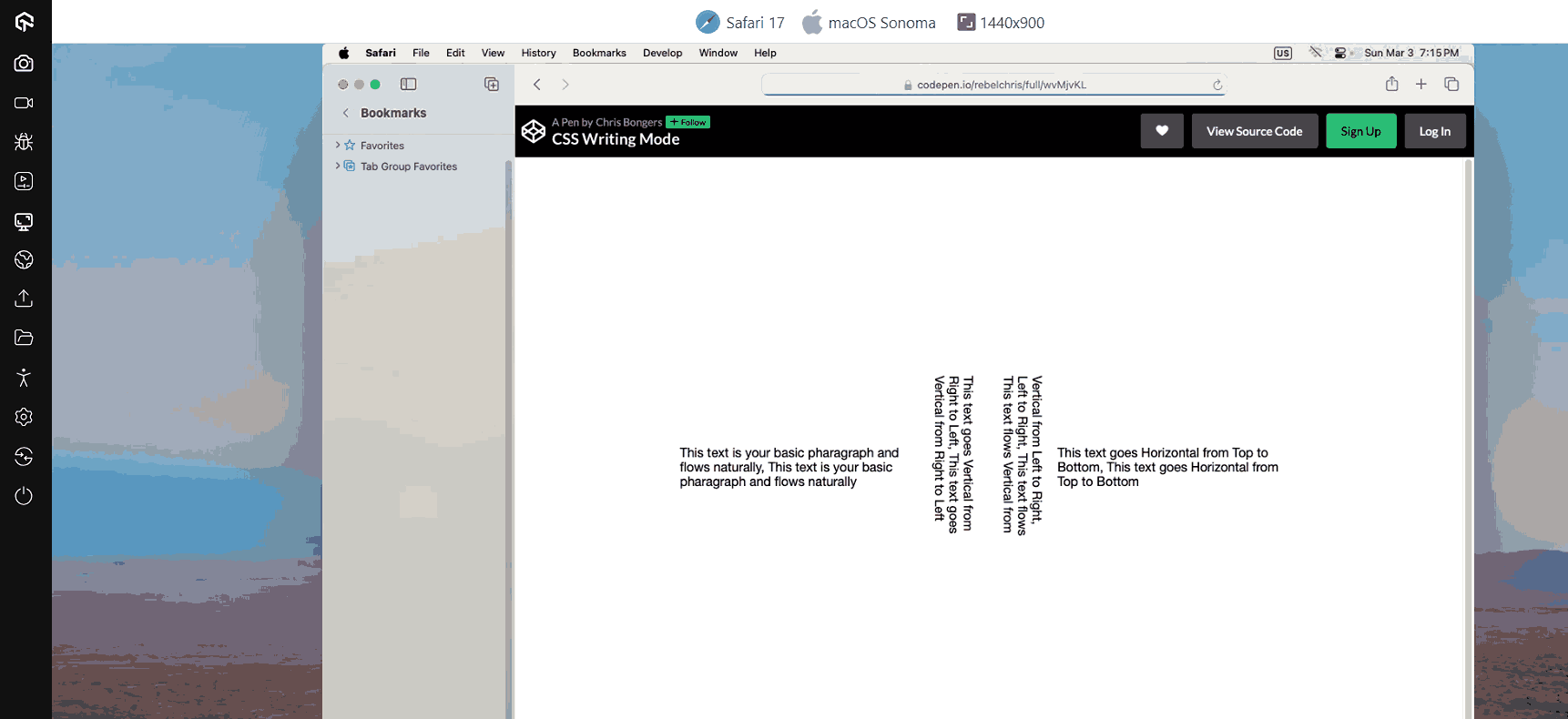
This is helpful for languages where the text is frequently positioned vertically, like Chinese, Japanese, or Korean. You’ll likely want to employ this quality in English for aesthetic reasons with the help of this CSS trend.
Browser Support: 97.46%
3. Scroll Snap Behavior
To control a web browser’s CSS scroll snap behavior, CSS offers a valuable collection of attributes. Some of this functionality has been there for extended, but more recent browser versions are just now getting access to others. The best thing about this CSS trend is that just one-third of CSS users know about it.
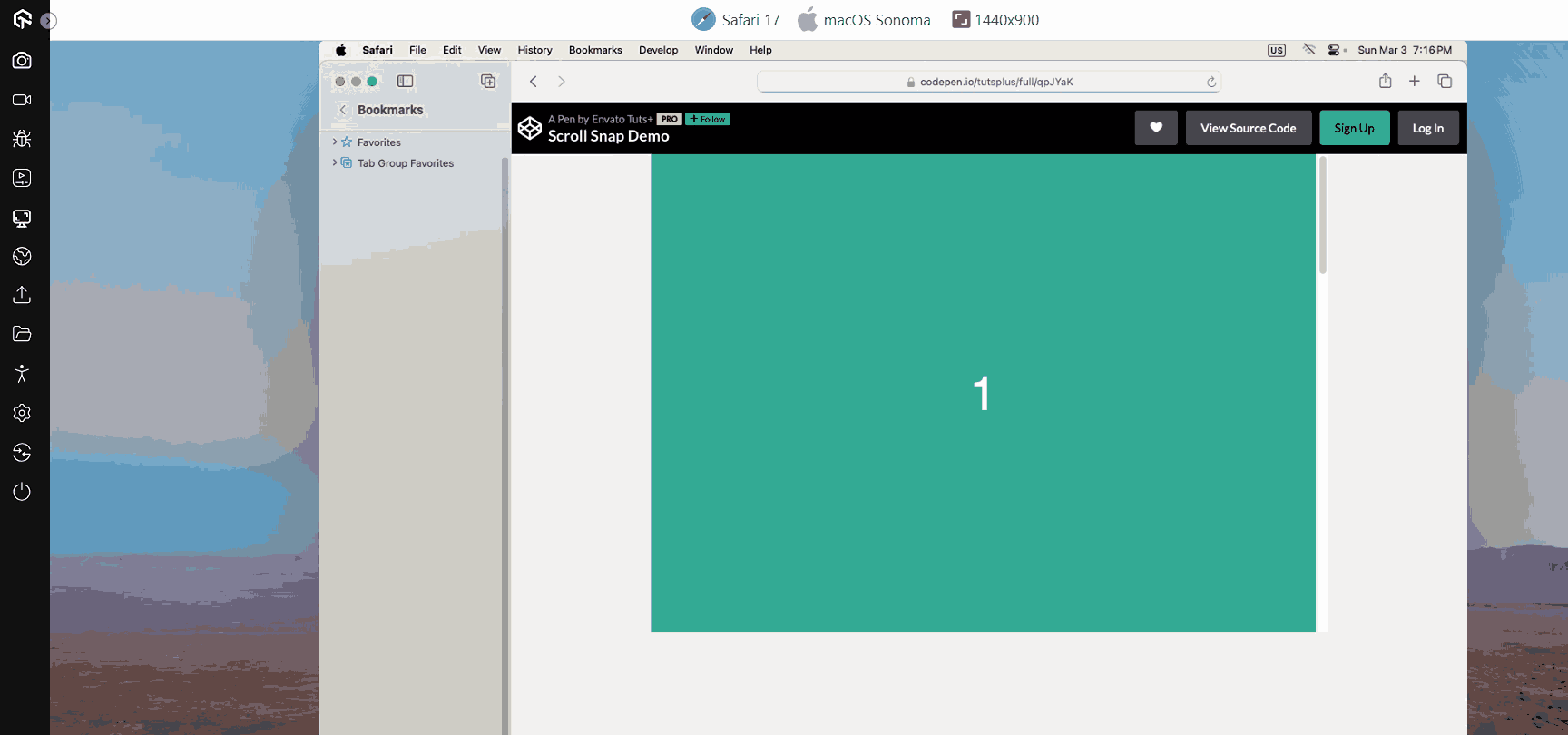
Using the scroll-snap-type property, you can modify the scroll position on a container in various ways. Developers gain greater precision while end users enjoy a smoother, more controllable user experience.
Browser Support: 97.18%
4. Container Queries
CSS has not yet fully established container queries, though they will. They’ll have a significant influence on how we perceive responsive design. The fundamental notion is that you can specify a breakpoint depending on the size of a parent container in addition to the viewport and media.
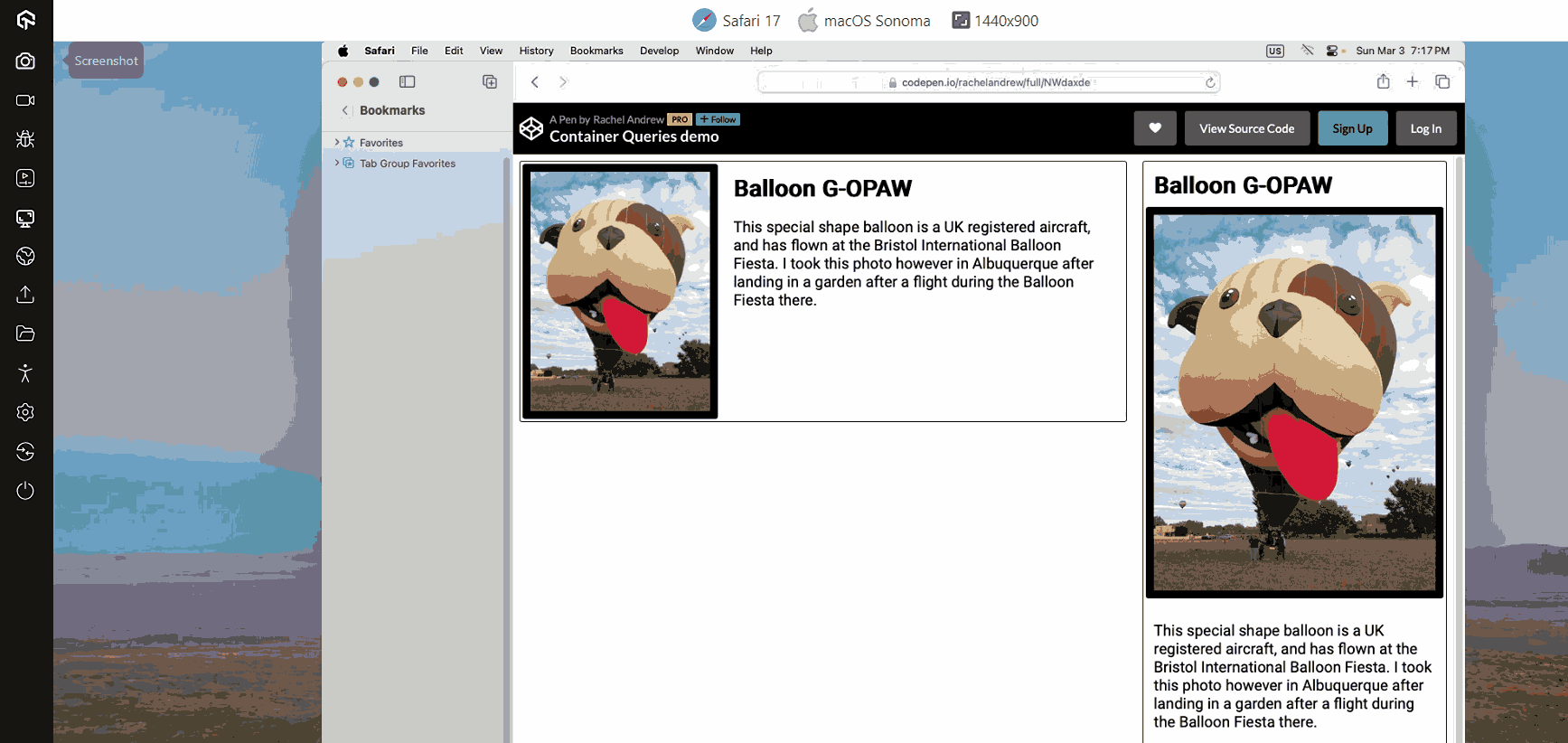
It will include adjusting a layout based on the dimensions of various containers that appear throughout the nested layers of a user interface. Rather than a CSS trend, CSS Container Queries is a significant move that will probably spark a wave of UI enhancements.
Browser Support: 84.73%
5. New Color Palettes
CSS practitioners are already using RGB to beautify web pages. Recently CSS introduced three new color pallets HWB, LAB, and LCH.
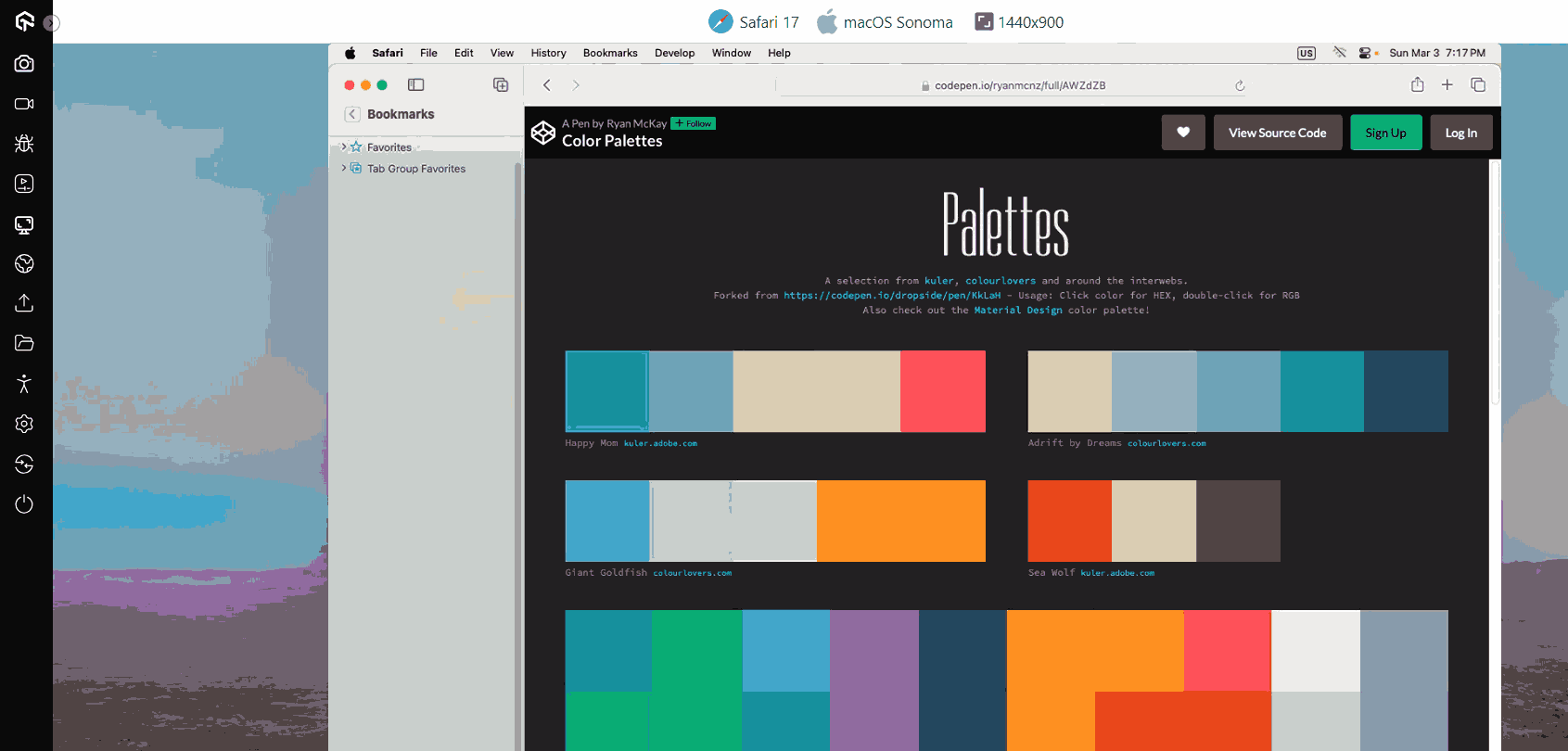
HWB: It is an acronym for Hue, Whiteness, and Blackness. It’s an easy feature for people to read: you choose a color and then add white and black. Recent releases of Chrome, Firefox, and Safari all support it.
Browser Support: 94.3%
LAB: It is created from CIA LAB color theory and is considered the most theoretically complex of new color spaces. It is a bold claim that the LAB color descriptor includes all colors humans can perceive. Only Safari is now compatible with this CSS trend, just like LCH.
LCH: It stands for Lightness, Chroma, and Hue and is renowned for broadening the palette of colors that are accessible. Safari only supports LCH.
Browser Support: 92.81%
6. CSS Variables
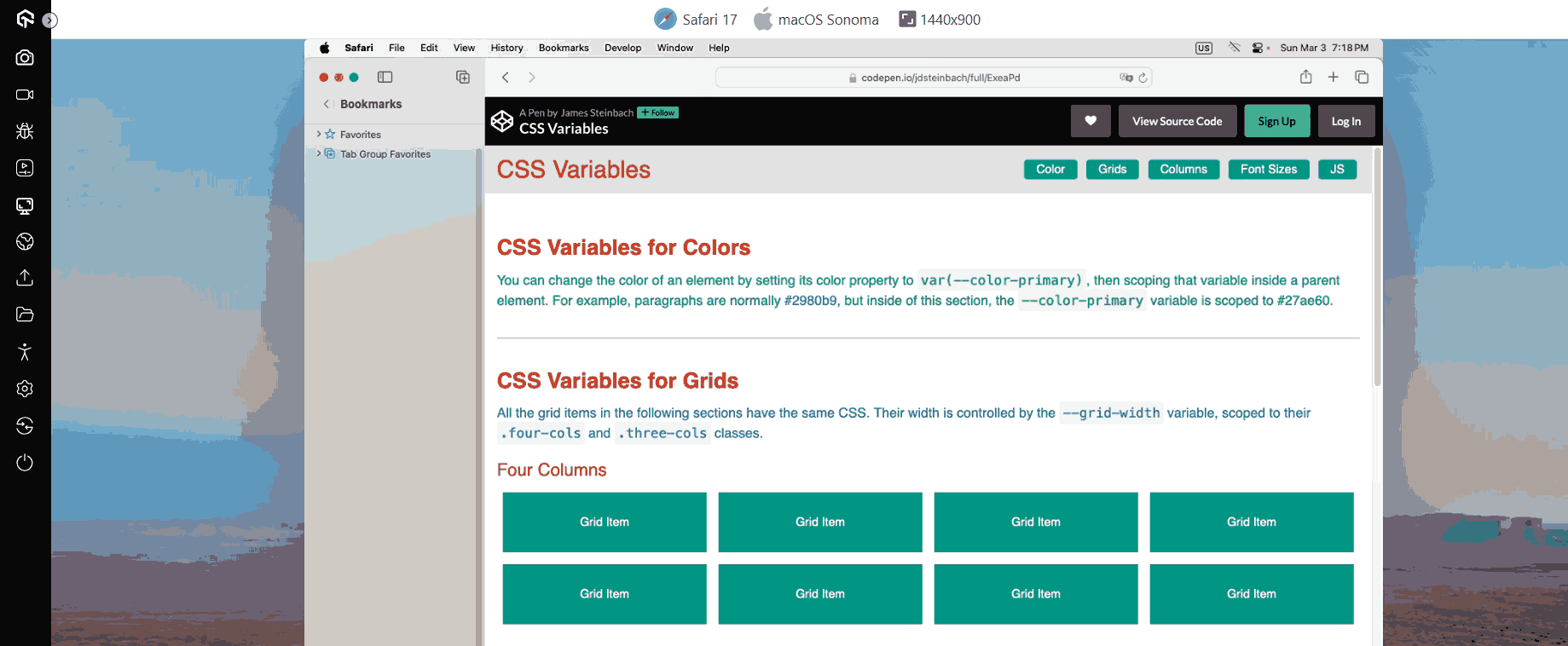
CSS Variables, also known as CSS Custom Properties, has been a popular CSS trend since 2015 and is now getting more attention from CSS users.
CSS Variables allow you to store and use a value elsewhere in the HTML code. This helps remove redundancy, adds flexibility, and improves code readability.
Browser Support: 96.87%
7. Viewport Units
Setting viewport units is a hassle for everyone who has attempted to code a website for Safari on iOS. The mobile browser shows containers set to a size in the unit vh as being smaller than they should be.
You need to use a script that automatically resizes the container to get around this bug. Other than the inconvenience of loading a new script, some workarounds harm Chrome users.
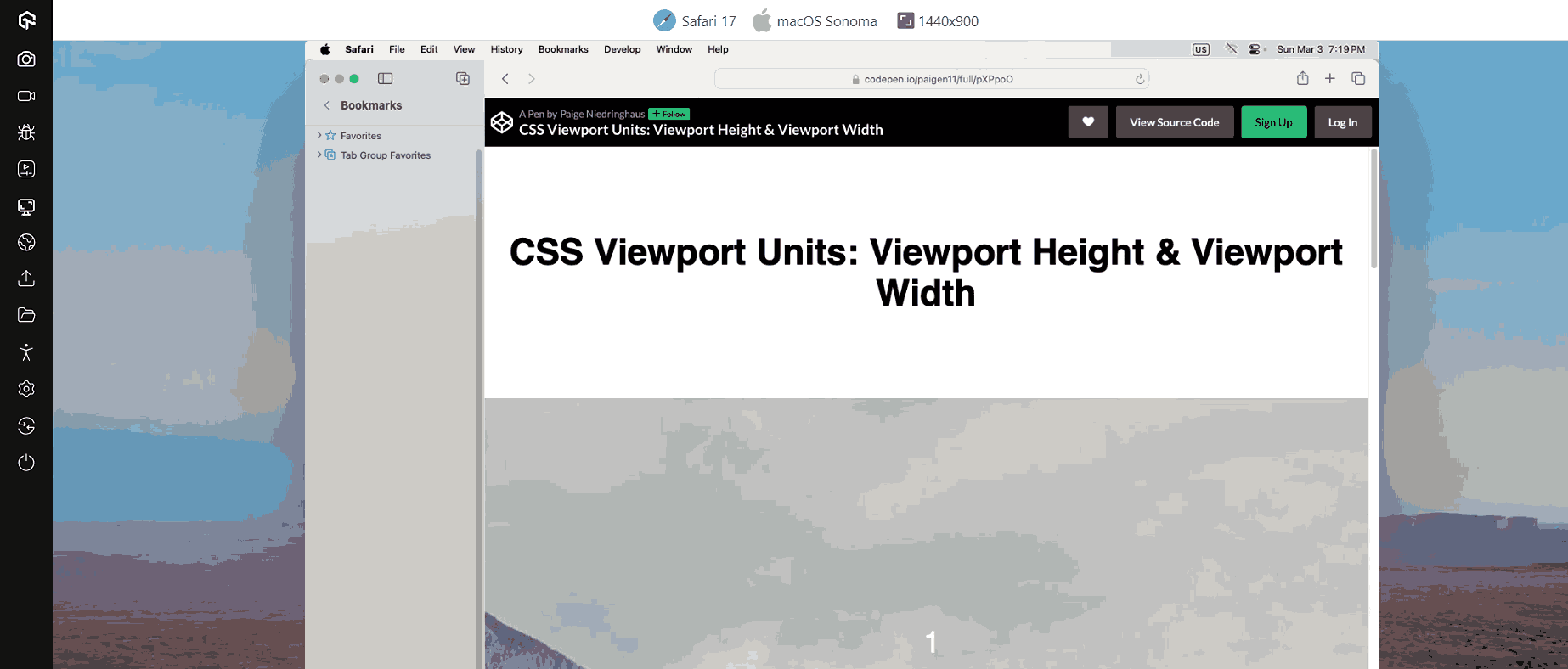
Thank goodness CSS now supports new relative lengths and viewport specifications. A few of these are “vw”, “svw”, “lvw”, and “dvw”. These measurements are 1% of the width of the small, large, and dynamic viewport sizes and the UA-default viewport size.
Browser Support: 97.46%
8. Cascade Layers
If the next element in the cascade has a greater level of specificity, CSS overrides style changes to the first element. Due to the vast codebase, this problem is always present in large projects. Here CSS Cascade Layers come in.
Cascade Layers give developers better flexibility over themes, frameworks, and designs to utilize the cascading system fully. Cascade Layers provide direct manipulation and administration of the underlying cascade logic, in contrast to the original cascading centered around heuristics.
This CSS trend will ensure that the components won’t always adhere to the base styles by adding a second layer to the cascade to define style variants. Instead, components are produced in accordance with the rules written on the layer and the established hierarchy of the layers.
Browser Support: 95.08%
9. Content Visibility
Content Visibility property in CSS helps speed up content rendering on web pages so users can interact while the rest loads.
With this property, developers can command browsers which page parts have isolated content. This helps browsers optimize web page content with delayed calculation.
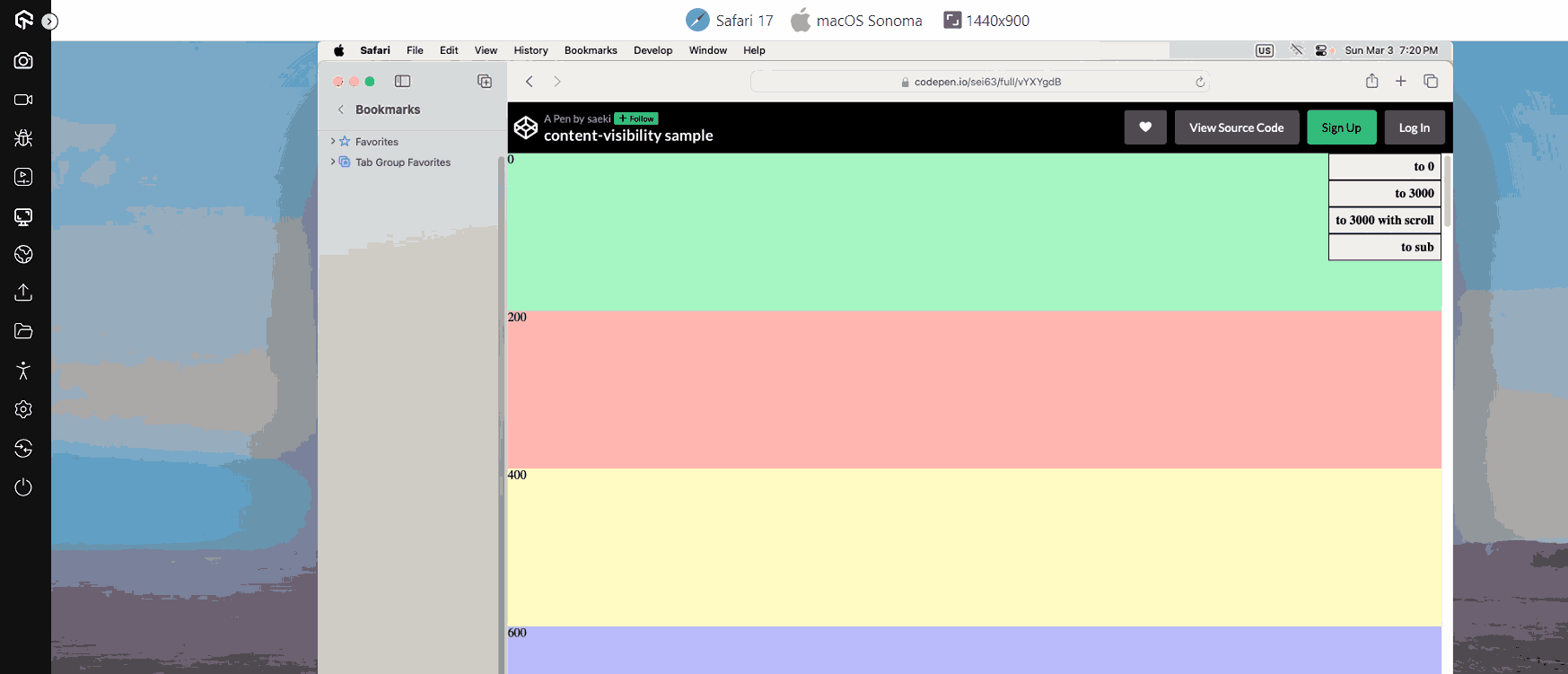
Content Visibility is dependent on the CSS Containment Spec’s primitives. So far, only Chromium 85 supports content-visibility property; however, the CSS Containment Spec is supported on all major browsers.
Browser Support: 89.47%
10.Gap
Gap property is an emerging CSS trend that helps to define a gap between a row and a column, formally known as a grid gap. It serves as an alternative for the following characteristics.
- Row-gap
- Column-gap
Use the gap attribute with a single value to indicate equal space between rows and columns. For different spacing, use two values: first for rows, then columns.
You can also use two separate properties, row-gap and column-gap, to make the code more transparent and understandable.
Before the gap property, designers used the margin property with limitations, such as adding indent between elements and container edges.
The gap attribute lets you specify indentation between items without hacks, relying only on the language's fundamental constructs.
Browser Support: 95.72%
11. Object View Box
Another CSS trend in our list is the object-view-box property. It enables a web page to show only the designated area of an image or video, similar to the viewBox SVG attribute.
This property is handy when showing only part of an image or video at different resolutions. It can also be used to pan and zoom pictures and movies.
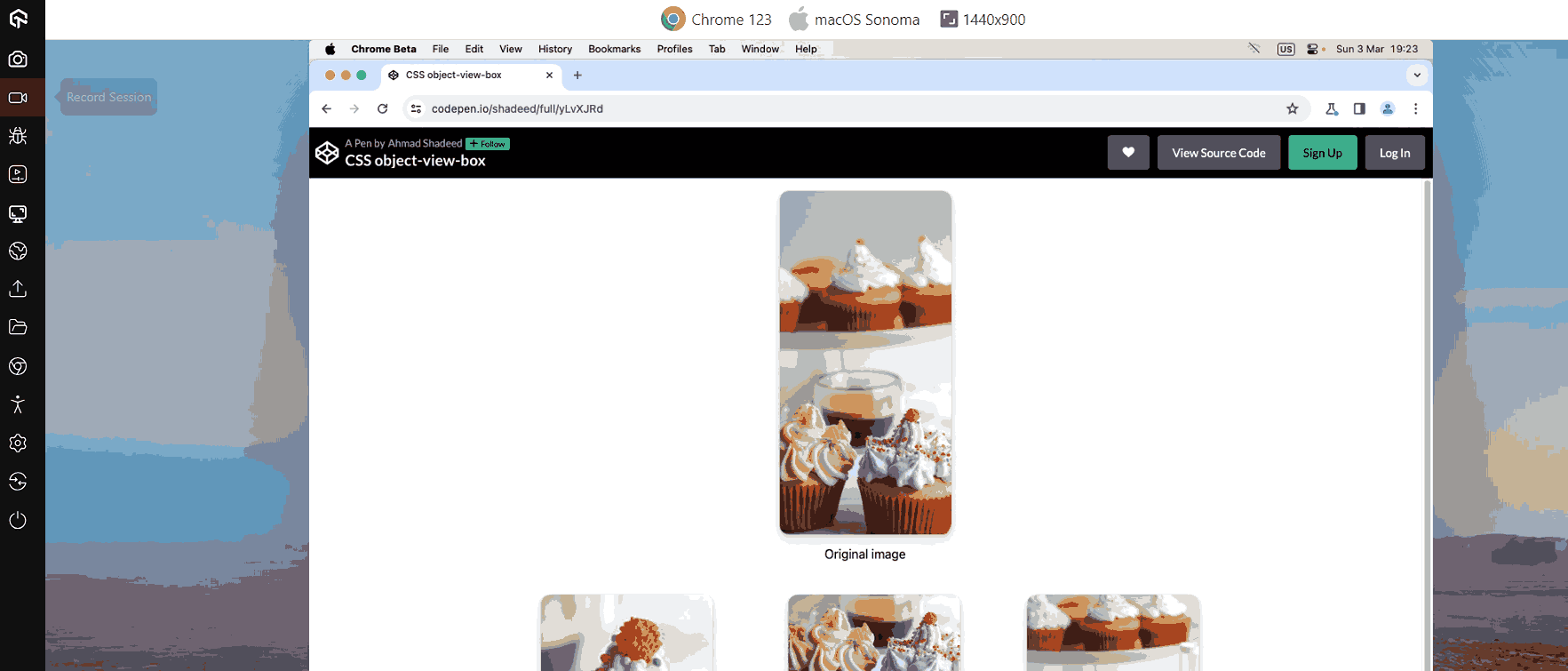
Before the object-view-box property, cropping problems with images or videos had to be solved by placing and resizing the content inside a wrapper element with the “overflow: hidden;” attribute. It can be done by adding the top, bottom, left, and right values within the code.
Browser Support: 74.78%
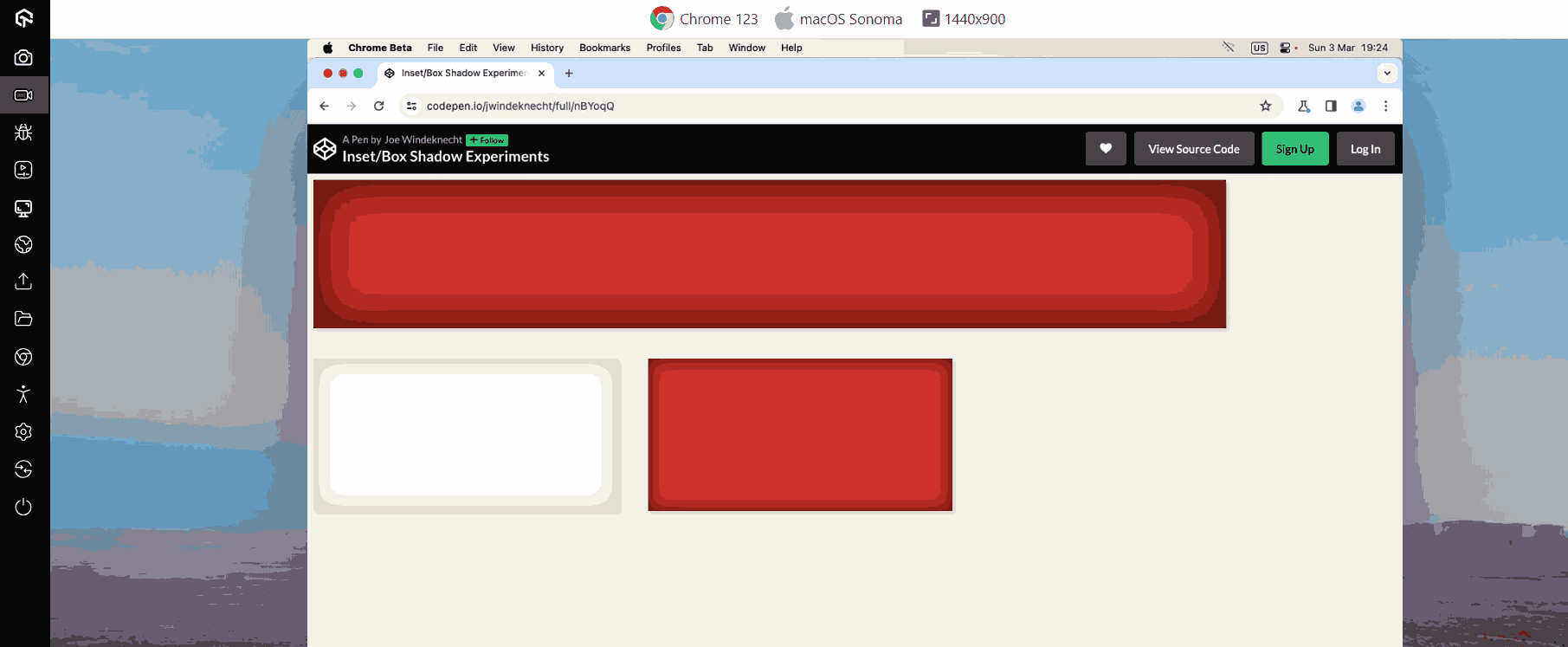
12.Inset
The Inset property helps to set the distance between the element and the parent element. It replaces the four properties: Top, Right, Left, and Bottom, and allows you to see the inset of the elements from all four sides in a single command. CSS Inset property requires adding all four commands for positioning.
Browser Support: 94.73%
13. Variable Fonts
Variable Fonts allow many variations of a typeface to be integrated into a single file Instead of having a separate font file for each width, weight, or style. It is an evolved version of the OpenType font specification.
Although Variable Fonts can be used just like regular ones, they have much more to offer. The font-weight property for standard fonts accepts values from 100 to 900, while for Variable Fonts, it accepts any integer between 1 and 999.
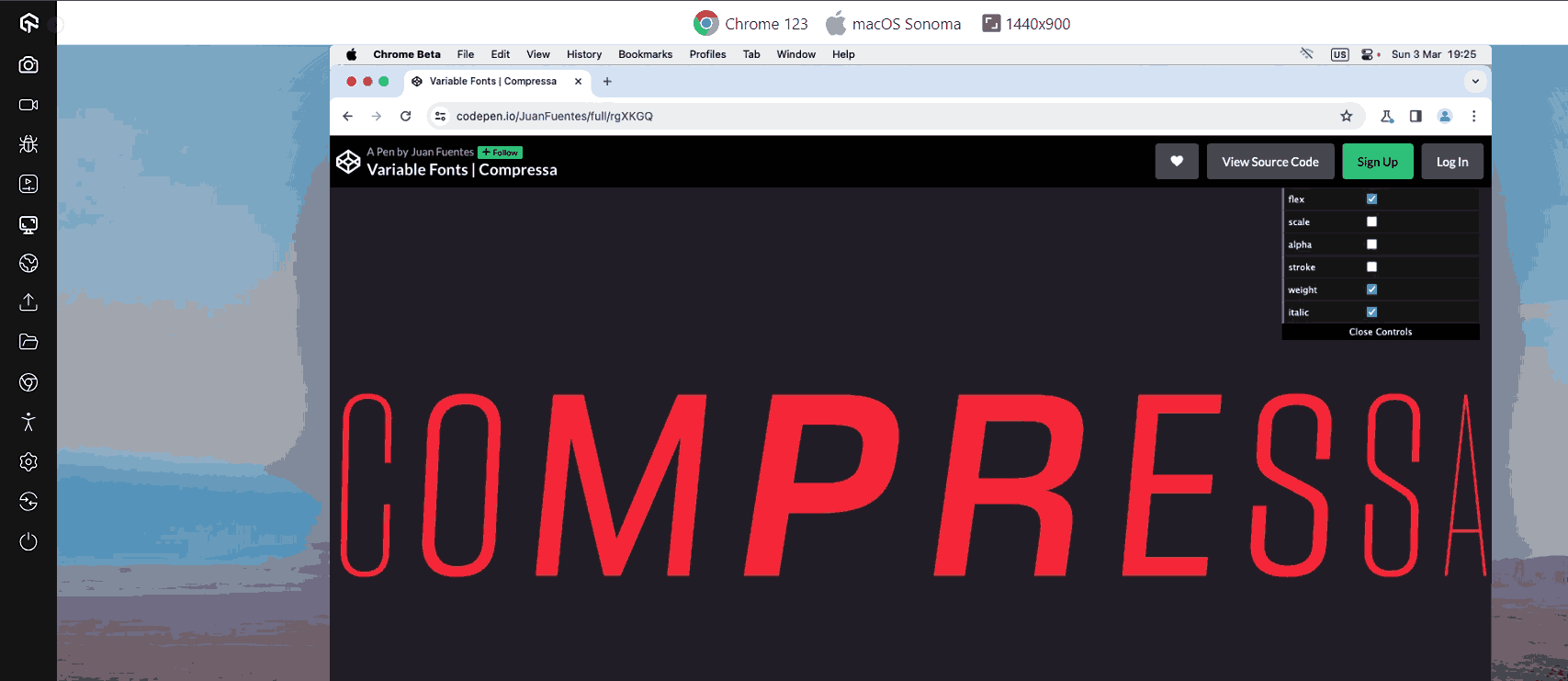
The font-style property for regular fonts accepts normal and italic values. Variable fonts allow oblique angles from -90 to 90 degrees.
Variable Fonts have a font-stretch feature ranging from 50% (narrow) to 200% (broad), with 100% as standard. The font-optical-sizing attribute alters appearance based on size.
Browser Support: 96.64%
14. Text Overflow
In CSS, the text-overflow property is used to indicate that specific text has overflowed and is now hidden. When you add this property, overflowed content will be trimmed, and a custom string or ellipsis will get visible on display.
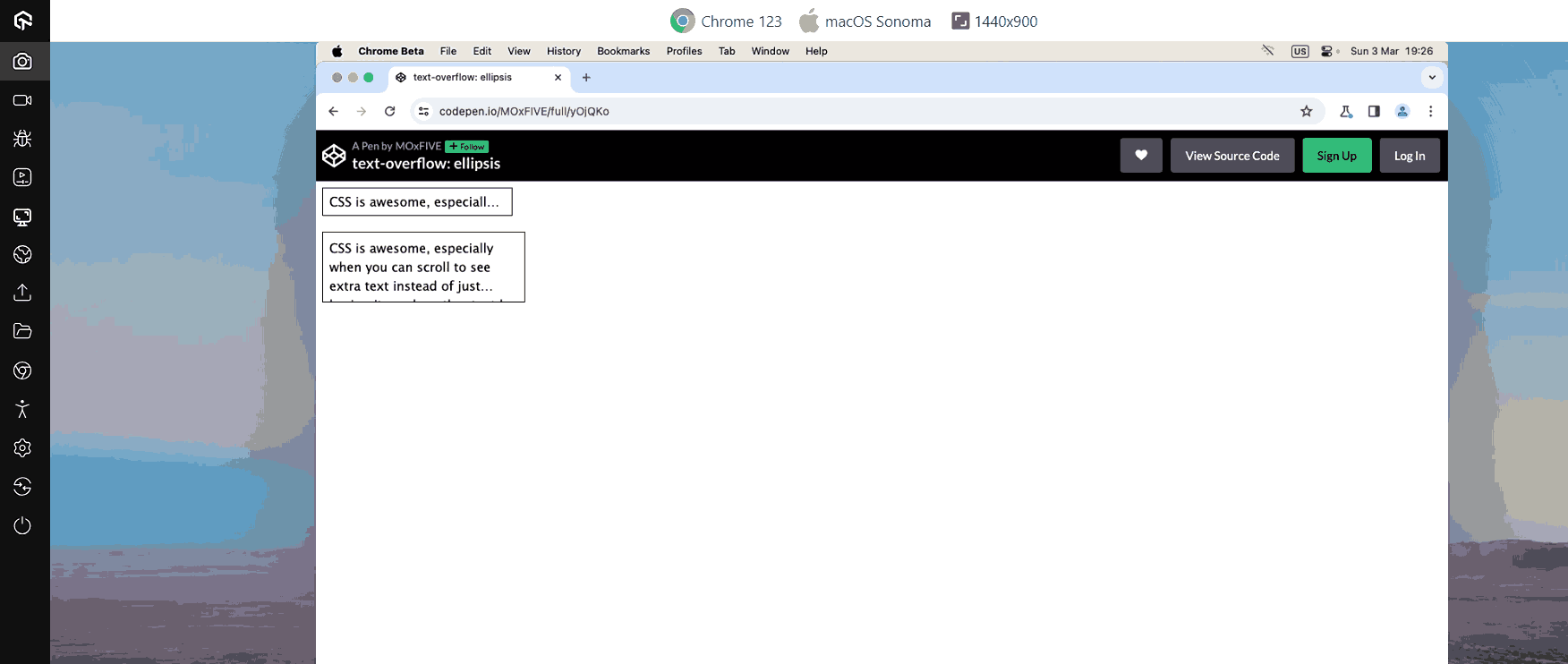
One thing to keep in mind while using the text-overflow property is white space property must be nowrap and the overflow property set for hidden.
Browser Support: 97.53%
15. Comparison Functions
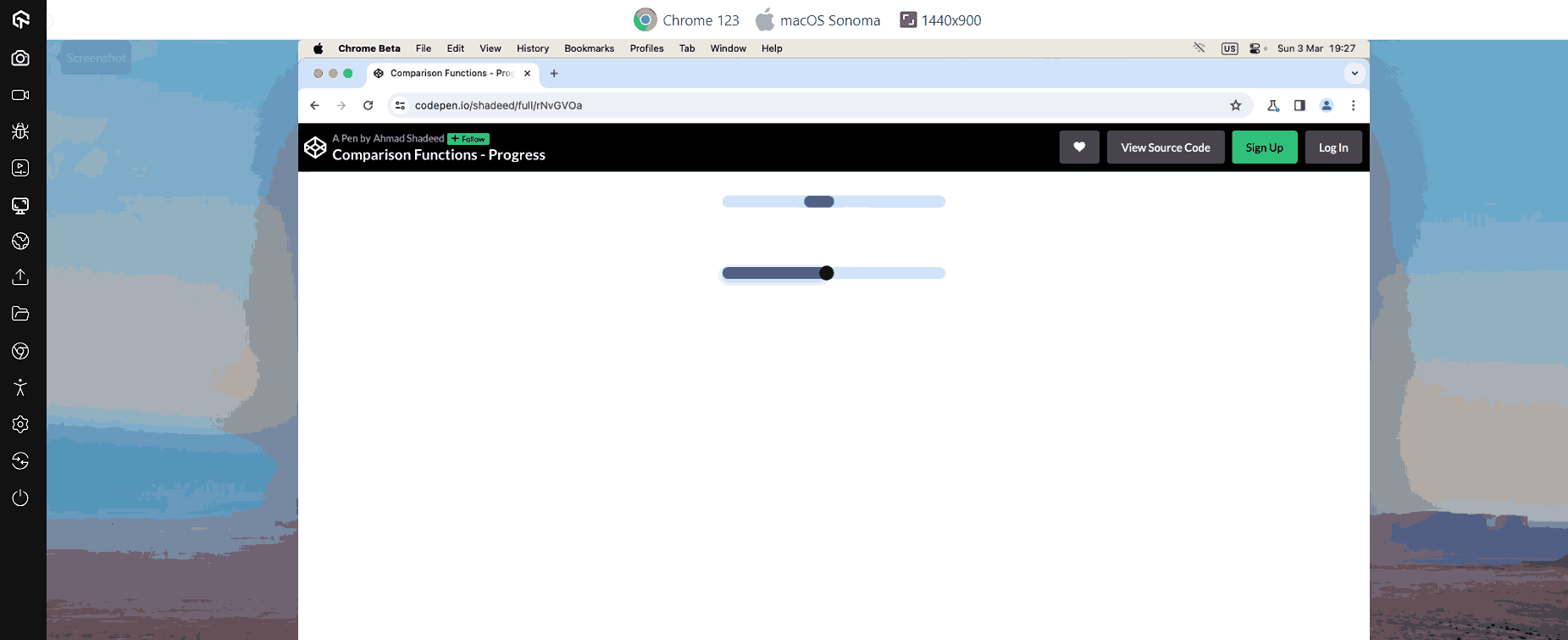
Comparison functions are used to build a responsive website with fewer codes. It has functions such as “clamp(),” “min(),” and “max()” used to define upper- and lower-bound values, compute and compare the values of the inputs supplied to the function, and then apply the calculated value to the property.
- clamp() function: This function requires three parameters: a central, preferred, and maximum value. clamp() compute the value of a property based on central value.
- min() and max() function: The min() determines and applies the value from the range that is the smallest. Similarly, The max() function determines and applies the greatest value from the range of values given.
The central value will be applied to the element if the calculated value is between the lowest and maximum. The minimum or maximum will be used if the estimated value is below the minimum or exceeds the maximum.
Browser Support: 96.15%

Note: Test your CSS Container Queries across 5000+ real browsers and OS. Try TestMu AI Now!
How to test CSS properties for browser compatibility?
As the CSS library is launching new features and properties, it brings new daily challenges for web developers to make website browsers compatible. It is essential to check that every CSS property you use for your website is working and supported in every browser.
AI-native test execution platform like TestMu AI allows you to test your website and mobile apps and their associated CSS properties for cross browser compatibility on over different real browsers, devices, and OS.
If you are keen to learn about different CSS properties, check out this CSS Cheat Sheet.
Conclusion
These are just a few CSS trends we will likely see in 2026. While other trends may also arise, following these should help newcomers.
The transition to multi-column layouts is already in full swing. The move toward responsive interfaces will speed up rapidly as we move into 2026 and beyond.
We've only highlighted the best of the top CSS trends here. Don't be surprised if others emerge as we get further into the next decade.
No matter what happens, CSS will never go out of style. Designers may change their opinions, but CSS will never disappear entirely - and that's a good thing!




Frequently asked questions
Did you find this page helpful?
More Related Hubs
TestMu AI forEnterprise
Get access to solutions built on Enterprise
grade security, privacy, & compliance
- Advanced access controls
- Advanced data retention rules
- Advanced Local Testing
- Premium Support options
- Early access to beta features
- Private Slack Channel
- Unlimited Manual Accessibility DevTools Tests