

Next-Gen App & Browser Testing Cloud
Trusted by 2 Mn+ QAs & Devs to accelerate their release cycles


- Home
- /
- Learning Hub
- /
- Top Web Automation Tools for Testing
Top 12 Web Automation Tools for Testing [2026 Updated]
Explore the top 12 web automation tools for testing in 2026. Hands-on comparison of Selenium, Playwright, Cypress, and more with benefits, shortcomings, and pricing.

Salman Khan
March 16, 2026
Selenium, Playwright, Appium, or something else - choosing the right web automation tool depends on your stack, team skills, and testing needs. I have curated 12 web automation tools for testing with their real capabilities, limitations, and where each one fits best.
Overview
What Are the Best Web Automation Tools for Testing
Choosing the right web automation tool depends on your project scope, team expertise, and infrastructure requirements. Here are five widely adopted options across different testing needs.
- TestMu AI: Cloud-based web automation testing platform that runs Selenium, Playwright, and Appium scripts across 3,000+ browsers and 10,000+ real devices with parallel execution and AI-native debugging.
- Selenium: Most widely deployed open-source framework supporting Java, Python, C#, Ruby, and JavaScript with cross-browser WebDriver architecture and Selenium Grid for parallel runs.
- Playwright: Microsoft-backed framework covering Chromium, WebKit, and Firefox through a single API with auto-waiting, browser context isolation, and built-in tracing for fast debugging.
- Cypress: JavaScript-first testing tool that runs inside the browser for instant DOM access, time-travel debugging, automatic waits, and native component testing for React, Vue, and Angular.
- Puppeteer: Lightweight Node.js library from the Chrome team that automates Chromium via DevTools Protocol for headless scraping, screenshot capture, and PDF generation.
How to Pick the Right Web Automation Tool
Selecting the right tool requires matching your team's requirements against each tool's strengths. Follow these steps to narrow down the best fit.
- Define Requirements: List every browser, device, and OS your product must support to eliminate tools that lack critical coverage.
- Conduct Hands-On Research: Run a real test scenario on 2-3 shortlisted tools to uncover setup friction that feature lists do not reveal.
- Check Community and Support: Search GitHub issues and Stack Overflow for the tool name to gauge how actively problems get resolved.
- Evaluate Ease of Use: Have the least technical team member attempt to record and run a test within 30 minutes to validate adoption potential.
- Verify Integrations: Confirm the CI/CD plugin works with your actual pipeline, not just the documented compatibility list.
- Assess Scalability: Run parallel tests and check whether execution time scales linearly without memory leaks or connection failures.
- Review Reporting: Look for failure screenshots, video recordings, and flaky-test detection instead of basic pass/fail logs.
- Consider Cost: Calculate cost per test run rather than just the monthly license to get an accurate picture of long-term expense.
What Are the Top Web Automation Tools for Testing
The top web automation tools for testing are Selenium, Playwright, and Cypress for code-based testing; Puppeteer for browser automation; Ui.Vision, Axiom.ai, and BugBug for no-code automation; and TestMu AI for cloud-based web automation testing.
According to the State of JS 2025 survey, Playwright surpassed Cypress in developer satisfaction for the first time, while Selenium remains the most widely deployed framework globally with over 10 million weekly npm downloads.
| Tool | Type | Languages | Open Source | Pricing |
|---|---|---|---|---|
| TestMu AI | Cloud Platform | Java, Python, JS, C#, Ruby | No | From $99/mo |
| Selenium | Code-Based | Java, Python, C#, JS, Ruby | Yes | Free |
| Playwright | Code-Based | JS, Python, C#, Java | Yes | Free |
| Cypress | Code-Based | JavaScript | Yes | Free (Cloud paid) |
| Puppeteer | Code-Based | JavaScript (Node.js) | Yes | Free |
| Appium | Code-Based | Java, Python, JS, C#, Ruby | Yes | Free |
| Ui.Vision | No-Code / RPA | None required | Yes | Free / $299 Pro |
| Axiom.ai | No-Code | None required | No | From $15/mo |
| UiPath | RPA / Enterprise | Low-code / .NET | No | From $25/mo |
| BugBug | No-Code | None required | No | Free / Pro $49/mo |
| Browserflow | No-Code | None required | No | From $19/mo |
| OpenText UFT One | Enterprise | VBScript | No | Contact vendor |
1. TestMu AI (Formerly LambdaTest)
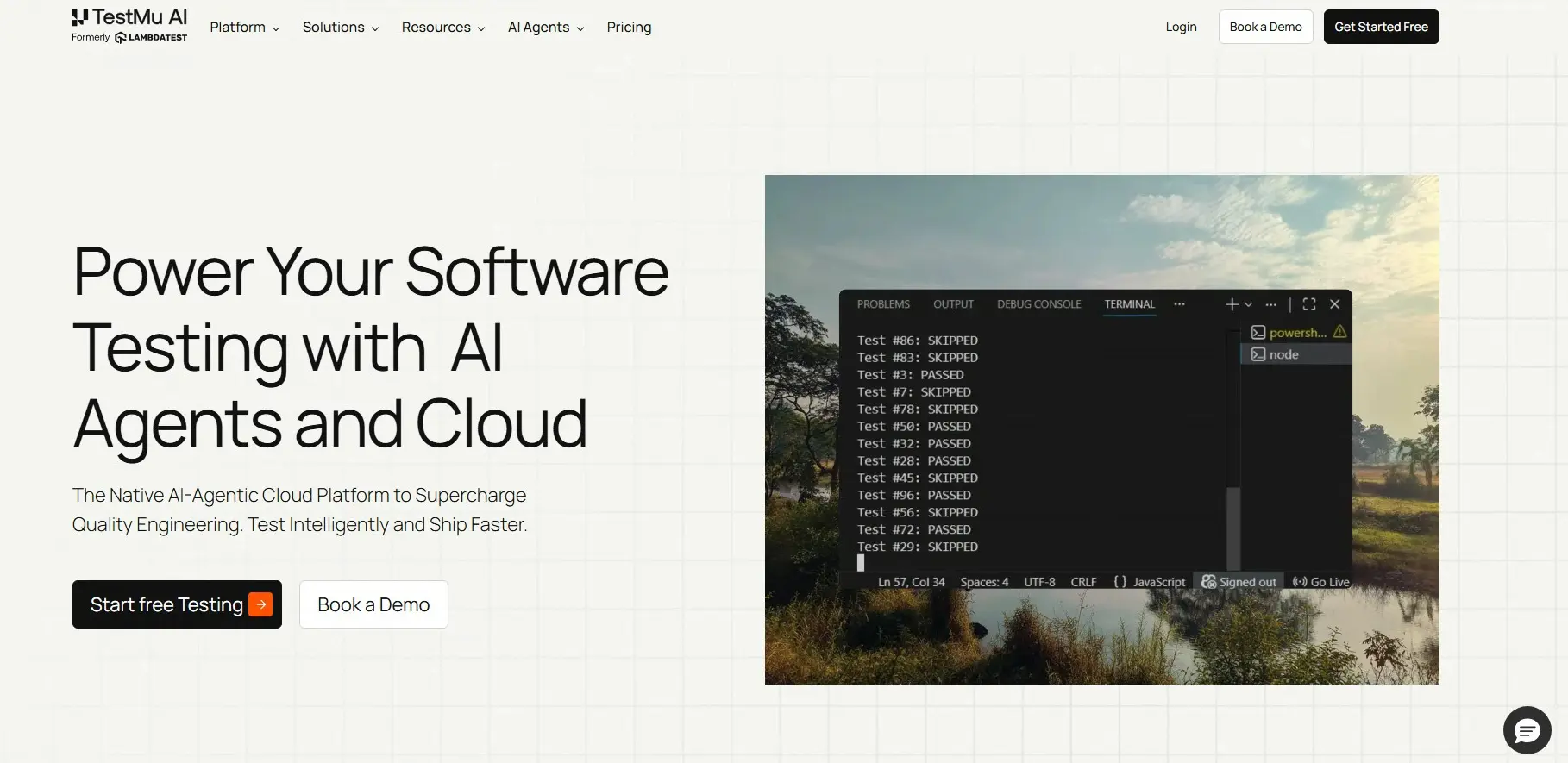
TestMu AI is a cloud-based platform for automated web testing online. You can run web automated tests with frameworks like Selenium, Playwright, and Appium on real browser-OS combinations without managing any infrastructure. AI-native debugging and real-time analytics further help teams identify failures faster across parallel test runs.
Benefits:
- Extensive Browser & Device Coverage: Run web automated tests on 3,000+ browsers and 10,000+ real devices. This ensures reliable cross-platform validation across every major environment.
- Parallel Test Execution: Run web tests simultaneously across multiple browsers, devices, and operating systems. Teams can validate cross-platform compatibility in a single test cycle instead of running sequential checks on each environment.
- Visual Regression Testing: Automatically detects layout shifts across browsers and resolutions during automated web UI testing. It catches pixel-level UI changes that manual review would miss.
- Advanced AI-Native Insights: Detailed AI-native test reports, logs, and performance metrics for faster issue detection. Dashboards provide real-time visibility into test health and trends.
- CI/CD Integration: Integrates with Jenkins, GitHub Actions, CircleCI, and other DevOps tools. Web automated tests trigger automatically on every code commit or deployment.
Pricing
Upon sign-up, get first 100 automation minutes for free. Premium plans start at $99/month. Advanced tiers unlock parallel cloud execution and premium analytics.
Best Uses
TestMu AI fits teams whose local test infrastructure can no longer keep up with release velocity and need instant parallel capacity across real browsers and devices.

Note: Run web automation tests across real desktop & mobile browsers. Try TestMu AI Now!
2. Selenium
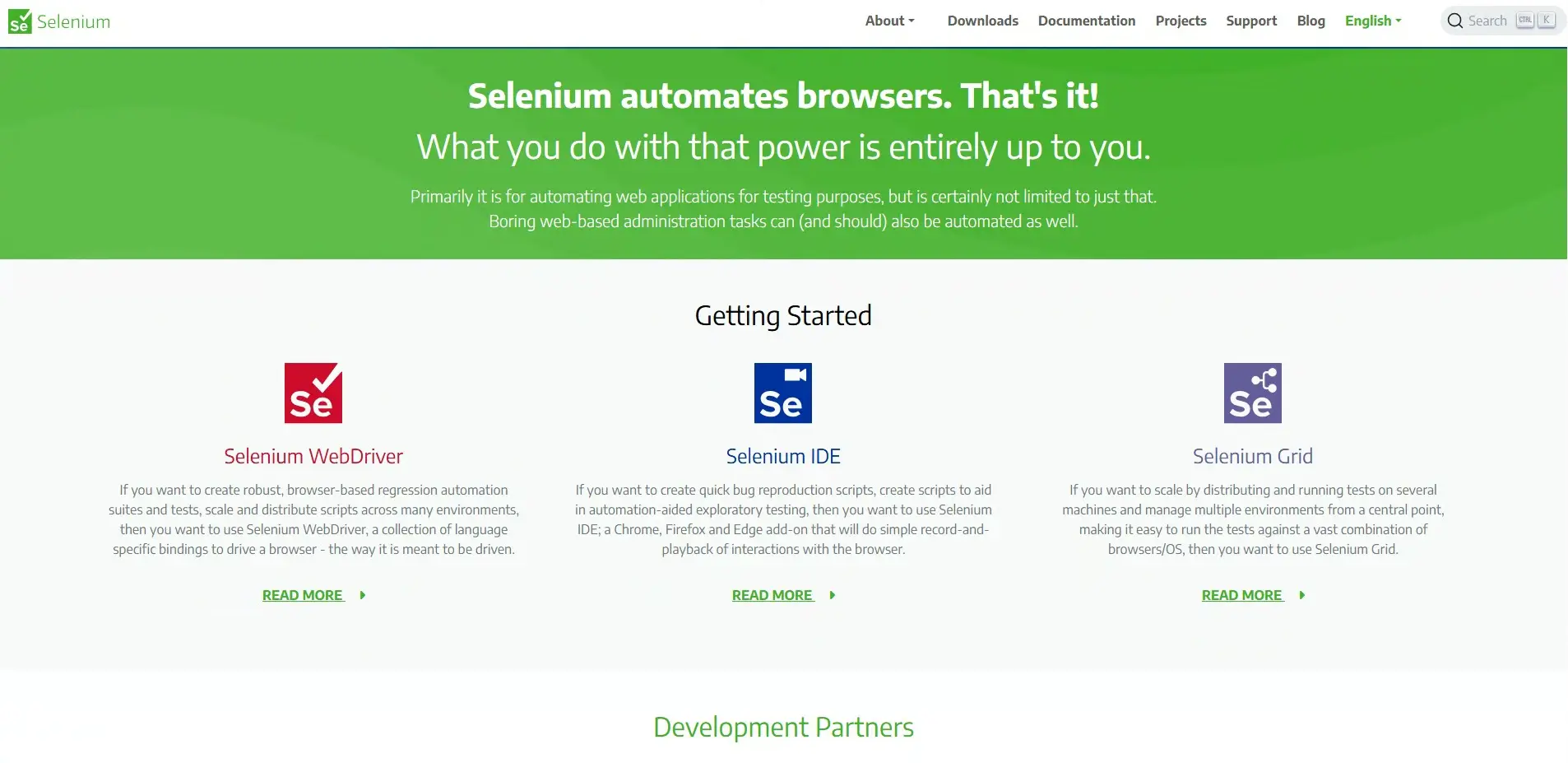
Selenium is the most deployed web automation framework globally. Its WebDriver architecture communicates directly with Chrome, Firefox, Edge, and Safari using scripts in Java, Python, C#, Ruby, or JavaScript. Selenium Grid handles parallel execution across thousands of tests, and mature CI/CD testing integrations make it a safe default for enterprise teams.
Benefits:
- WebDriver Architecture: Provides reliable, real-time browser control for consistent test execution. It communicates directly with browser-specific drivers for accurate results.
- Multi-Language Support: Works with Java, Python, C#, JavaScript, and Ruby. Teams can write tests in the programming language they already use.
- Cross-Browser Testing: Runs on Chrome, Firefox, Edge, and Safari across all major operating systems.
- Parallel Execution: Selenium Grid enables simultaneous runs on large test suites. This significantly reduces total execution time for regression testing.
- Integration-Ready: Connects with Jenkins, GitLab, TestNG, and JUnit out of the box. It fits naturally into existing CI/CD and DevOps workflows.
- Strong Ecosystem: Extensive documentation, plugins, and third-party libraries are available. Community support makes troubleshooting and extending functionality straightforward.
Platforms such as TestMu AI integrates with Selenium and can help you run web automated tests on an online Selenium Grid across different browser environments.
Shortcomings:
- Web-Only Support: Limited to web applications and does not support desktop or mobile apps directly. Teams needing native app testing must use separate tools like Appium.
- High Maintenance: Dynamic and frequently changing web elements can make scripts brittle. Locator updates are a common source of ongoing maintenance effort.
- Steep Learning Curve: Requires coding knowledge, making it less accessible for non-programmers. Beginners need time to learn WebDriver APIs and framework setup.
- No Built-In Reporting: Depends on third-party tools for reports and analytics. Teams must configure external reporting solutions like Allure or ExtentReports.
- Manual Infrastructure Management: Setting up and maintaining grids or environments can be time-consuming. Cloud alternatives help reduce this operational overhead.
Pricing
Free and open-source. The real cost is engineering time: expect 2-4 weeks of setup and ongoing locator maintenance as the app evolves.
Best Uses
Selenium is the right choice when the team already knows Java or Python and needs a battle-tested framework with the widest ecosystem. If flakiness or setup overhead is a concern, check the Selenium alternatives breakdown before committing.
3. Playwright
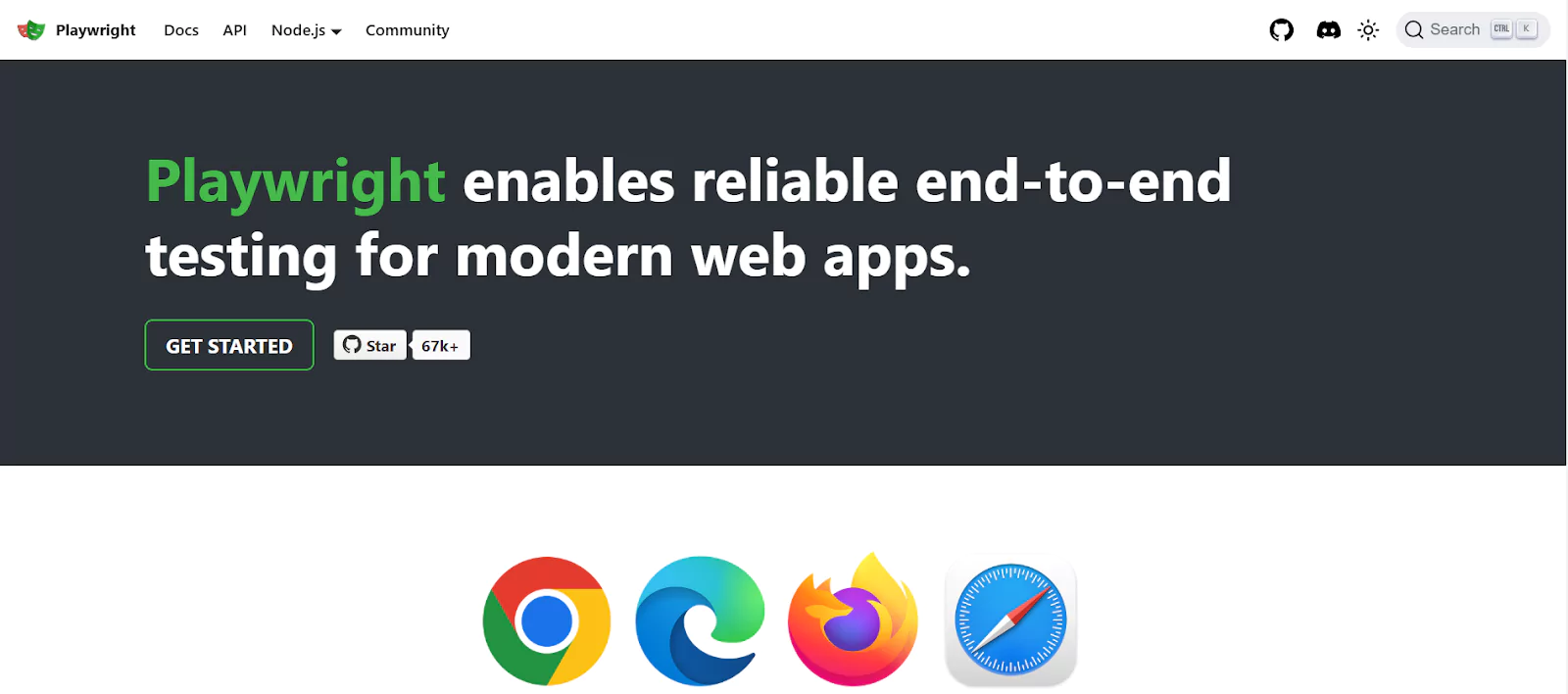
Playwright is a Microsoft-developed open-source framework that drives Chromium, WebKit, and Firefox through a single API.Auto-waiting eliminates most flaky test failures caused by timing issues, and browser context isolation keeps parallel runs genuinely reliable. It supports JavaScript, Python, C#, and Java out of the box.
According to the npm trends data, Playwright crossed 30 million weekly downloads, making it the fastest-growing test framework.
Benefits:
- Multi-Engine Support: Tests run across Chromium, WebKit, and Firefox without code duplication. One script covers all three browser engines seamlessly.
- Language Flexibility: Official libraries for JavaScript, Python, C#, and Java. Teams can write tests in the language their codebase already uses.
- Auto-Waiting: Waits for elements automatically before interacting with them. This eliminates most flaky test failures caused by timing issues.
- Browser Context Isolation: Each test runs in its own lightweight context for fast parallel execution. Tests stay independent and do not share state or cookies.
- Network Control: Intercept and mock API requests to test offline and edge conditions. This enables testing of error states and network failures reliably.
- Built-In Reporting: Native test runner with tracing, video recording, and screenshot capture. Debugging failed tests becomes faster with visual playback options.
- Developer-Friendly Tooling: Record user actions into scripts and generate selectors automatically. Integration into CI/CD pipelines requires minimal configuration.
Shortcomings:
- Limited Legacy Ecosystem: Fewer third-party plugins and enterprise integrations compared to older frameworks like Selenium. The plugin ecosystem is still maturing.
- Mobile Emulation Only: Does not natively support real mobile devices and relies on browser emulation modes. Native mobile app testing requires a separate tool like Appium.
- Frequent Updates: Rapid feature changes may require teams to update scripts and configurations more often. Staying current with releases demands ongoing maintenance.
Pricing
Free and open-source. Playwright runs locally with zero cost. The only expense comes when teams need cloud-hosted browsers for parallel execution at scale.
Best Uses
Playwright excels at end-to-end testing of React and Angular apps across all engines. For a detailed comparison, see the Puppeteer vs Playwright breakdown.
4. Cypress
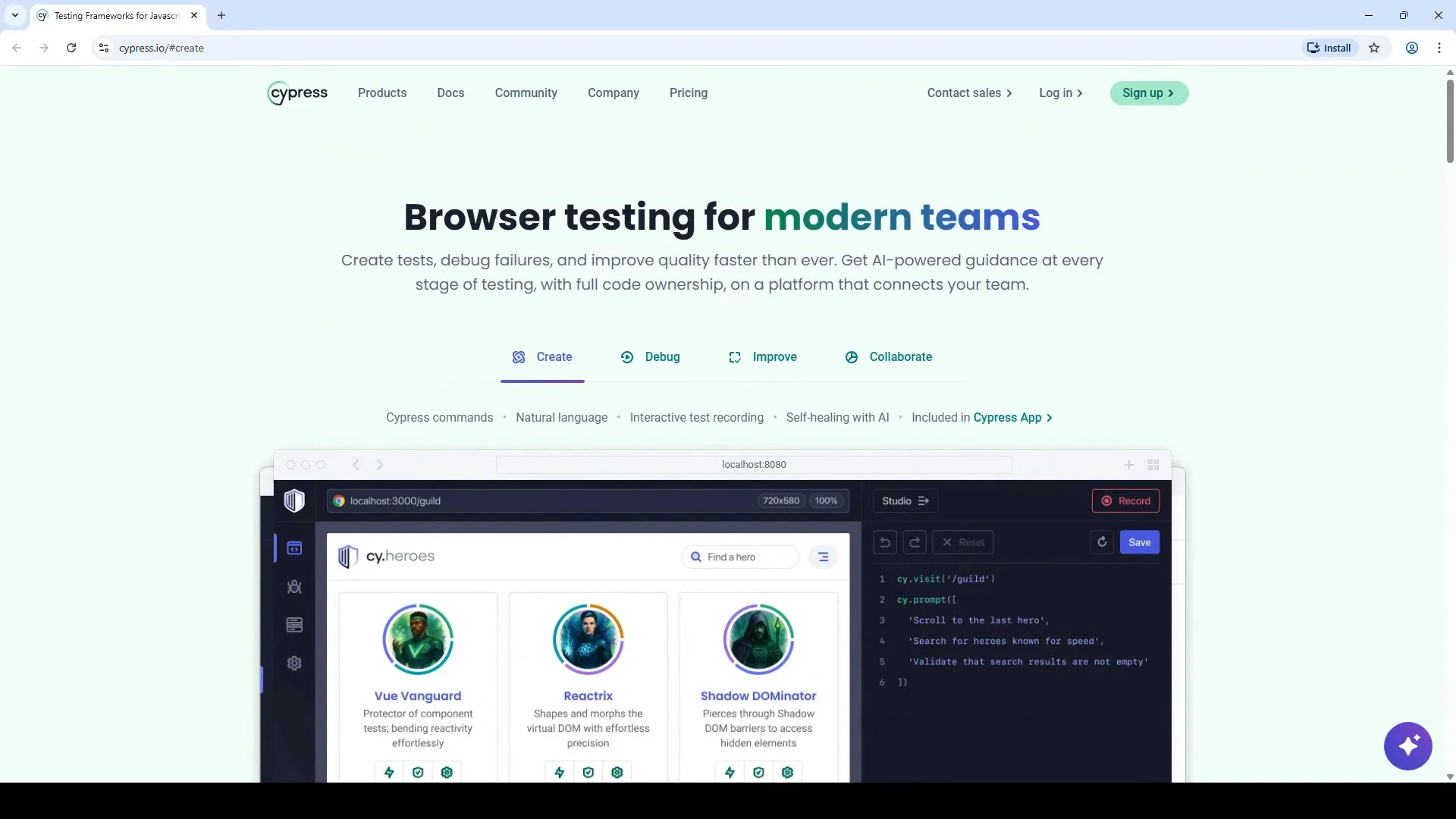
Cypress is a JavaScript-first front-end testing tool that runs directly inside the browser for instant DOM access. Time-travel debugging, automatic waits, and network stubbing make failure investigation significantly faster than traditional WebDriver setups.
Benefits:
- In-Browser Execution: Runs directly inside the browser for instant feedback and accurate DOM access. This makes debugging faster and more intuitive than external drivers.
- Automatic Waits: Ensures elements are ready before execution, reducing flaky tests. No need to add manual sleep or wait commands in test scripts.
- Time-Travel Debugging: Captures snapshots at every step to trace failures visually. Developers can hover over each step to see the exact app state at that moment.
- Network Control: Intercept and mock requests to simulate various user scenarios. This enables testing of loading states, error responses, and offline behavior.
- Component Testing: Built-in support for unit and integration testing of frontend components. Works natively with React, Vue, and Angular component libraries.
- Cypress Cloud: Provides analytics, parallel execution, and CI integration for larger teams. Test recordings and failure screenshots are stored for team-wide visibility.
- Extensible: Custom commands and plugins allow teams to tailor automation workflows. The plugin ecosystem supports common patterns like file uploads and API testing.
Shortcomings:
- Limited Multi-Tab and Cross-Domain Testing: Requires workarounds for complex browsing flows. Scenarios involving multiple browser tabs or iframe navigation need extra configuration.
- No Support for Native Mobile Apps: Focused solely on web testing. Teams needing native Android or iOS automation must pair Cypress with a mobile-specific tool.
- Restricted Browser Coverage: Best suited for Chrome, Edge, and Firefox. Legacy or niche browsers like Internet Explorer and Safari have limited or no support.
- In-Browser Execution Edge Cases: Some rare discrepancies compared to external WebDriver environments. Certain security policies may behave differently inside the Cypress runner.
Pricing
Core is free and open-source. Cypress Cloud paid plans add analytics, parallelization, and extended test storage.
Best Uses
Cypress works best when the stack is JavaScript-only and the team wants same-day setup. It struggles with multi-tab flows, so pairing it with Playwright covers those cases. Check the Cypress tutorial for setup and configuration steps.
5. Puppeteer
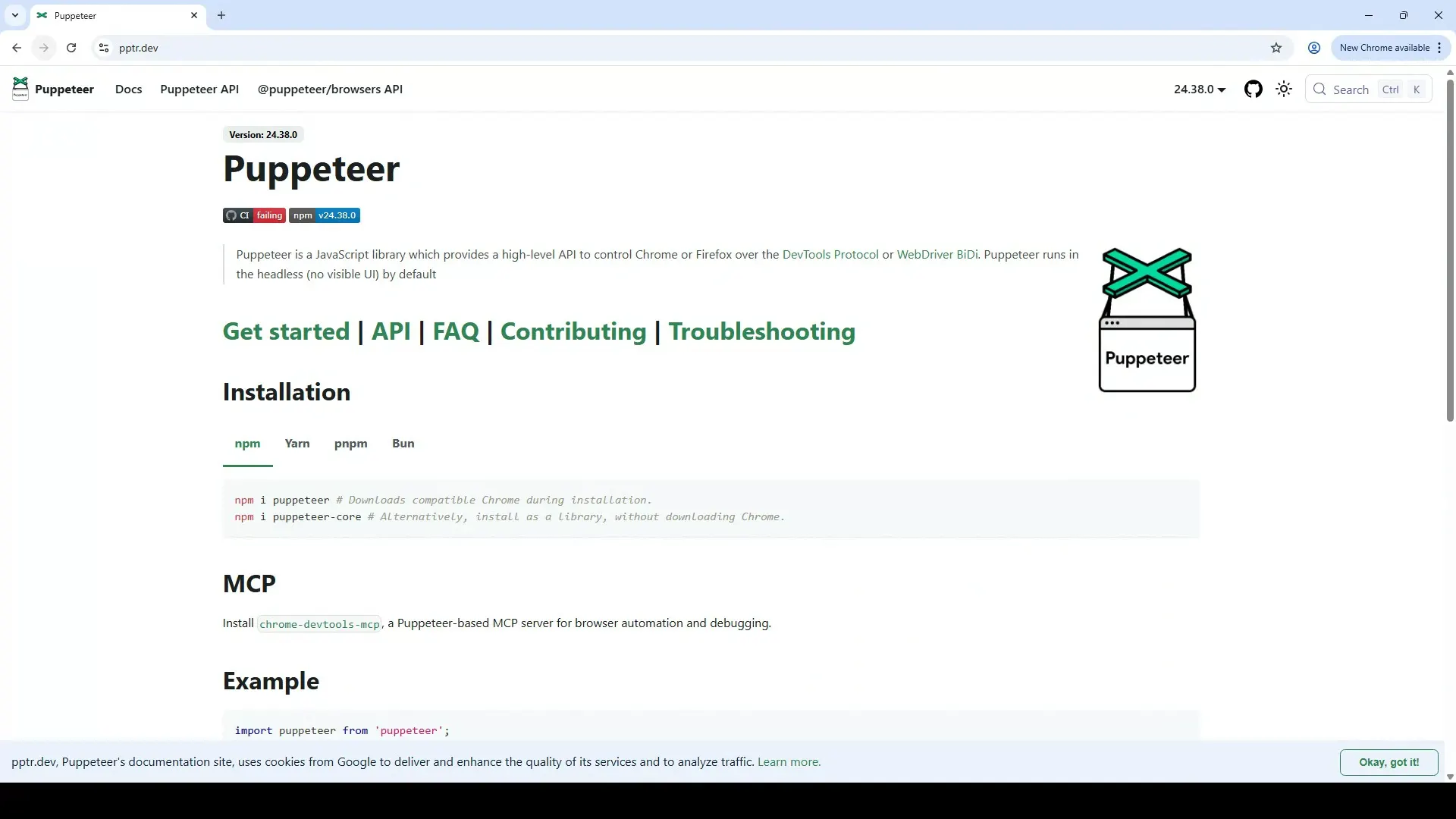
Puppeteer is a lightweight Node.js library maintained by the Chrome team that automates Chromium via the DevTools protocol. It excels at headless scraping, screenshot capture, and PDF generation.
Benefits:
- DevTools Protocol: Provides precise browser control for fast, reliable automation. Direct protocol access enables features not available through standard WebDriver APIs.
- Headless or Headful: Runs without a UI for CI environments or with a visible browser for debugging. Teams can switch modes with a single configuration flag.
- Screenshot and PDF Support: Capture full-page snapshots or generate PDFs for visual validation. Built-in methods handle viewport clipping and custom page sizing automatically.
- DOM Interaction API: Simple commands for clicking, typing, navigation, and form submission. The API surface is small and easy to learn for new developers.
- Device Emulation: Simulate mobile or tablet viewports for responsive design testing. Predefined device profiles cover popular phones and tablets out of the box.
- Network Interception: Block or inspect requests to test offline modes and API behaviors. This enables mocking of backend responses without modifying server code.
- Lightweight Setup: Minimal dependencies make it ideal for CI/CD pipelines and quick automation runs. Installation downloads a bundled Chromium binary automatically.
Shortcomings:
- Chromium-Only Support: Does not natively support other browsers like Safari or Firefox. Teams needing cross-browser coverage must pair Puppeteer with additional tools.
- JavaScript Dependency: Officially limited to Node.js, not ideal for teams using Python, Java, or C#. Non-JavaScript teams face a steeper adoption barrier.
- Requires External Tools for Test Management: Lacks built-in reporting, parallelization, or retry features. Teams must add frameworks like Jest or Mocha for structured test workflows.
- High Resource Usage: Running multiple browser instances in parallel can consume significant system memory. Resource-constrained CI environments may need careful tuning.
Pricing
Free and open-source, maintained by the Chrome team. Costs come only from infrastructure and scaling.
Best Uses
Puppeteer is ideal for capturing screenshots, PDF creation, and fast CI automation. For teams considering a switch, check the Puppeteer vs Selenium comparison.
6. Appium
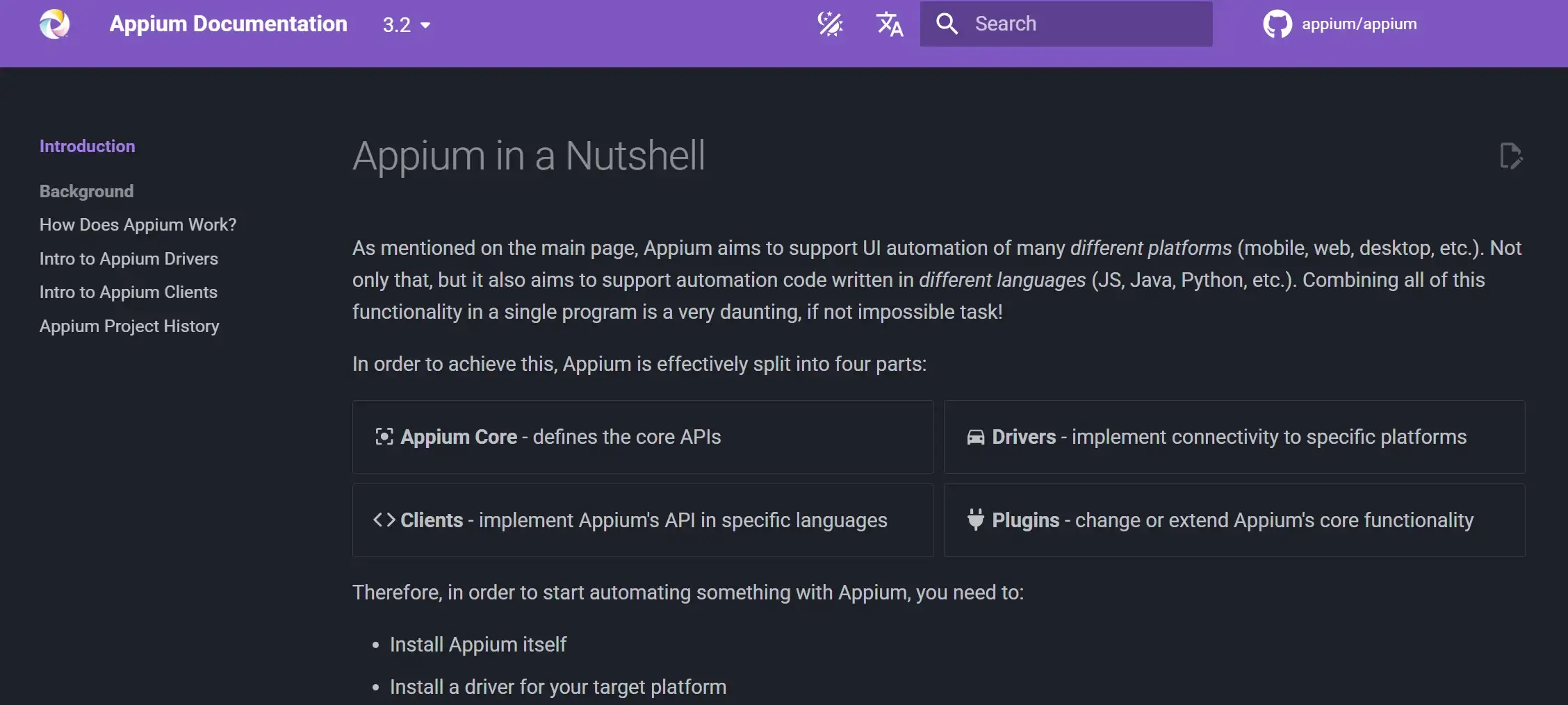
Appium is an open-source framework for testing native, hybrid, and mobile web apps on both Android and iOS from a single test suite. Its WebDriver-based API reuses the same protocol as Selenium, and it supports Java, Python, JavaScript, C#, and Ruby.
Benefits:
- Cross-Platform: Write once and execute across Android and iOS without modifying app code. A single test suite covers both mobile platforms with shared logic.
- Multi-Language: Supports Java, Python, JavaScript, C#, and Ruby. Teams can write mobile tests in the same language as their web automation suite.
- Real Device and Emulator Testing: Covers both real devices and virtual environments. This flexibility allows testing in realistic conditions and in faster emulated setups.
- WebDriver-Based: Works with Selenium, reducing the learning curve for existing teams. Testers familiar with Selenium WebDriver can adopt Appium quickly.
- Plugin Architecture: Extend functionality through plugins and custom integrations. The modular design supports adding new drivers and capabilities as needed.
- CI/CD Ready: Connects with Jenkins, CircleCI, and GitHub Actions for continuous testing. Mobile tests run automatically alongside web tests in the same pipeline.
- Strong Community: Active open-source community with frequent updates and libraries. Troubleshooting resources and third-party tools are widely available online.
Shortcomings:
- Complex Setup: Setup can be complex for beginners, especially configuring devices and environments. Getting Android SDK, Xcode, and Appium server aligned often takes hours of trial and error.
- Slower Execution: Execution speed is slower compared to native or cloud-hosted automation platforms. Real-device tests in particular add latency from device communication and network overhead.
- High Maintenance: Frequent updates to mobile OS versions can require additional maintenance. Each new Android or iOS release may break existing locator strategies or driver compatibility.
- Scope Limitation: Limited to mobile app testing, not suitable for desktop automation. Teams needing both web and mobile coverage must pair Appium with a separate browser testing tool.
Pricing
Free and open-source. The hidden cost is devices: a 10-device test lab often costs more than any paid tool license. Cloud device farms help offset this.
Best Uses
Appium is the top choice for cross-platform mobile testing, especially for teams already using Selenium. This Appium tutorial covers setup, configuration, and running your first mobile test.
7. Ui.Vision
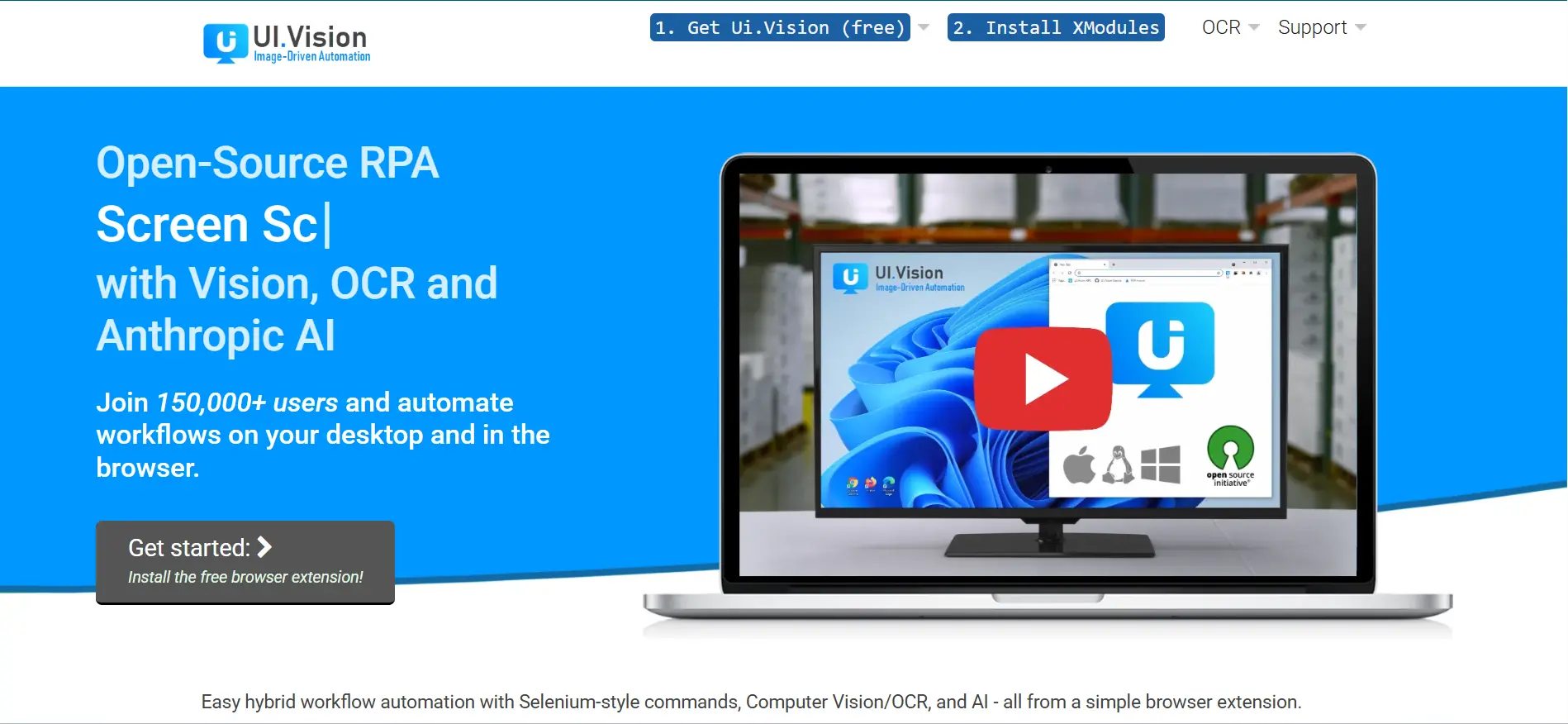
Ui.Vision is an open-source browser extension for web automation and RPA that non-developers can use from day one. It records clicks, form fills, and data extraction steps directly in Chrome or Firefox. Its OCR-based image recognition also automates legacy desktop apps that lack standard DOM selectors.
Benefits:
- Browser and Desktop Automation: Handles navigation, forms, data extraction, and desktop tasks via OCR. The image recognition engine automates legacy apps that lack standard DOM selectors.
- Local Execution: Runs on your computer for privacy and offline capability. Sensitive data never leaves the machine, making it suitable for regulated or air-gapped environments.
- Selenium IDE Compatible: Imports and runs Selenium IDE scripts in the browser. Teams migrating from Selenium IDE can reuse existing test recordings without rewriting them.
- Easy Setup: Browser extension with no complex installation needed. Install from the Chrome or Firefox store and start automating within minutes.
- Cross-Browser: Works with Chrome and Firefox for consistent automation. Both browsers share the same macro format, so scripts are portable between them.
- Free and Open-Source: Zero-cost automation for individuals and small teams. The open-source license means no vendor lock-in or recurring subscription fees.
Shortcomings:
- Limited Scalability: Not designed for large-scale or enterprise-level automation. Running hundreds of macros in parallel is not feasible without external orchestration.
- Basic Reporting: Lacks advanced analytics and dashboard capabilities. Test results are limited to pass/fail logs without trend analysis or visual charts.
- No CI/CD Integration: Cannot be easily integrated into continuous testing pipelines. Teams using Jenkins or GitHub Actions need workarounds to trigger Ui.Vision macros.
- Outdated Interface: The design and usability feel less modern compared to newer automation tools. The macro editor lacks the polish and UX refinements found in tools like BugBug or Axiom.ai.
Pricing:
Free version available. Pro Edition costs $299 (one-time). Enterprise starts at $999+ for up to 5 users.
Best Uses:
Ui.Vision suits teams needing a quick, free solution for a single repetitive task like daily data pulls or smoke tests on a legacy internal app.
8. Axiom.ai
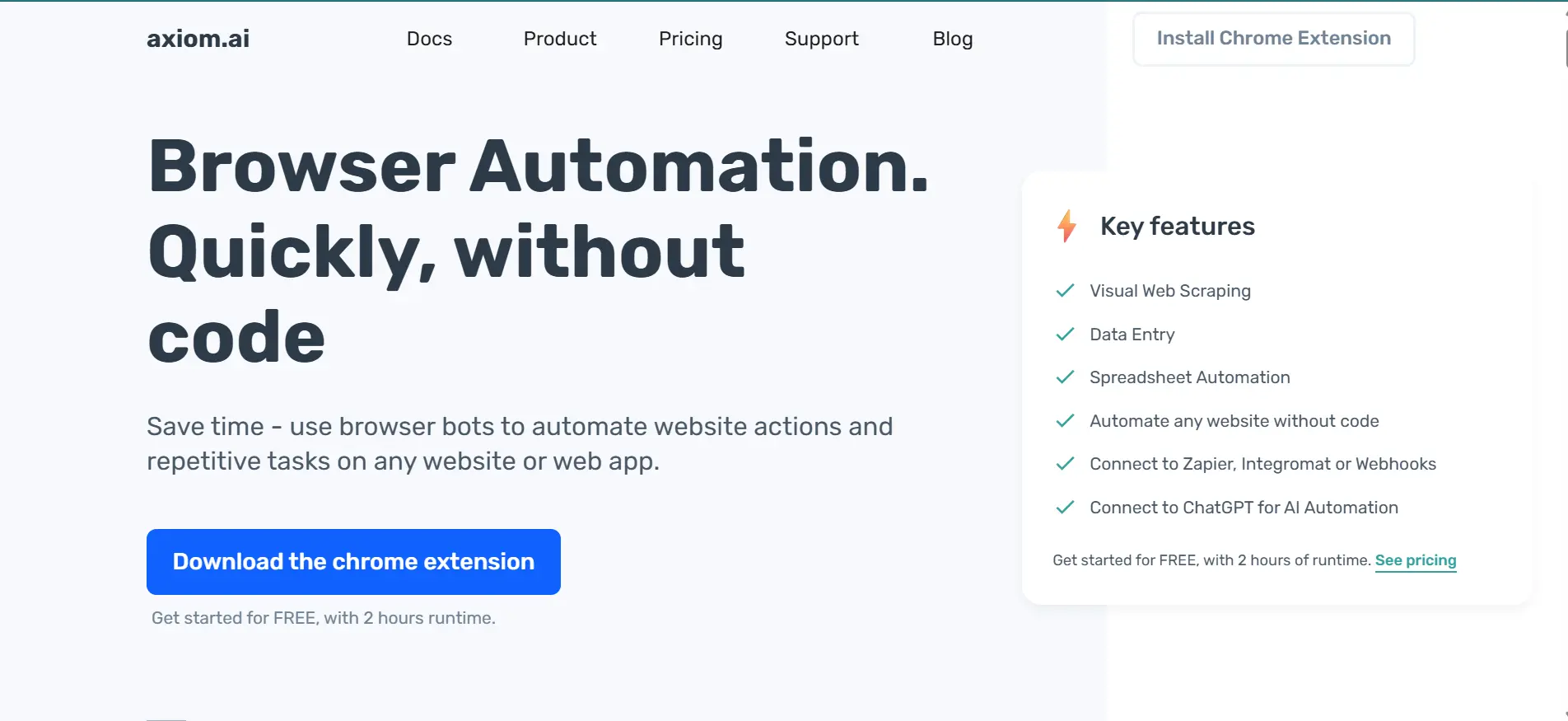
Axiom.ai is a no-code Chrome extension that lets non-technical users build browser bots using a visual builder. It handles form filling, data scraping, file uploads, and scheduled tasks directly from Chrome.
Benefits:
- Visual Workflow Builder: Drag-and-drop interface for creating automations without code. Non-technical users can build multi-step browser bots in minutes using a visual canvas.
- Web Action Automation: Automate clicking, typing, and page navigation across any website. Built-in wait conditions handle dynamic content and page load delays automatically.
- Data Scraping: Extract data from public and password-protected websites at scale. Scraped data exports directly to Google Sheets or CSV for immediate analysis.
- Flexible Execution: Run locally for privacy or in the cloud for scalability. Cloud runs execute on dedicated servers so your machine stays free for other work.
- Integrations: Connects with Zapier, Make, and Google Sheets for extended workflows. These integrations let you trigger automations from external events or push results to other apps.
- Task Scheduling: Set recurring automations at hourly or daily intervals. Scheduled bots handle monitoring, reporting, and data refresh without manual intervention.
- Privacy-Friendly: Local runs keep sensitive data within your system. This is critical for teams handling customer data or working under strict compliance requirements.
Shortcomings:
- Browser Limitation: Limited to Google Chrome, with no native cross-browser support. Teams needing Firefox or Safari coverage must use a separate tool for those browsers.
- Plan Restrictions: Runtime restrictions exist on basic plans. The free tier caps monthly runtime, which may not be enough for teams with frequent automation needs.
- Fragile Automations: Webpage layout or DOM changes can cause automations to fail. Bots relying on specific CSS selectors break when target sites update their front-end code.
- Not Enterprise-Ready: Not ideal for large-scale enterprise-level test automation. It lacks role-based access, audit logs, and advanced security controls that large organizations require.
Pricing
Base plan starts at $15/month for 5 hrs of monthly runtime, with higher tiers offering more runtime minutes and advanced cloud execution options.
Best Uses:
Axiom.ai is the right fit when the people doing the automation are not developers. It works best for repeatable tasks like daily data pulls, form submissions, and content uploads that follow a predictable pattern.
9. UiPath
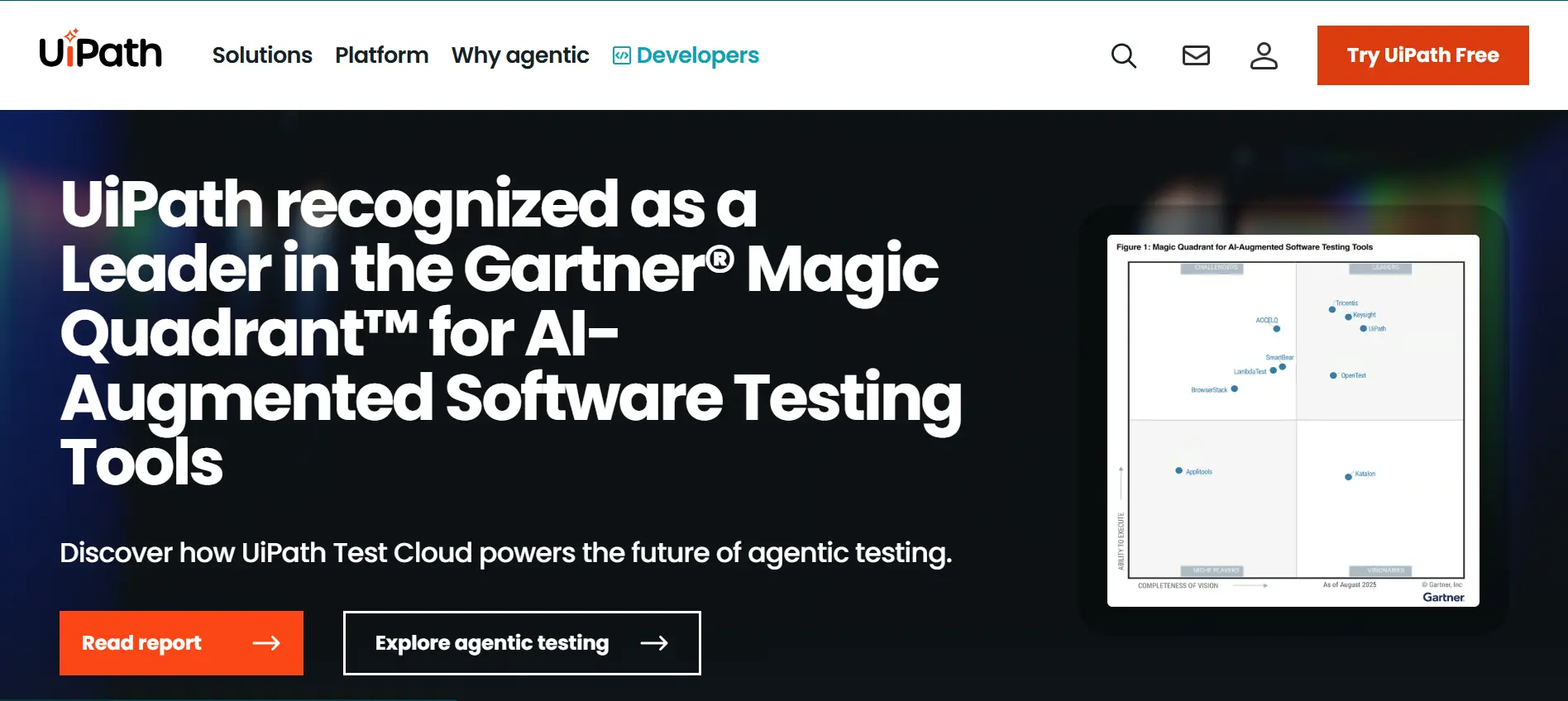
UiPath is the leading RPA platform for enterprises automating across browser, desktop, and backend systems. Its computer vision handles dynamic UI elements that break traditional selector-based tools.
Benefits:
- RPA Bots: Automates scraping, data entry, and navigation across major browsers. Bots replicate human actions precisely, handling even multi-step processes with conditional logic.
- Computer Vision: Detects dynamic UI elements, reducing script maintenance. This feature identifies buttons and fields even when their positions or styles change between releases.
- Low-Code Studio: Drag-and-drop workflow creation without deep coding knowledge. Business analysts can build and modify automations directly, reducing dependency on developers.
- 300+ Integrations: Connects with SAP, Salesforce, Excel, and Google Workspace. Pre-built connectors eliminate custom API work and accelerate deployment across enterprise systems.
- Orchestrator Dashboard: Manage, schedule, and monitor automations in real time. Centralized control gives teams visibility into bot performance, queue status, and failure alerts.
- Attended and Unattended Modes: Supports user-assisted and fully automated workflows. Attended bots help employees during tasks, while unattended bots run independently on schedules.
- Enterprise Scale: Handles complex business processes across departments. Multi-tenant architecture supports thousands of bots running concurrently across global teams.
Shortcomings:
- Challenging Setup: Complex deployment and setup for smaller teams or non-enterprise users. Configuring Orchestrator, Studio, and robot agents requires dedicated IT resources and planning.
- High Resource Usage: Resource-intensive when running multiple bots simultaneously. Each unattended bot consumes significant CPU and memory, increasing infrastructure costs at scale.
- Expensive Licensing: Higher licensing costs compared to lightweight web automation tools. Per-bot pricing adds up quickly for organizations scaling beyond a handful of automations.
Pricing
UiPath offers paid plans starting at around US $ 25/month, depending on licensing and deployment type.
Best Uses
UiPath shines when the automation spans multiple systems: browser, desktop app, and database. For web-only testing, it is overkill. For cross-system business process automation, nothing else comes close.
10. BugBug
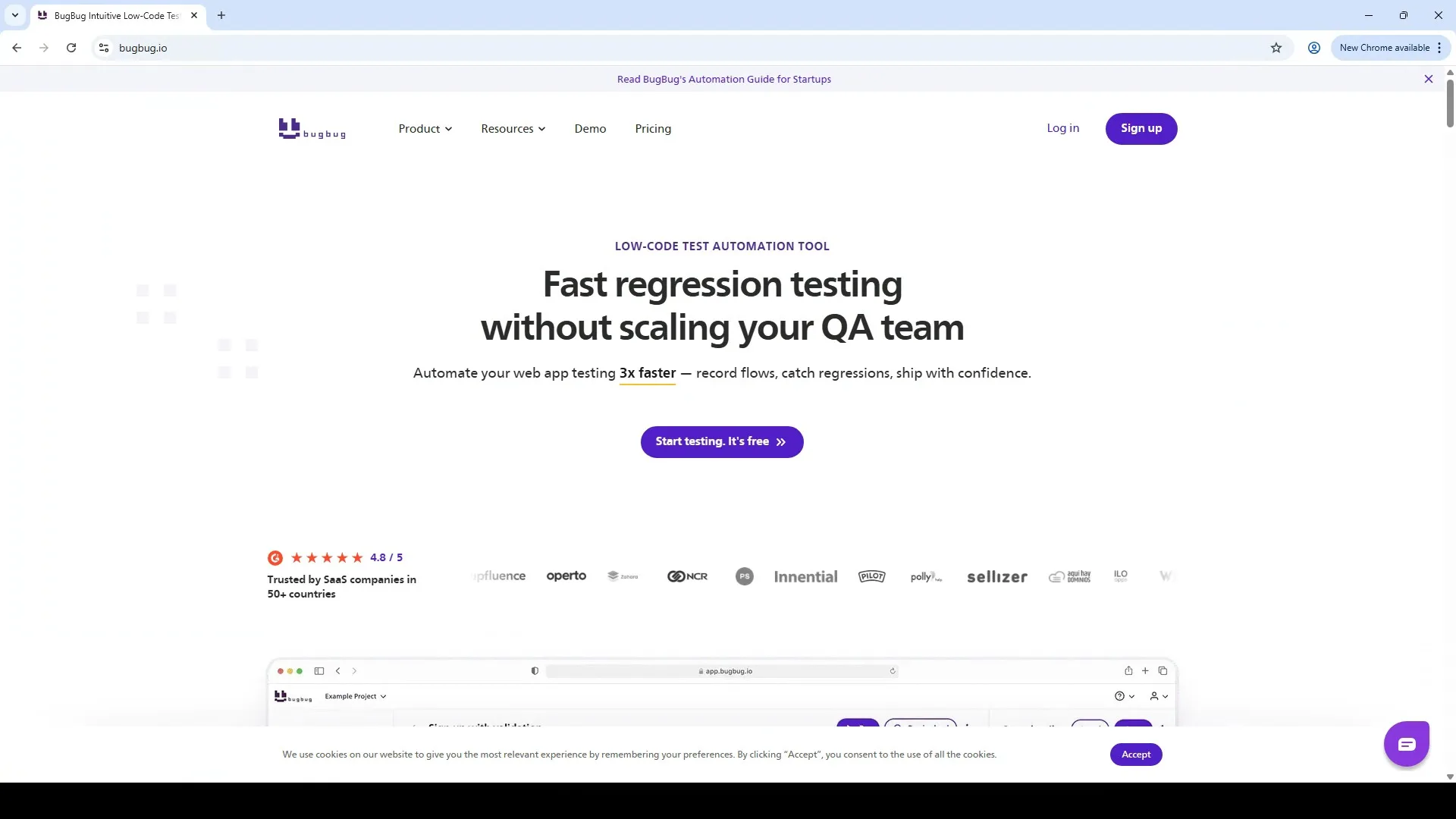
BugBug is a codeless automation tool that records browser actions and replays them as tests. Its smart selector handling adapts when CSS classes change mid-sprint, avoiding full re-recording cycles.
Benefits:
- Record-And-Playback: Create automated tests without writing code. Simply click through your app and BugBug generates a replayable test sequence automatically.
- Auto Selector Handling: Updates selectors automatically when UI elements change. This smart detection reduces test maintenance by adapting to minor front-end updates.
- Cloud and Local Execution: Run tests locally or in the cloud for CI pipelines. Cloud runs execute on BugBug servers, freeing your machine and enabling scheduled test suites.
- Visual Editor: Modify recorded actions through an intuitive interface. Drag, reorder, or edit steps visually without touching any underlying test code.
- CI/CD Integration: Connects with Jenkins, GitHub Actions, and other CI tools. Trigger test runs on every commit or deploy to catch regressions before they reach production.
- Team Collaboration: Unlimited users and shared projects for distributed teams. Everyone on the team can view, edit, and run tests without per-seat licensing restrictions.
- Browser-Based: Runs from the browser with no setup complexity. There is no installer, CLI, or local dependency to manage before running your first test.
Shortcomings:
- Limited Scripting Capabilities: Not suitable for complex, code-intensive automation scenarios. Teams needing custom assertions, API calls, or database checks must use a separate framework.
- Focused on Web Applications Only: Lacks native support for mobile or desktop app testing. Organizations testing mobile apps or desktop software need additional tools alongside BugBug.
- Basic Reporting: Reporting and analytics are simpler compared to enterprise-grade platforms. Results show pass/fail status but lack detailed trend analysis, coverage metrics, or exportable dashboards.
Pricing
BugBug offers a free plan with unlimited local tests. The Pro plan starts at $49/month and adds cloud runs, scheduling, CI/CD integration, and API access.
Best Uses
BugBug is the best option when the QA team has no coding experience and needs production-ready browser tests within a week. It hits a wall on complex API-driven scenarios, but for UI regression coverage it delivers fast.
11. Browserflow
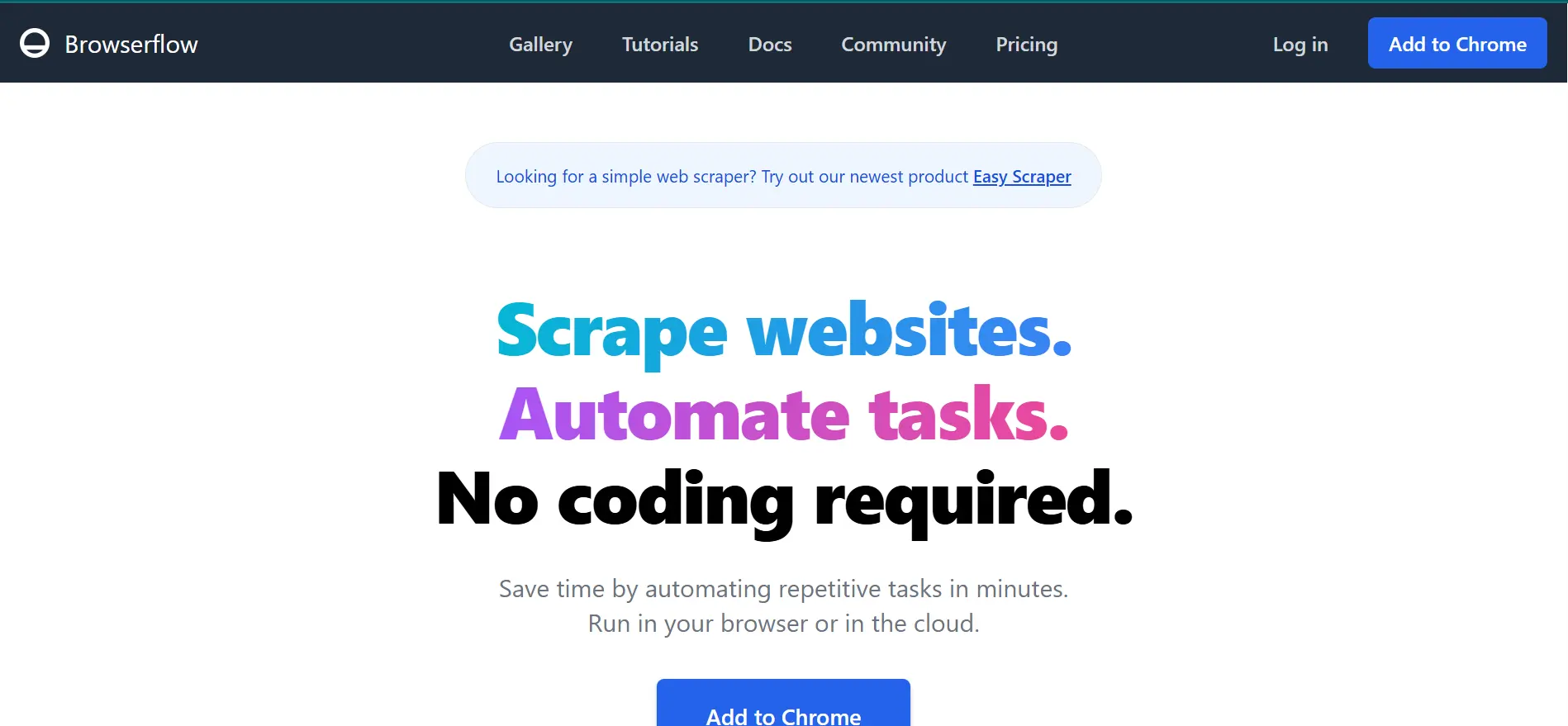
Browserflow is a lightweight no-code Chrome extension for recording and replaying browser workflows. It handles data extraction, form filling, and scheduled tasks with daily or weekly automation runs.
Benefits:
- No-Code Builder: Record and replay browser actions to create reusable automation flows. The visual interface captures clicks, inputs, and navigation steps as editable workflow blocks.
- Data Extraction: Scrape data from web pages and export to Google Sheets or CSV. Pagination handling lets you extract data across multiple pages in a single run.
- Flexible Execution: Run locally in Chrome or in the cloud for scheduled tasks. Cloud execution handles recurring jobs without keeping your browser open or machine running.
- Custom Logic: Add JavaScript blocks for conditional logic or advanced control. This bridges the gap between no-code simplicity and the flexibility of scripted automation.
- Scheduling: Automate recurring workflows and connect with Sheets or dashboards. Set daily, weekly, or custom intervals to keep reports and data pipelines always up to date.
- Easy Setup: Works inside Chrome with no separate configuration needed. Install the extension and build your first flow in under five minutes without any dependencies.
Shortcomings:
- Browser Limitation: Available only for Chrome, with no official support for Firefox or Safari. Cross-browser testing requires pairing Browserflow with another tool for full coverage.
- Restricted for Large Projects: Not suitable for highly complex or large-scale automation scenarios. Workflows with many conditional branches or API calls can become difficult to manage visually.
- Limited Free Plan: Usage and runtime limits apply for free users. The free tier caps monthly cloud runs, pushing active users toward paid plans quickly.
- Growing Ecosystem: Smaller user community and documentation compared to established tools. Finding community solutions or third-party tutorials is harder than with mature platforms.
Pricing
Browserflow offers a free plan with limited features, while paid plans start at $19 per month for expanded usage and cloud runs.
Best Uses:
Browserflow suits tasks that are simple, repetitive, and Chrome-only. It is not a testing tool. It is a workflow shortcut for marketers, researchers, and ops teams pulling data from the web.
12. OpenText Functional Testing
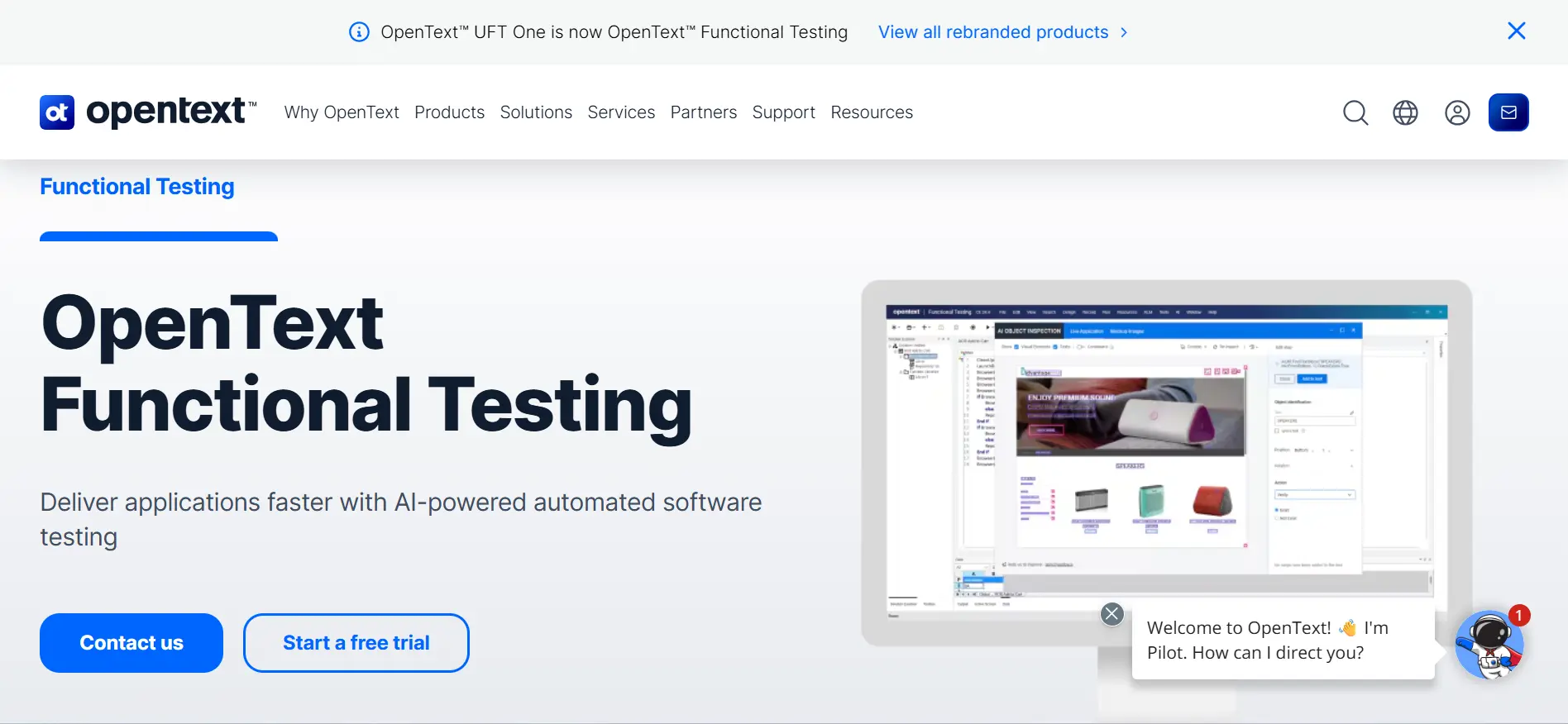
OpenText Functional Testing (UFT One, formerly QTP) is the enterprise-grade tool most common in banking and insurance QA teams. It handles web, desktop, mainframe, and SAP testing from a single IDE. End-to-end workflows spanning a browser portal, a mainframe terminal, and a desktop client run from one unified test suite.
Benefits:
- Broad Coverage: Supports web, desktop, API, mobile, and enterprise systems like SAP and Salesforce. A single tool covers the full technology stack without needing multiple frameworks.
- Smart Object Recognition: Identifies UI elements even after layout changes, reducing failures. The AI-based recognition adapts to visual shifts so tests stay stable across releases.
- Reusable Components: Modular test design with reusable actions and business process flows. Teams build a library of shared components that accelerate new test creation across projects.
- Flexible Test Design: Combines keyword-driven and scripted testing approaches. Technical testers write VBScript while business users leverage keywords for the same test suite.
- Parallel Execution: Faster runs across multiple environments simultaneously. Parallel distribution cuts total execution time significantly for large regression suites.
- CI/CD Integration: Works with Jenkins, Git, and Azure DevOps for automated pipelines. Tests trigger on every build, providing fast feedback within existing DevOps workflows.
- Detailed Reporting: Execution logs, screenshots, and trace data for fast debugging. Rich reports pinpoint failure root causes with step-level screenshots and runtime data.
- Enterprise Support: Commercial backing for large organizations with complex needs. Dedicated support teams and SLAs ensure rapid issue resolution for mission-critical testing.
Shortcomings:
- High Licensing Costs: Significantly more expensive compared to open-source alternatives. Annual licensing fees can reach thousands of dollars, making it impractical for smaller teams or startups.
- VBScript Dependency: Requires scripting knowledge in VBScript, which may be limiting for some teams. Most modern developers prefer Python or JavaScript, creating a learning curve for new users.
- Heavy Setup: Can be resource-intensive and complex to configure for large environments. Installing ALM integrations, add-ins, and license servers often requires dedicated infrastructure support.
- Less Code-Centric: Not ideal for teams preferring lightweight, fully code-driven automation frameworks. Developers accustomed to Playwright or Cypress may find the GUI-heavy approach restrictive.
Pricing
The OpenText Functional Testing base plan can vary depending on usage.
Best uses
UFT One is best suited when the test scope includes mainframe screens, SAP GUIs, and browser apps in a single regression suite. For web-only teams, it is too heavy and too expensive to justify.
Types of Web Automation Tools
Web automation tools fall into five categories: code-based, low-code, no-code, specialized, and cloud-based, each suited to different skill levels.
The first question to ask is about coding ability. That single factor narrows the field by half. Here are the five categories, along with where each fits in a real workflow.
- Code-Based Tools: These require scripts in Java, Python, or JavaScript. They work best for complex applications that need detailed workflows and full control.
- Low-Code Tools: These provide a visual interface with optional custom scripting. They are ideal for mixed teams with both technical and non-technical members.
- No-Code Tools: These let you automate with a visual interface, no coding needed. They suit simple, repetitive tasks.
- Specialized Tools: Built for specific tasks like performance testing, visual checks, or accessibility. These fill gaps when a general tool falls short.
- Cloud-Based Tools: These run tests across browsers, devices, and platforms over the internet. They are the go-to for teams that want to skip infrastructure setup entirely.
Best for: Teams with strong coding skills working on complicated web applications.
Best for: Teams that want to automate tasks quickly with some coding flexibility but don’t need full programming expertise.
Best for: Business users or testers who want to automate basic tasks without writing code.
Best for: Teams that need tools for specific tasks, like checking the design of a webpage or measuring its performance.
Best for: Teams that need to test across multiple platforms without managing hardware or software themselves.
How to Choose the Right Web Automation Tool
To choose a web automation tool, define your testing scope, team skills, and budget, then match those needs against tool capabilities, integrations, and scalability.
Based on evaluations across multiple teams in the last two years, here is the process that works every time:
- Define Requirements: List every browser, device, and OS the product must support. This alone eliminated half the tools on one project because they lacked Safari coverage.
- Conduct Research: Run the same login-and-checkout test on 2-3 shortlisted tools. Reading docs is not enough. Hands-on comparison reveals setup friction that feature lists hide.
- Check Community and Support: Search GitHub issues and Stack Overflow for the tool name plus your framework. If recent questions go unanswered for weeks, move on.
- Evaluate Ease of Use: Hand the tool to the least technical person on the team. If they cannot record and run a test in 30 minutes, the tool will not get adopted.
- Check Integrations: Verify the CI/CD plugin works with the actual pipeline, not just the documented list. Some tools claim Jenkins support but ship a broken plugin.
- Assess Scalability: Run 50 parallel tests and check if execution time scales linearly. Some tools choke at 20 threads due to memory leaks or connection limits.
- Review Reporting: Look for failure screenshots, video recordings, and flaky-test detection. Plain pass/fail logs waste debugging time on large suites.
- Consider Cost: Calculate cost per test run, not just the monthly license. A $99/month tool running 10,000 tests costs less per run than a $19/month tool capped at 500.
Conclusion
The right tool depends on your team's skills, testing scope, and infrastructure needs. Selenium or Playwright are the strongest starting points for most teams.
Many teams waste months on a tool that looked good on paper but failed in practice. The difference is always the same: they picked based on features instead of testing it against their actual workflow. Run one real test before committing.
If you are still unsure, start with Playwright for web testing or Appium for mobile. Both are free, well-documented, and battle-tested. Scale to a cloud platform when local execution becomes the bottleneck in your web automation pipeline.


Frequently asked questions
Did you find this page helpful?
More Related Hubs
TestMu AI forEnterprise
Get access to solutions built on Enterprise
grade security, privacy, & compliance
- Advanced access controls
- Advanced data retention rules
- Advanced Local Testing
- Premium Support options
- Early access to beta features
- Private Slack Channel
- Unlimited Manual Accessibility DevTools Tests