
Kane CLI
Testing Agent for
End-to-end flows on your local browser, powered by natural language. Instant validation, deep bug discovery, and production-ready automation that elevates release confidence.

or read the documentation
Agent-Native. From Day One.
Point Cursor to Kane CLI and let it drive real browsers. Author, run, and verify flows straight from your editor.




The Agentic Quality Validation Loop
One unbroken run, in the terminal you already use: kane drives a requirement from context to proof and keeps it there. Watch the whole session type itself out, line by line.
Test Context
kane reads your PRDs, tickets, and existing suites, then draws the graph of everything your product promises: sources, use-cases, scenarios, and acceptance criteria, all before a single test runs.
 Reads your PRDs, tickets, and existing suites
- Maps every promise into use-cases and criteria
- Grounds every later step in your app, not a guess

Kane CLI is Live. Go break it.
One install and Kane CLI drives real Chrome from your terminal, then writes. evidence pack you can open and replay. Give it a spin and show us some support.

Coverage that counts proof, not green checks.
Coverage by use case
strict rollup · 4 flows
0%
STRICT COVERAGE

Authenticate
sign in · sessions · reset

Guest checkout
cart · pay · confirm

Refund an order
request · approve · settle

Search & browse
filter · sort · paginate
Strict, not lenient.
A criterion only counts once a test ran against it, asserted that exact promise, and produced .evidence proving the outcome, so a green suite can never hide an untested rule.
Rolled up per use case.
Coverage is measured flow by flow, so a single weak journey, like Guest checkout, can never hide behind a healthy overall number.
Gaps, ranked by risk.
The flows that fall short, Guest checkout and Refund each carry one, are surfaced and ordered by risk, so you always know what's unproven.
Every run ends in .evidence: proof you can open.
One portable pack that captures what was tested, exactly what happened, and whether every promise held. It is the single source of truth any developer, agent, or auditor can reopen and replay.
 run-2f9a1.evidence
0.00
STRICT COV
4 / 4 acceptance criteria proven
CAPTURED PROOF · 12 SCREENSHOTS, REPLAYABLE


Oracle-checked verdicts
A pass or fail per acceptance criterion, proven against the real browser outcome, never an echo of the prompt.

Replayable trajectory
Every step, screenshot, DOM snapshot, console line, and network call, captured in order and re-runnable.

Portable & shareable
One self-contained pack that opens anywhere. Hand it to a teammate, an agent, or a dashboard.

Tamper-evident
Content-hashed with sha256, so results can never be quietly edited after the run.
Every run ends in proof. Start yours.
Point kane at your own app and open the .evidence with no setup, right from your terminal.
Kane CLI For Every Use Case, Any Flow
Run flows from any terminal
Pushed a fix. Run a checkout flow from your terminal before opening the PR. Real browser. Pass or fail in under 2 minutes.
Multi-environment in one command
Same flow, different URLs. Run against staging and prod by changing the URL. No duplicate scripts needed.
Headless or visible
See exactly what Kane CLI does in visible mode while debugging. Switch to headless for CI runs without changing a single line.
Browser Automation Before Every Deploy

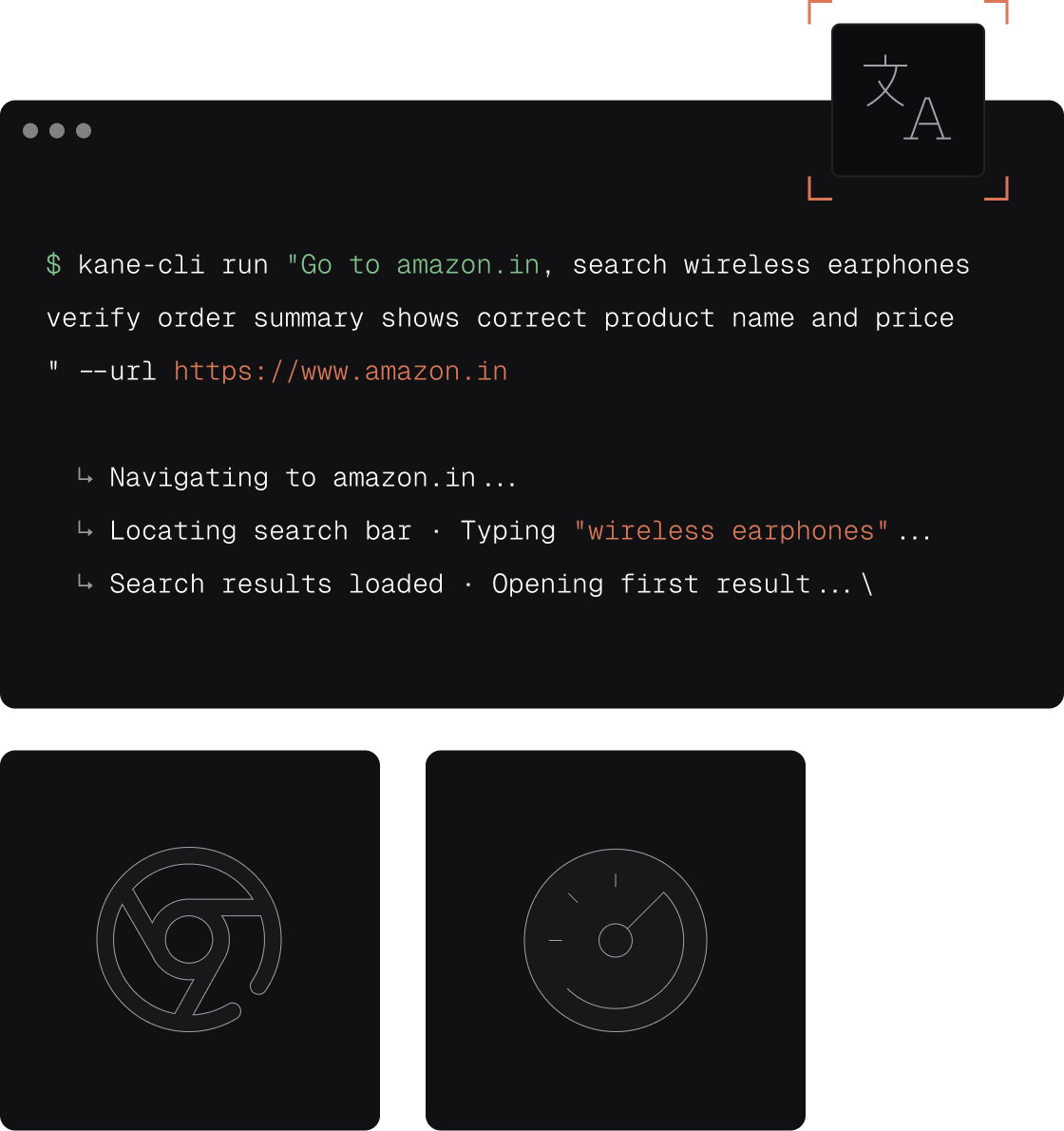
Automate flows & tests on local web browsers
Author and automate web flows using intent based natural language

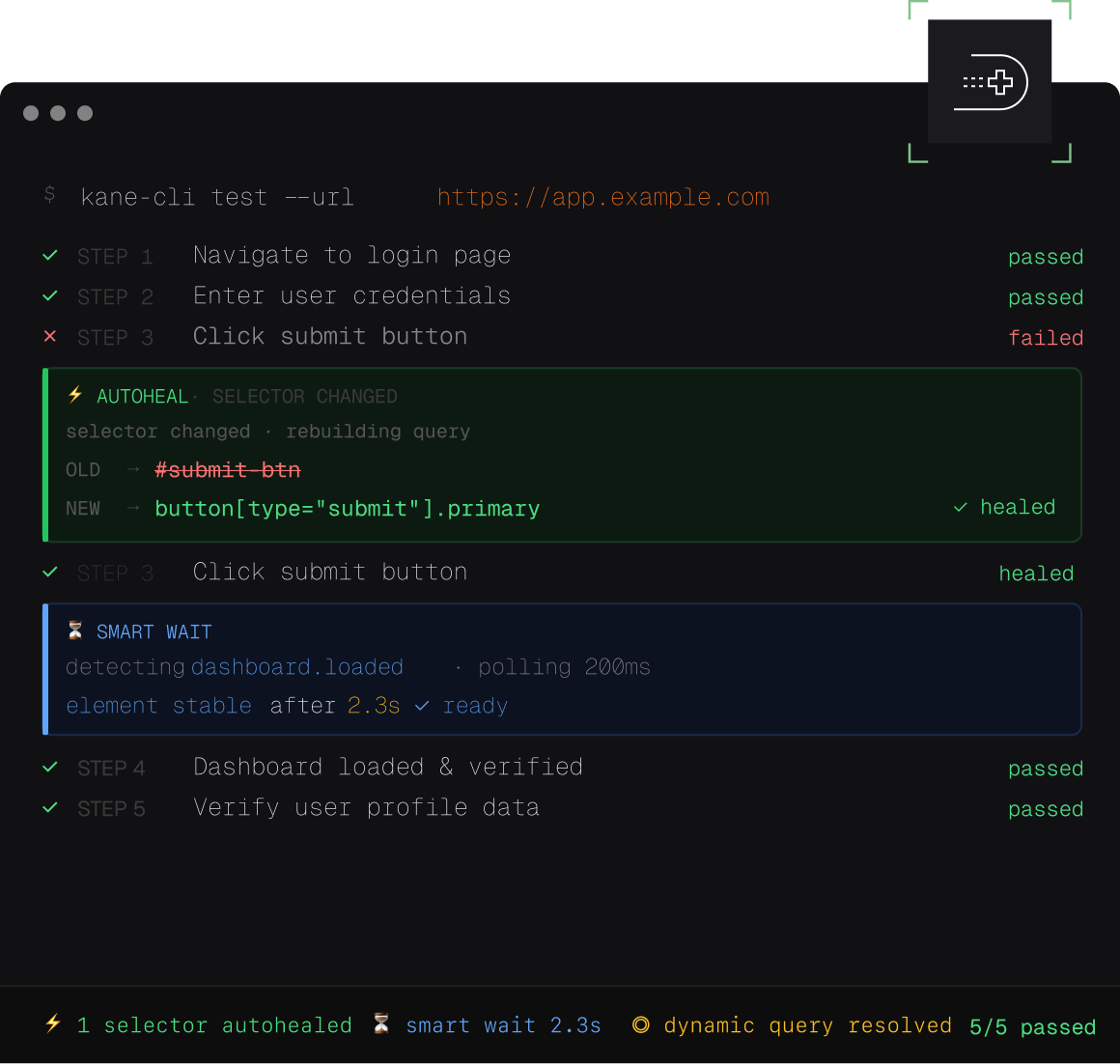
Repeatable and resilient tests, always
Autoheal, smart waiting, dynamic querying built in

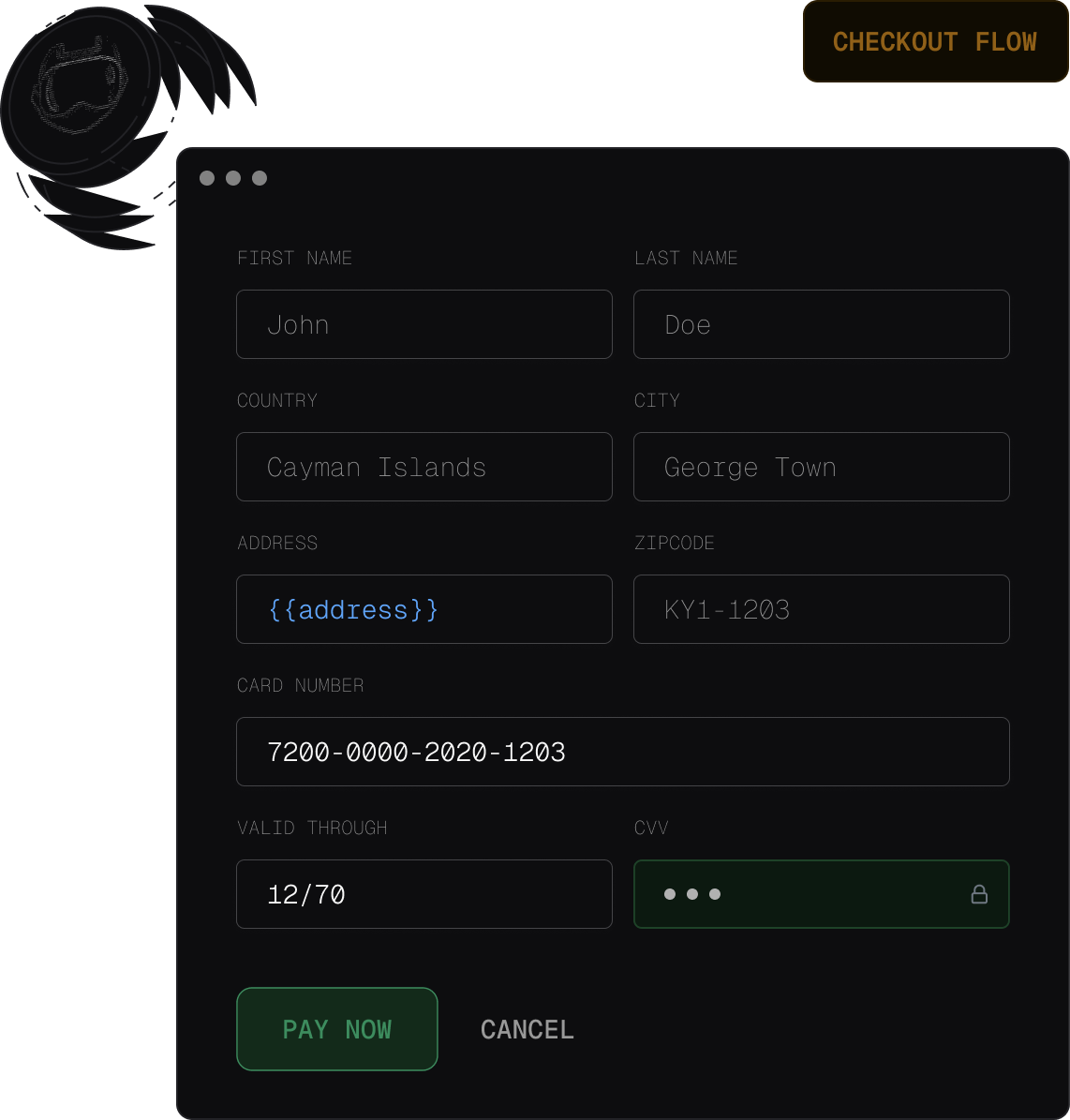
Secure & parameterized flows
Use secrets and variables to create dynamic tests

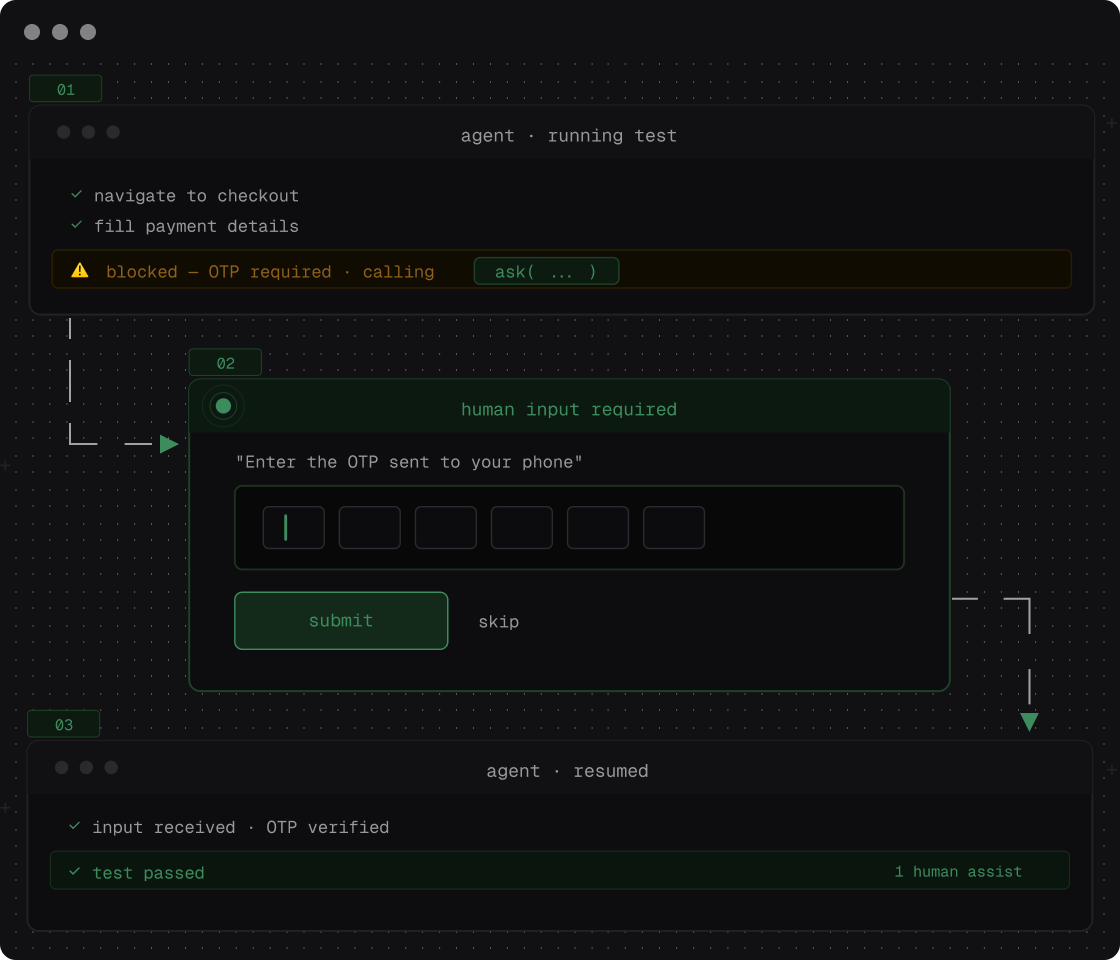
Ask tool - unblock your agent by being in the loop
Unblock you agent for OTPs, CAPTCHAS

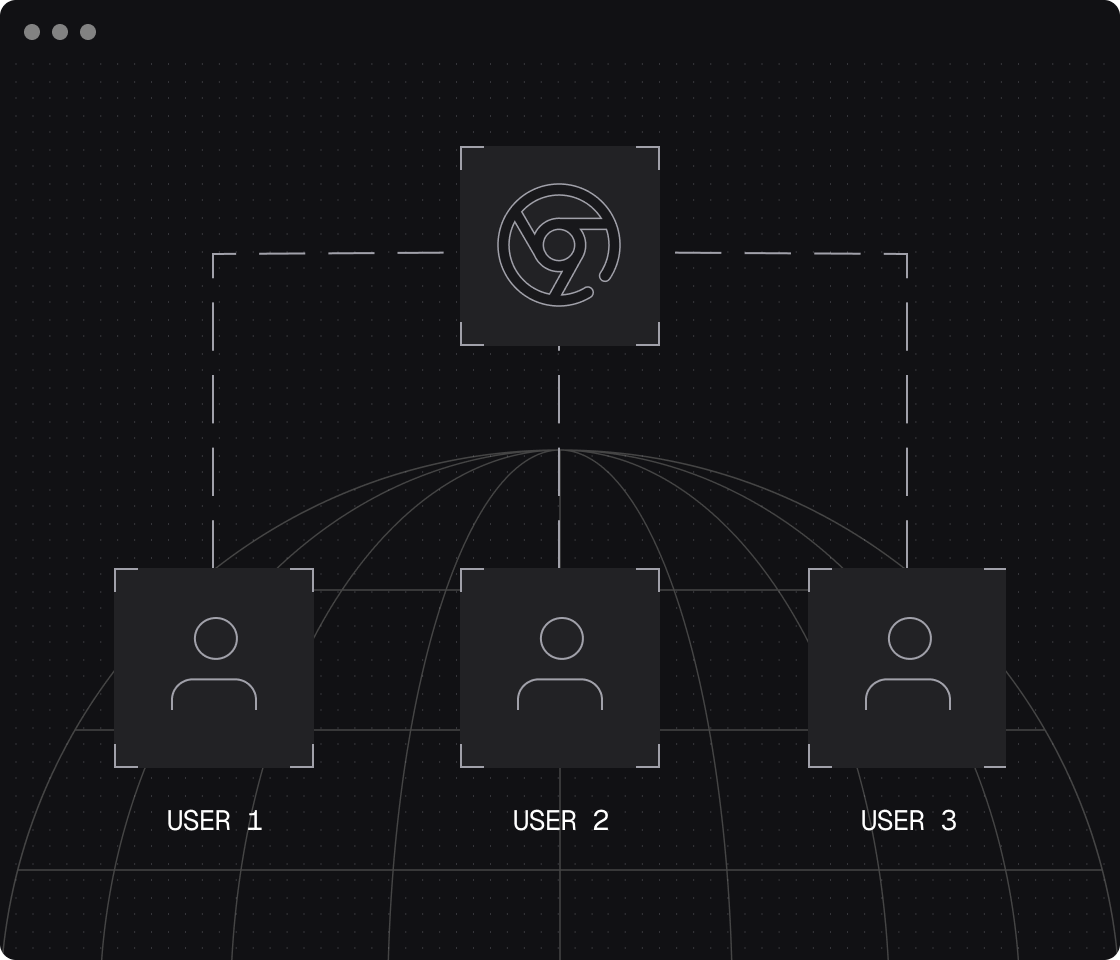
Custom profiles and stateful flows
Use custom profiles and existing authenticated sessions for flow automations

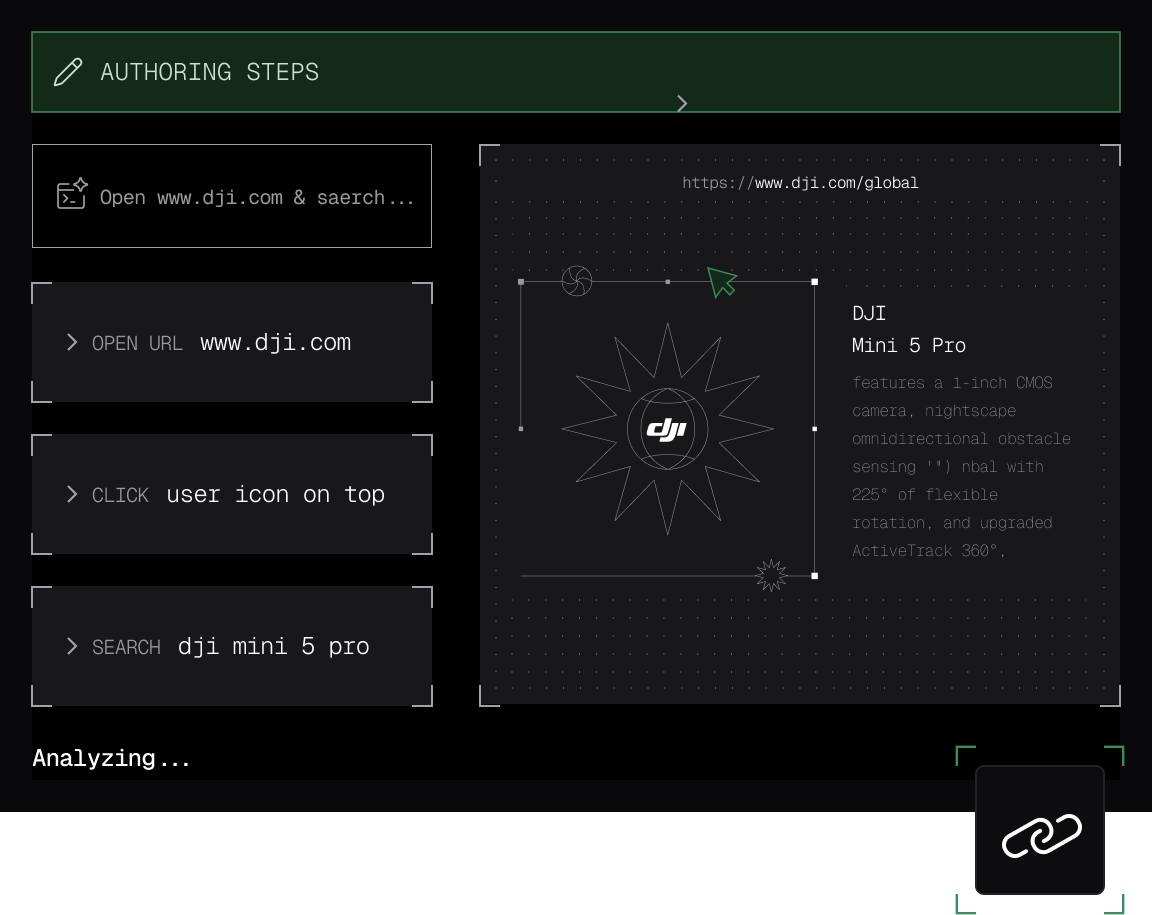
Shareable & watchable test evidence links
Get persistent and shareable test evidence links

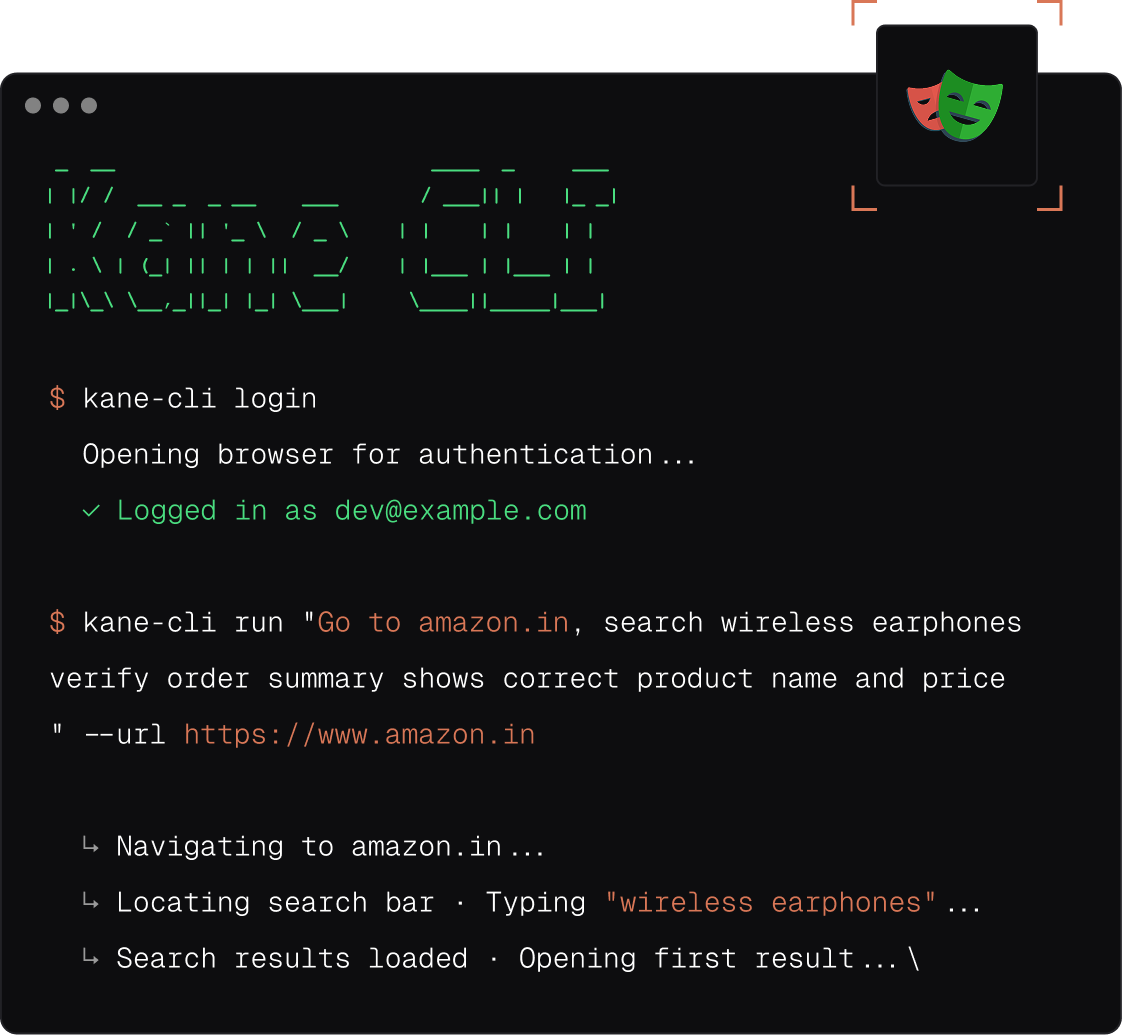
Native Playwright exports
Hacker mode enabled: Export flows into native playwright scripts and hack them
Build Up Confidence Locally
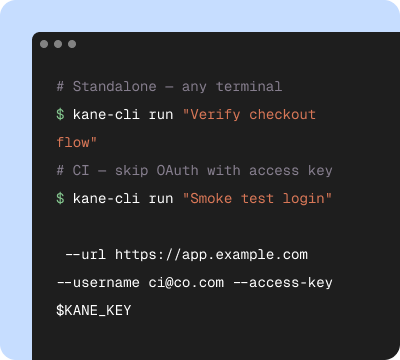
Start in your terminal
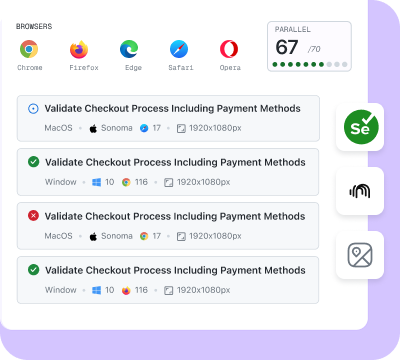
Validate on Cloud
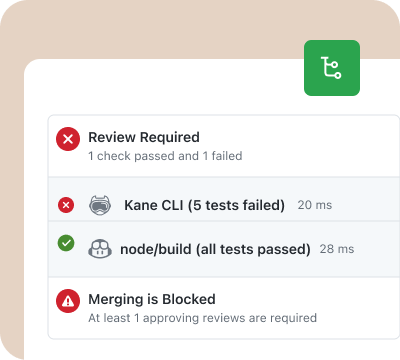
Release with confidence
Get Started With Kane CLI
🎉 Product Hunt offer: Bonus credits for the first 3 months on paid plans
Choose the right plan for you
Local test authoring via CLI
Auto-heal & vision
View test cases on UI
Test Manager

Free
$0
/month
200 Credits
Resets in every
30 days

Starter
$19
/month
2000 Credits
Launch: 4,000 Credits (+100%)
Bonus for first 3 months

Pro
$99
/month
10,000 Credits
Launch: 15,000 Credits (+50%)
Bonus for first 3 months

Enterprise
Get access to solutions built on Enterprise-Grade Security, Privacy, and Compliances.
Need more credits?
Got a bigger use case in mind?
Let’s talk
Choose the right plan for you
Free
$0
/month
200 Credits
Resets in every
30 days
Starter
$19
/month
2000 Credits
Launch: 4,000 Credits (+100%)
Bonus for first 3 months
Pro
$99
/month
10,000 Credits
Launch: 15,000 Credits (+50%)
Bonus for first 3 months
Enterprise
Get access to solutions built on Enterprise-Grade Security, Privacy, and Compliances.
Need more credits?
Got a bigger use case in mind?
Let’s talk
Get the technical rundown

Documentation
Everything you need to install, configure, and run Kane CLI in under 2 minutes.
Frequently asked questions
Kane CLI is an AI-driven testing tool for you and your agents. You describe what you want in plain English, such as "log in as an admin, open the billing page, and verify the plan shows Enterprise", and Kane CLI drives a real Chrome browser to get it done. No selectors, no brittle scripts, no custom Domain Specific Language.
The fastest way is npm:
npm install -g @testmuai/kane-cliAfter install, verify with kane-cli --version and sign in with kane-cli login (opens a browser) or kane-cli setup --auth-method basic --username <user> --access-key <key> for headless environments.
The CLI itself is free to install and use. Execution uses your TestMu AI account. Local runs are free, and cloud runs on the TestMu AI grid are billed against your TestMu AI plan the same way any other KaneAI session is.
KaneAI is the web-based test authoring and management platform. Kane CLI is the terminal-native companion, running the same automation engine and accessible from your shell, your CI pipeline, or an AI agent. Runs triggered from the CLI are uploaded to the KaneAI dashboard so you get the replay, step-by-step logs, and test case management alongside your web-authored tests.
Yes, that's one of the main reasons it exists. Every run supports an --agent flag that switches output to structured NDJSON, so an AI agent can parse results, read screenshots on failure, and decide what to do next. There's also a ready-made Kane CLI Skill for Claude Code that handles setup, objective writing, and failure diagnosis out of the box.
Head to our Product Hunt page and tell us what you would want Kane CLI to do next. The team is in the comments all week, so it is the fastest way to reach us. Feature requests and bugs are also welcome on GitHub. The team reads every one.
Your first test, running in two minutes.
Install Kane CLI, point it at your own app, and open the .evidence it writes. Free to install, free to run locally. If it earns a place in your workflow, show us some support on Product Hunt.
